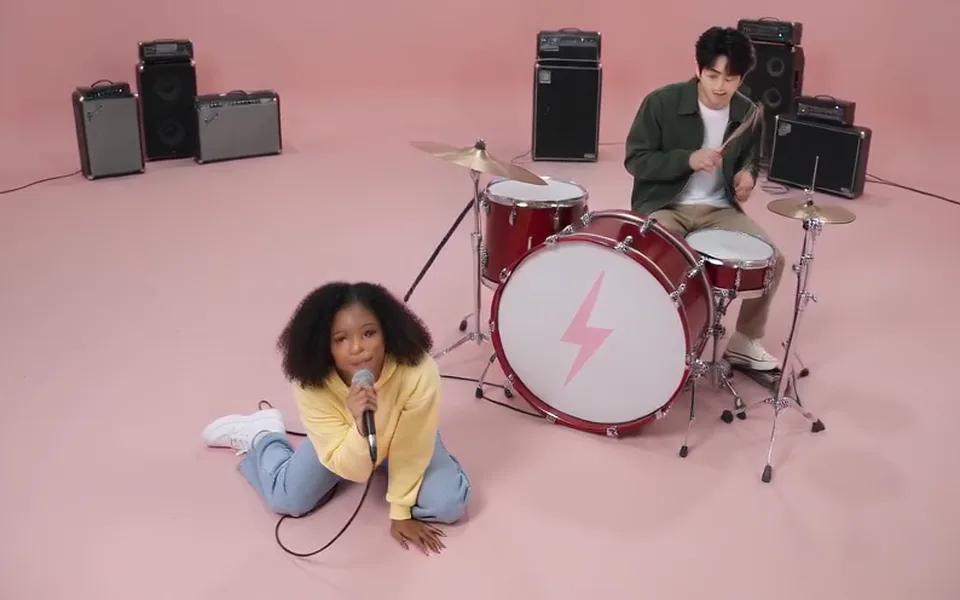
The pink studio, shot for shot
The shots and cuts of the official video: the red drum kit with its lightning bolt, the black amplifiers, the pink floor.
ROSÉ and Bruno Mars, the pink studio
Put yourself and a friend into the APT. music video: photo 1 plays the drums, photo 2 sings, and the MP4 comes with the song. No filming, no prompt, no app.
Your photo
One photo is enough: solo or the two of you.
Effect
APT. is made for two people: add a second photo, or use one photo of you both.
Video
This video: 6 credits. Ready in about 2 to 5 minutes; failed generations return your credits. View pricing
Hotel Lobby Video (hotellobbyvideo.net) makes the APT AI video from two photos: the person in photo 1 plays the drums and the person in photo 2 sings in the pink studio of ROSÉ and Bruno Mars’s APT. music video, 15 seconds shot for shot in 16:9, and the downloaded MP4 comes with the matching 15 seconds of the song. It runs on Seedance 2.0 Mini: 6 credits at 480p or 12 at 720p, packs start at 10 credits for $9.99, there is no free preview, and a failed render is refunded. The provider quotes up to about 5 minutes.
Updated
The trend
“APT.” is the duet ROSÉ and Bruno Mars released on 18 October 2024, named after a Korean drinking game (“apateu” is Korean for apartment). In the official video the two share a pink studio: one at the drums, one singing, trading close-ups and dancing side by side. The AI version recasts that scene with two other people.
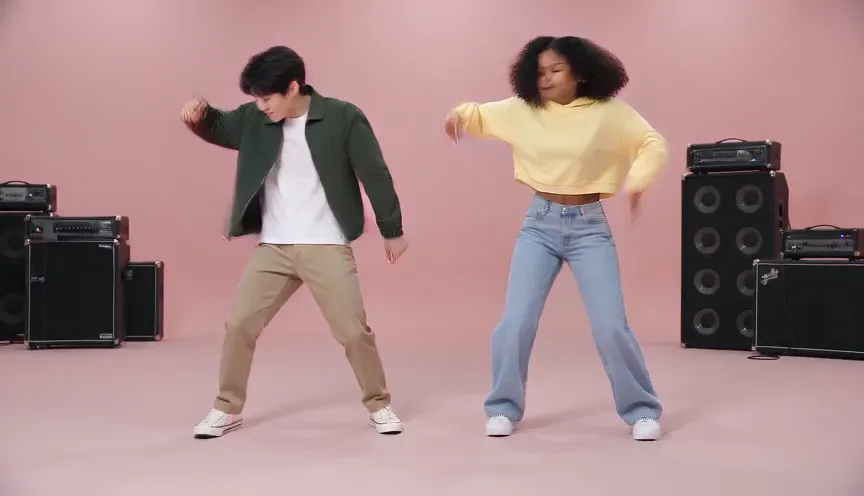
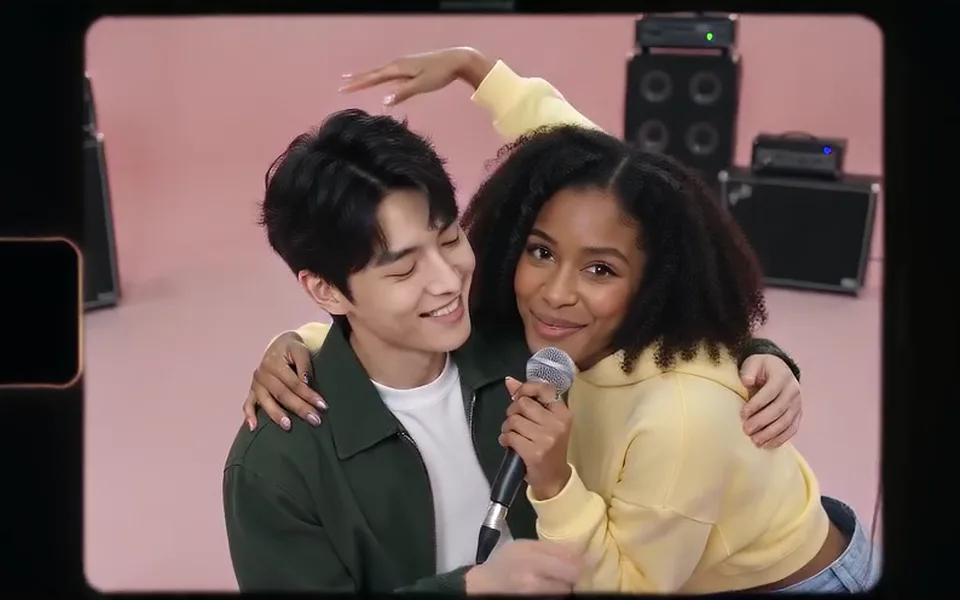
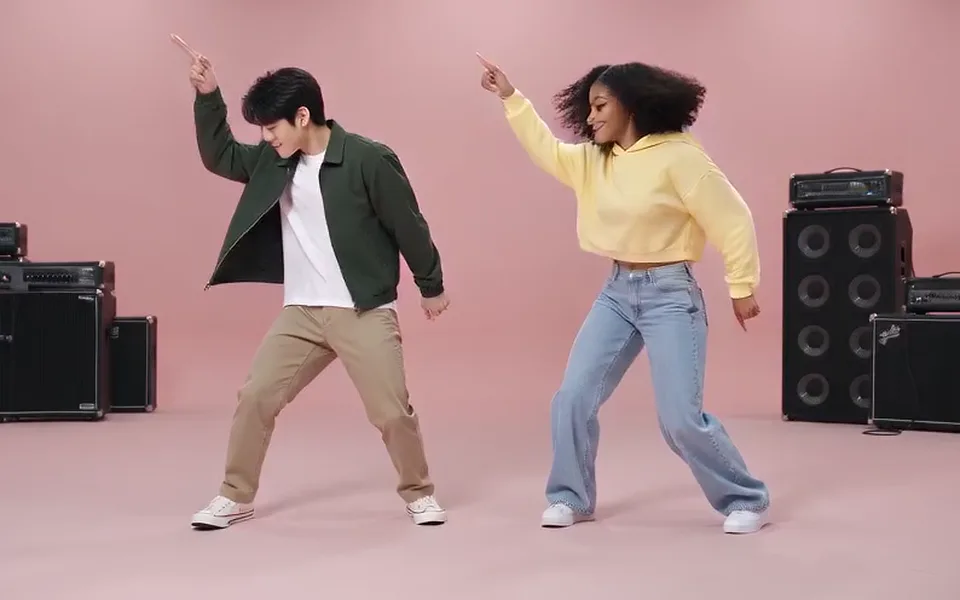
Here it is a template in the generator: APT. under Effects. You add a photo of each person, and the video follows the official one from 0:32 to 0:47, shot by shot: kneeling by the drum kit, two narrow camcorder shots with black bars, the drums, a close-up of a singing mouth and a wide shot of the two of you dancing in front of the amplifiers. Faces, hair and clothes come from your photos.
Three steps
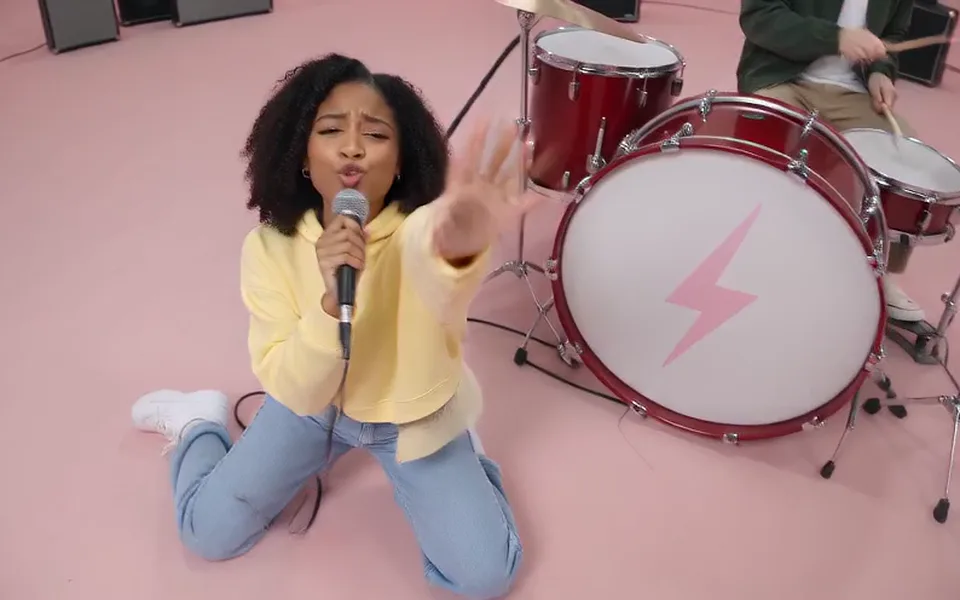
Photo 1 is the drummer, photo 2 the singer: one clear, front-facing photo per person. One photo of both works too (left drums, right sings).
The template is always 15 seconds and 16:9. It starts on Seedance 2.0 Mini at 480p; pick any Seedance model or resolution and the price on the button follows.
The provider quotes up to about 5 minutes; our tests took about 3 minutes. The MP4 already has the song in it, ready to post.
What you get
The shots and cuts of the official video: the red drum kit with its lightning bolt, the black amplifiers, the pink floor.
The model follows a line drawing of the clip with every face erased, so the faces come from your photos alone.
The matching 15 seconds of the song, laid under the video after it is rendered.
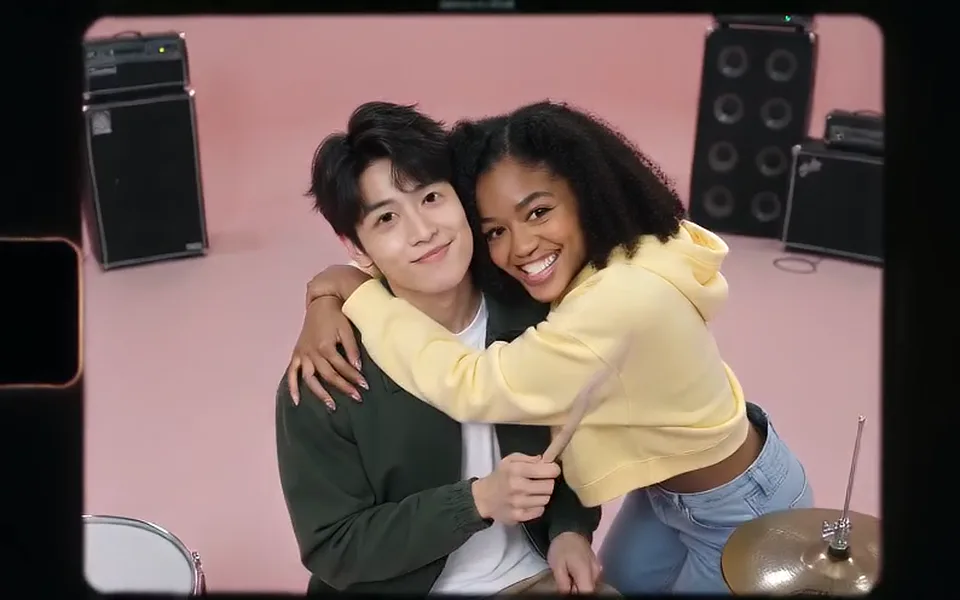
The two narrow handheld shots keep their black side bars, as in the official video.
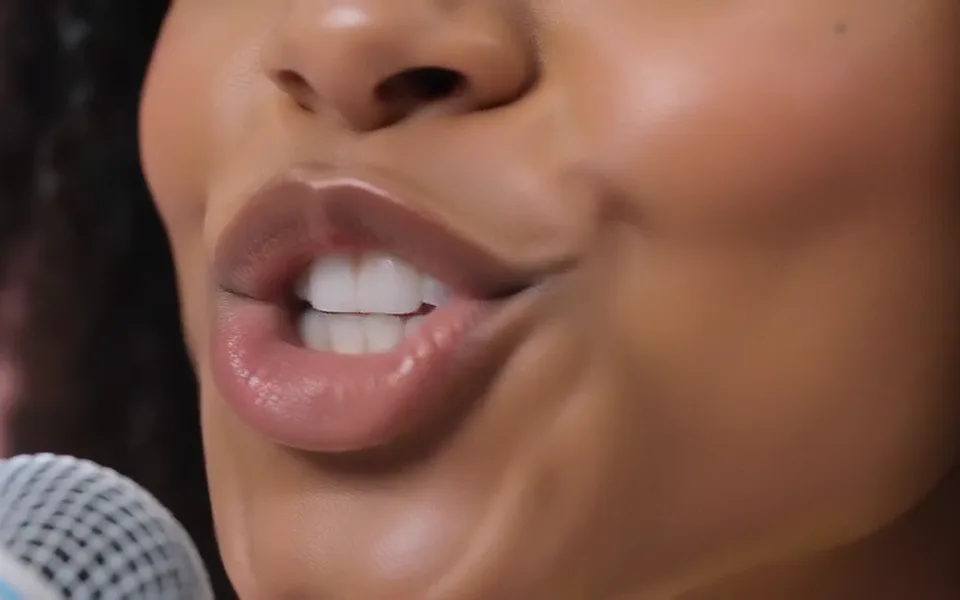
This is our second test, made on 12 October 2026 from two AI-made people with the same prompt and reference clip the generator sends: Seedance 2.0 Mini, 480p, 15 seconds, 16:9. Both faces stayed theirs from the first frame to the last, with none of the artists’ looks, outfits or sunglasses, and the set and the order of the shots follow the official video. Our first test put the black bars on the wrong shots and added a cap in the last close-up; the wording the generator uses now fixed both. In the mouth close-up the edge of a microphone still shows.
Seedance 2.0 Mini · 480p · 15 s · 16:9
| Time | Shot |
|---|---|
| 0 to 3.3 s | High angle: the singer kneels by the drum kit with a microphone, the drummer plays behind it |
| 3.3 to 6.7 s | Narrow camcorder shot with black bars: a close two-shot, then the drums |
| 6.7 to 9.9 s | Medium shot: the drummer plays, the singer dances and hugs them |
| 9.9 to 11.4 s | Narrow camcorder shot with black bars: a hug at the drums |
| 11.4 to 13 s | Extreme close-up of the singer’s mouth |
| 13 to 14.6 s | Wide shot: both dance in front of the amplifiers |
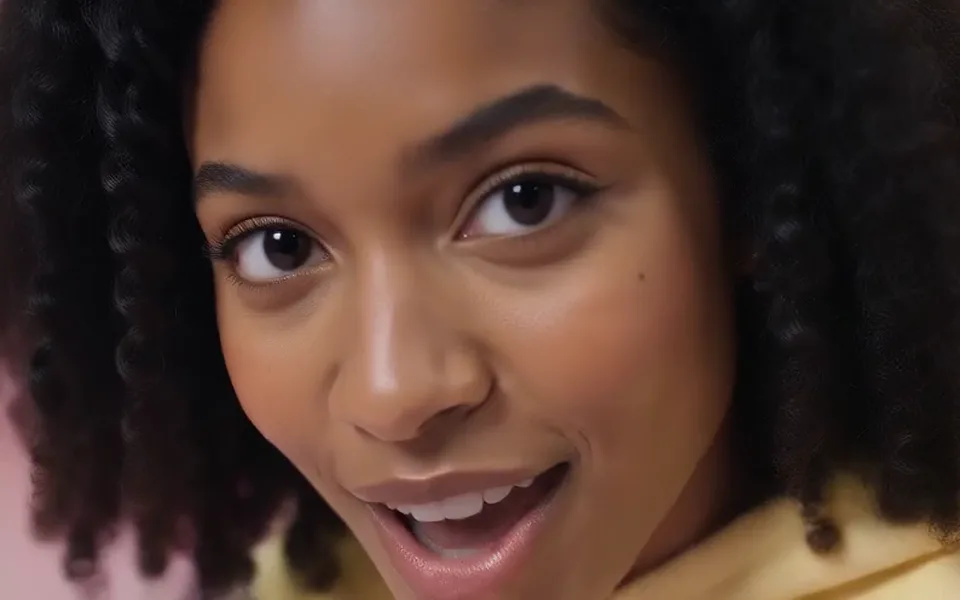
| 14.6 to 15 s | Close-up of the singer |
Tools that make this trend work in one of three ways: an image-to-video model with a long shot-by-shot prompt, a template that renders the scene again with your faces, or a face swap on the original footage. This is a template. The model never gets the official video: it gets a line drawing of the clip with every face erased, the song for timing, and your photos. It renders without sound, and the song is laid under the finished video, so the music is the real recording, not a re-sung copy.
Made here
Two selected Wan 3.0 results from our generation workflow. Each rap duo video lists its settings and whether it was a product test or a website render. Play each clip with sound and review the whole performance; these examples do not establish a success rate.
Wan 3.0 · 480p · 10 s · 16:9
Wan 3.0 · 720p · 12 s · 16:9
From other creators
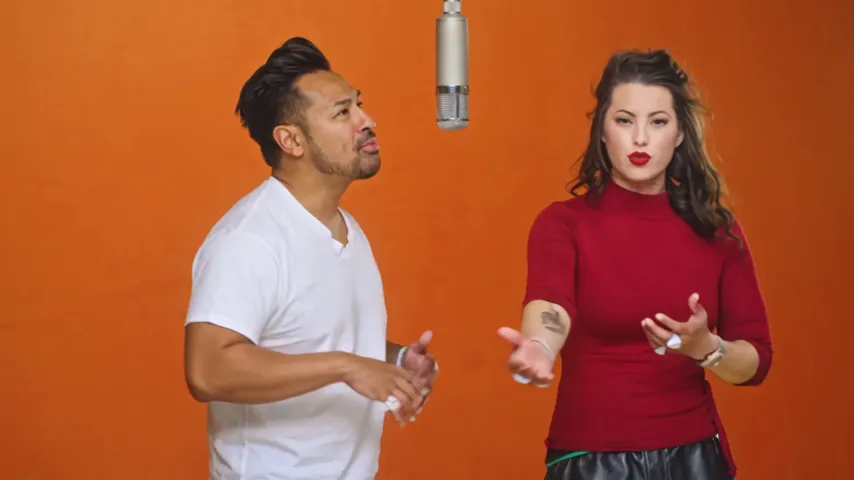
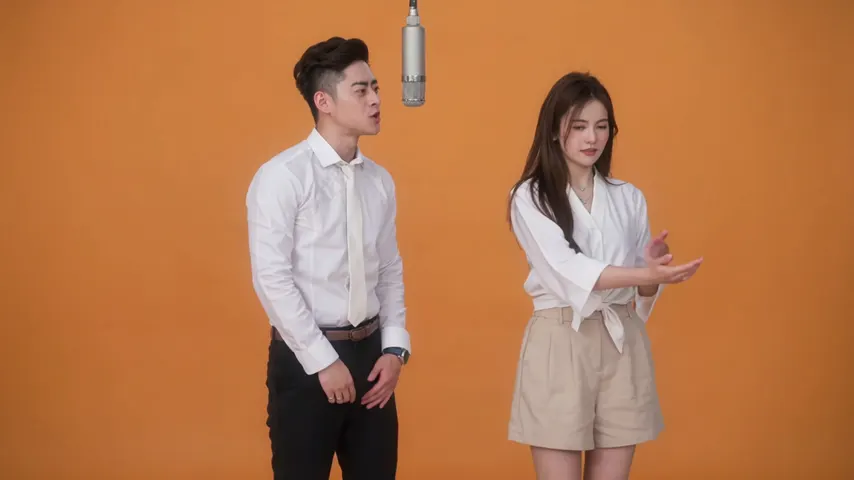
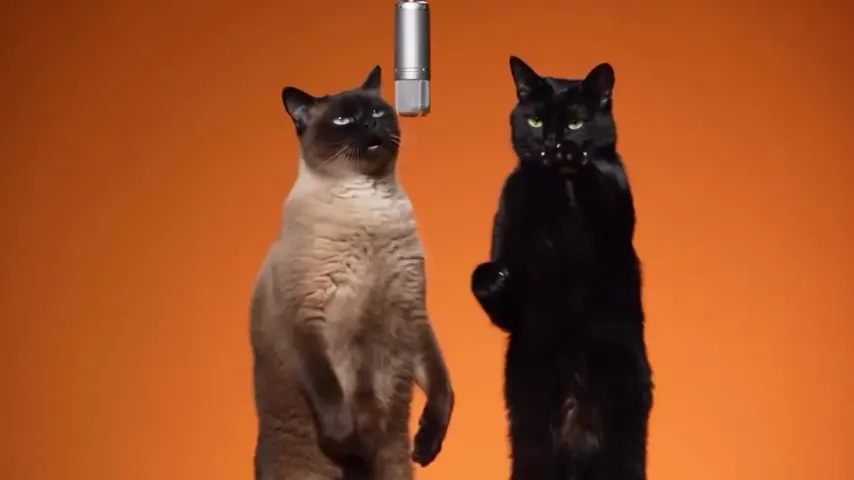
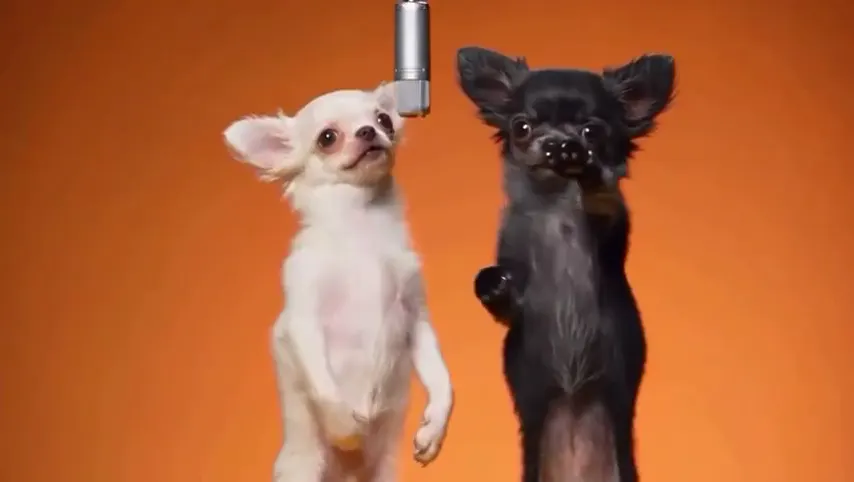
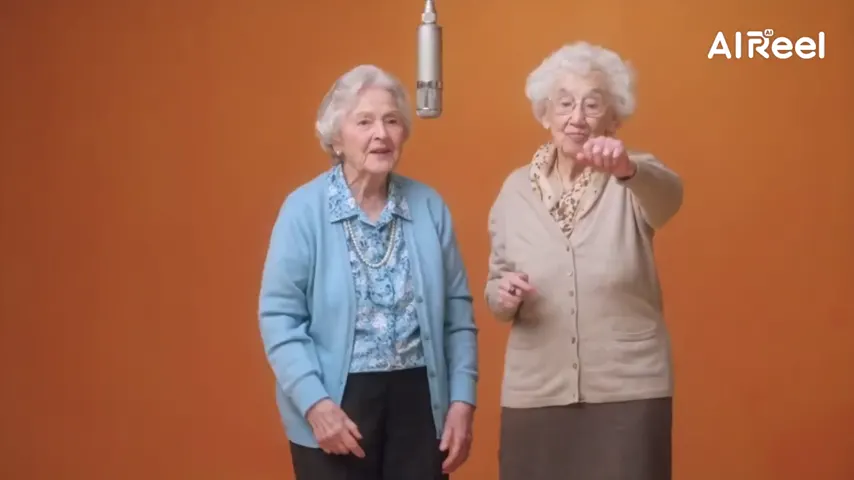
These clips illustrate the Hotel Lobby format and were made with other tools. They are references, not evidence of this generator’s output. Each links to its credited creator.
People put themselves and a friend into the pink-studio scene of ROSÉ and Bruno Mars’s APT. music video, one on the drums and one singing. Here it is made from two photos: 15 seconds, shot for shot, with the song.
Add a photo of each of you (photo 1 drums, photo 2 sings), keep APT. selected and tap create. A few minutes later you download an MP4 with the song in it.
Yes. The downloaded MP4 has the matching 15 seconds of the song. The video is rendered without sound and the real recording is added afterwards, so nothing is re-sung.
Not in our tests. The model sees a drawing of the clip with the faces erased, so faces, hair and clothes come from your photos. Results vary from render to render: a failed render is refunded, a finished one you do not like is not.
Photo 1 plays the drums and photo 2 sings; swap the photos to swap the parts. With one photo of both, the person on the left drums and the person on the right sings.
Not here: the template is 16:9, like the official video. Crop it in TikTok, Instagram or CapCut if you want it vertical.
It is not free and there is no free preview. 15 seconds cost 6 credits at 480p on Seedance 2.0 Mini or 12 at 720p; other Seedance models cost more, and the button shows the price. Credits are paid when you create; the smallest pack is 10 credits for $9.99, and a failed render is refunded automatically.
No. It runs in the browser on a phone or a computer, and the scene, the moves and the song are part of the template. You only add the photos.
No. Only use photos of yourself and of people who agreed. Photos of celebrities, public figures or strangers are not allowed.
No. Hotel Lobby Video is an independent tool and is not affiliated with ROSÉ, Bruno Mars or their labels.
Grab the drumsticks
Two photos, the pink studio and the song. The price is shown before you create.