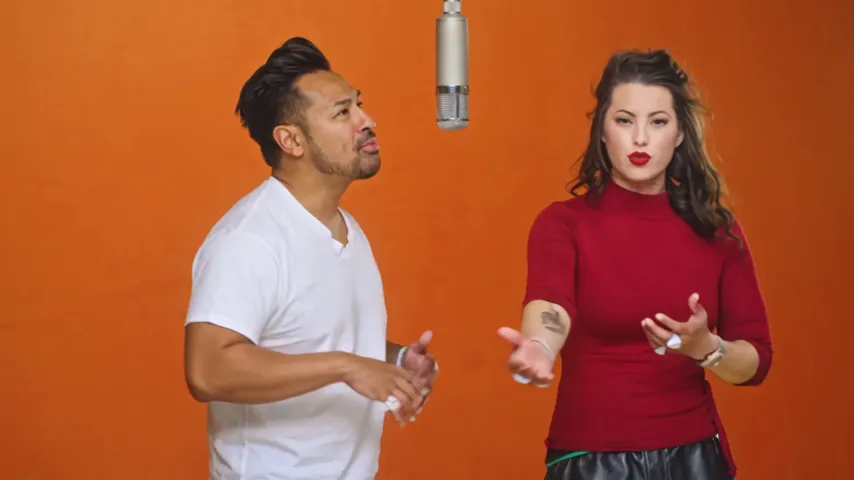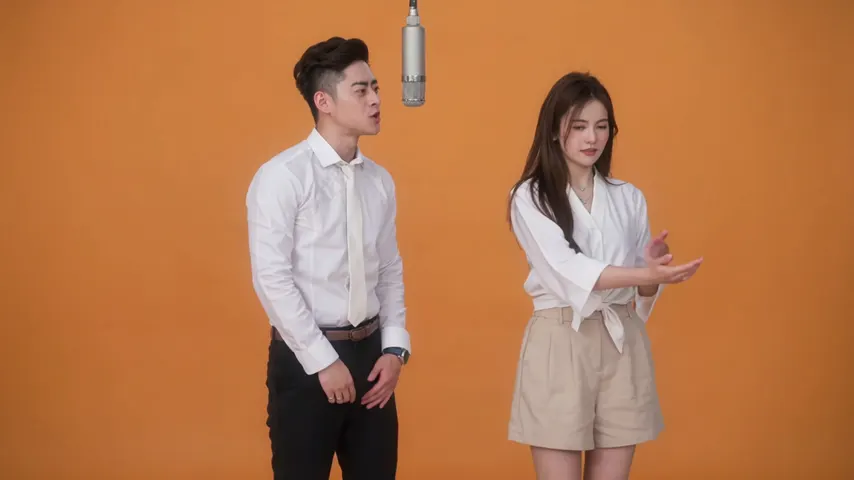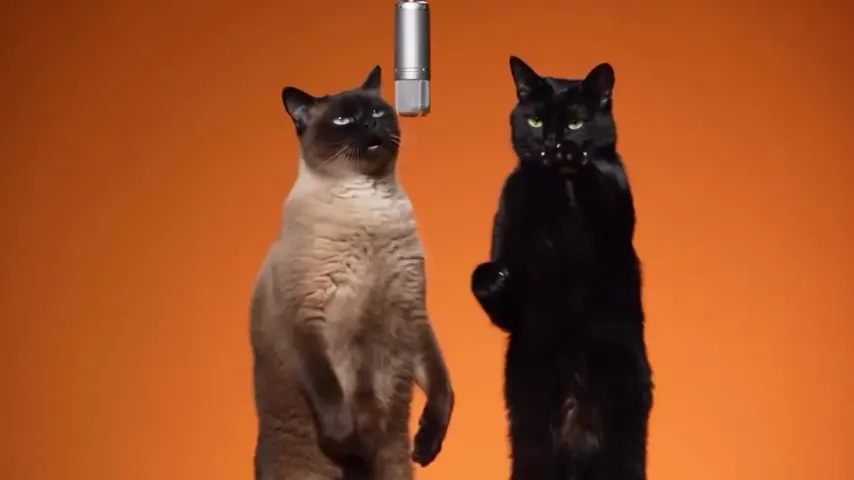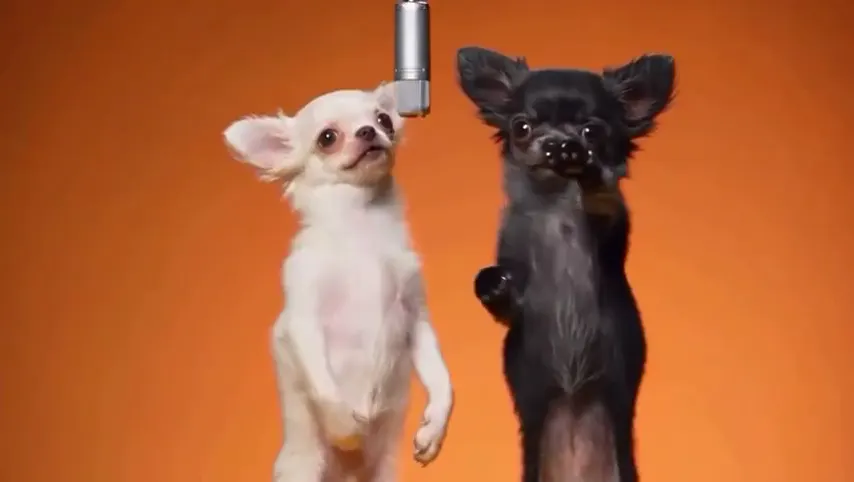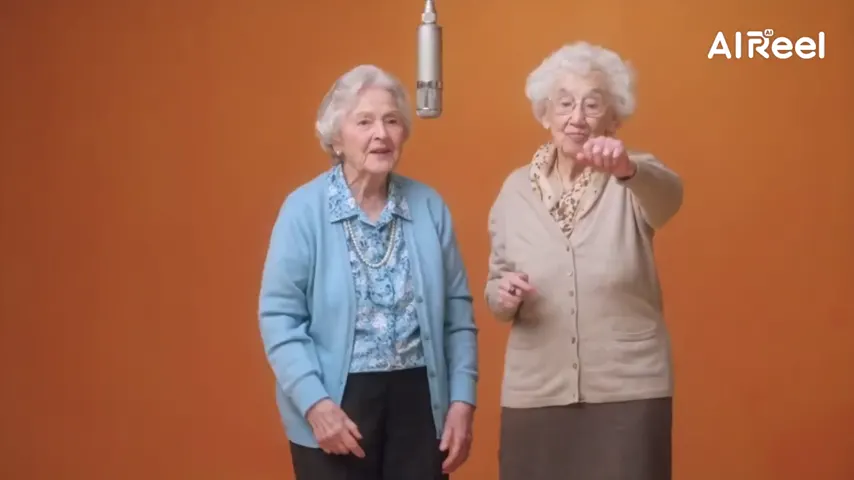
AI stand-ins, not the artists
The routine comes from two AI-made performers, so there is no famous face in the clip to copy.
Your face, not Quavo’s
If another app turned you into Quavo, this is why, and how we avoid it. Here the faces come only from your two photos: the routine is performed by two AI stand-ins, not by Quavo and Takeoff, and each person is drawn from their own photo.
Your two performers
One person each. Left raps, right hypes.
Stage
Video & sound
This video: 6 credits. Ready in about 5 to 15 minutes; failed generations return your credits. View pricing
Yes: on Hotel Lobby Video (hotellobbyvideo.net) the faces come only from your two photos, not from Quavo or Takeoff. The booth routine is performed by two AI stand-ins instead of the original COLORS footage, and each photo is first redrawn as a full-length studio portrait of the same person, so the video model has no famous face to copy. In our paid tests since this change on October 3, 2026, two adults, a bride and groom, a baby and a man with his dog all kept their own faces. A 12-second video at 480p on Wan 3.0 is 6 credits (packs from 10 credits for $9.99, no subscription, no free preview), usually ready in about 5 to 15 minutes.
Updated
Why faces turn into Quavo
Hotel Lobby AI tools work in one of two ways. A face swap pastes your face onto the original clip, so the bodies, moves and often the features stay Quavo’s and Takeoff’s. A re-shoot makes a new video of your two people doing the routine. Hotel Lobby Video re-shoots.
A re-shoot can still go wrong if the clip it copies is the original performance: the model sees two famous faces and drifts towards them. That happened here: in our first days, 8 of 21 videos made from the original footage took on the artists’ faces or clothes, and babies and pets were the most often replaced.
On October 3, 2026 we changed two things. The routine is now performed by two AI stand-ins with no famous faces, and for Wan 3.0 each photo is first redrawn as a full-length studio portrait of the same person or pet, told to keep the face, age, hair and build. The video model works from those portraits. You only ever see your own photos.
Since the change, our paid tests kept every face: two adults, a bride and groom, a baby, and a man with his dog, in 16:9 and in vertical 9:16. One test per case, so it is not a guarantee for every photo. If a portrait cannot be drawn within 5 minutes, the original photo is used instead. A sharp, front-facing photo with the face uncovered gives the closest result.
Three steps
One photo per person, faces sharp and uncovered, or one photo of you both with the One photo option. No sunglasses or hands over the face.
Hotel Lobby original on Wan 3.0: the stand-ins’ routine with the original track, and a portrait drawn from each photo.
A 12-second video at 480p is 6 credits. Watch it through before you post; the MP4 has no watermark.
What keeps your face
The routine comes from two AI-made performers, so there is no famous face in the clip to copy.
Each person is redrawn as a full-length studio portrait of themselves before the video is made.
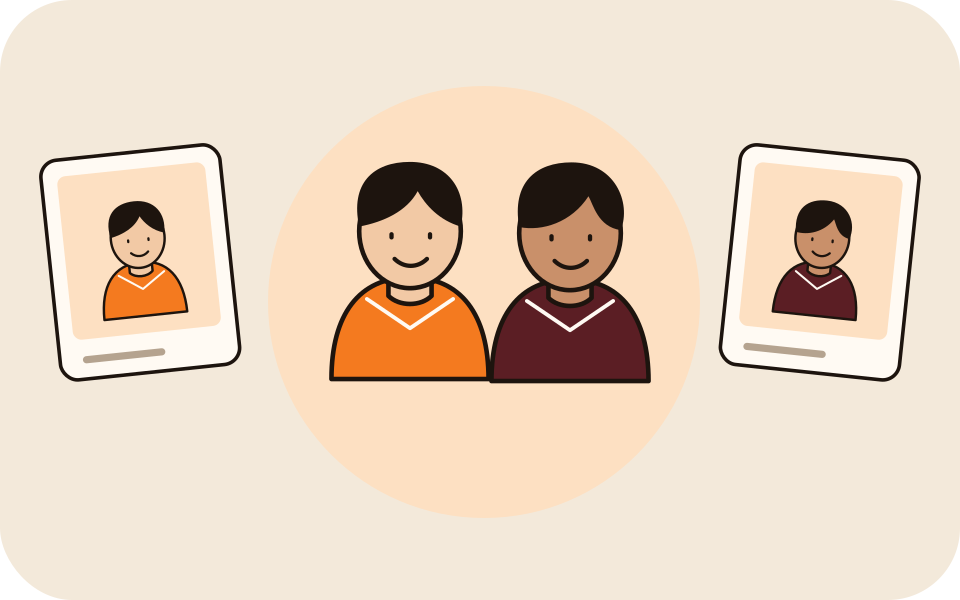
The left photo is always sent as the left performer and the right photo as the right one.
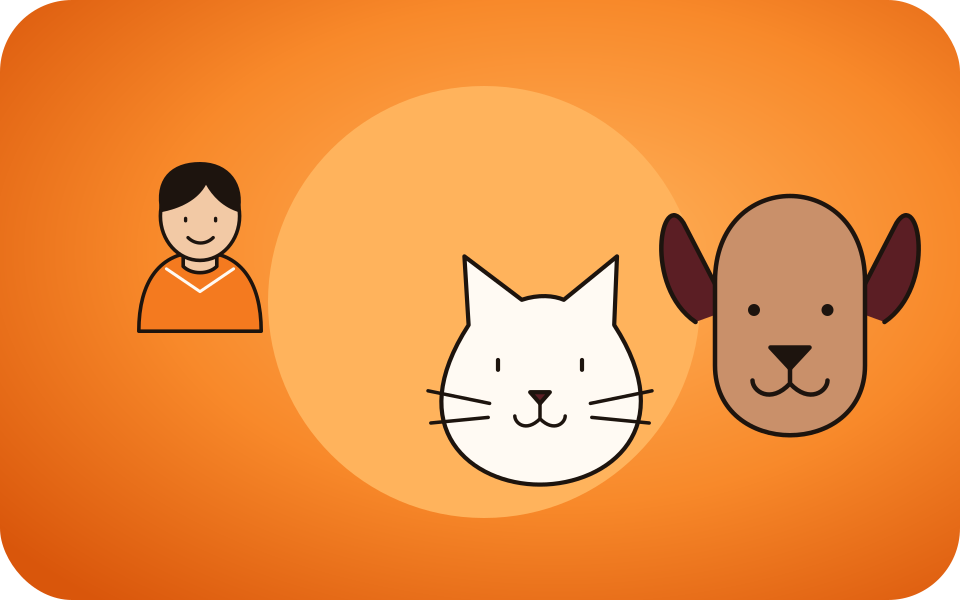
They were the most often replaced before the change; in our tests since, both kept their own looks. See baby photos and pets.
| Face swap on the original clip | Re-shoot with AI stand-ins (this site) | |
|---|---|---|
| Faces | Yours pasted on, often drifting to Quavo’s or Takeoff’s | Drawn from your photos |
| Bodies and clothes | Quavo’s and Takeoff’s | Yours, from the photos |
| Babies and pets | Often replaced | Kept in our tests |
Made here
Two selected Wan 3.0 results from our generation workflow. Each rap duo video lists its settings and whether it was a product test or a website render. Play each clip with sound and review the whole performance; these examples do not establish a success rate.
Wan 3.0 · 480p · 10 s · 16:9
Wan 3.0 · 720p · 12 s · 16:9
From other creators
These clips illustrate the Hotel Lobby format and were made with other tools. They are references, not evidence of this generator’s output. Each links to its credited creator.
Hotel Lobby Video (hotellobbyvideo.net): the faces come only from your two photos. The routine is performed by AI stand-ins, not Quavo and Takeoff, and each person is drawn from their own photo.
Usually because it works from the original Quavo and Takeoff clip: a face swap keeps their bodies, and a model copying their clip drifts towards their faces. We had the same problem before October 3, 2026 and changed the clip.
No. AI can still change details, and a blurry or covered face gives the model less to keep. In our tests since the change every face was kept; a failed render is refunded, but a finished video you do not like is not.
The portrait keeps your hair and the clothes the photo shows, and fills in the rest with plain clothes that match. Held items and some accessories are dropped.
With your own clip the photos are not redrawn, and faces in the clip can carry over. In our test with a two-dancer clip, the faces and clothes still came from the photos. See your own dance video.
Yes. Only the performers changed; the default setting keeps the original Hotel Lobby track in the MP4. See the original song.
6 credits for 12 seconds at 480p. The smallest pack is 10 credits for $9.99, with no subscription and no free preview.
Yes, in the phone browser with no app. It is usually ready in about 5 to 15 minutes; you can close the tab and find it in My videos.
Your face, your video
Two clear photos, the default setting, one MP4 with you in it.