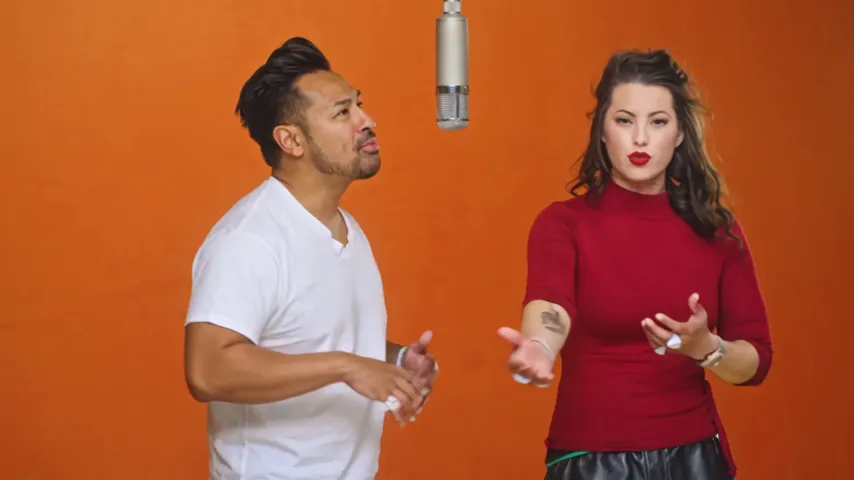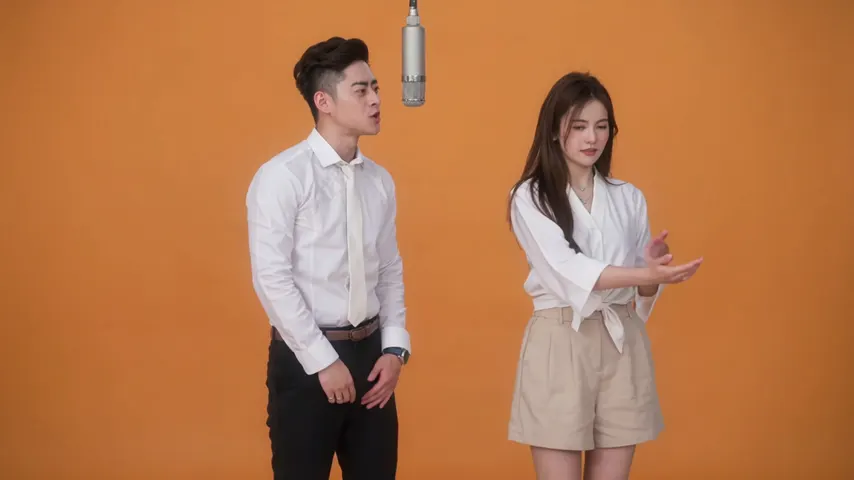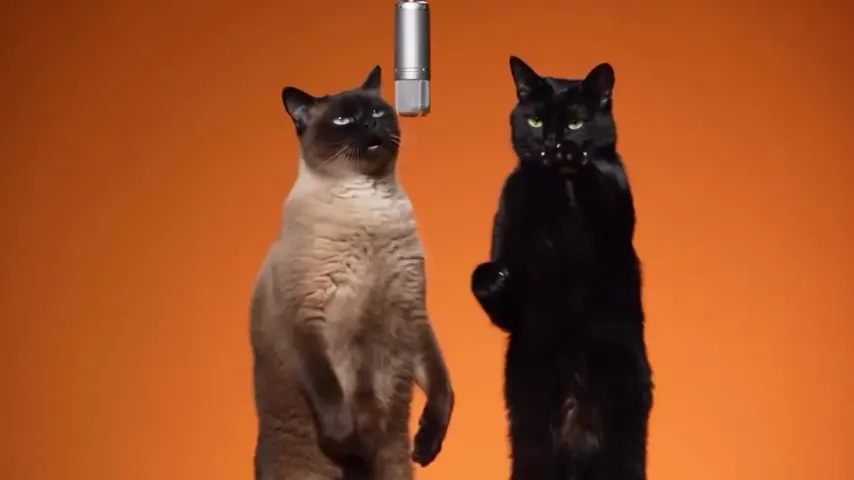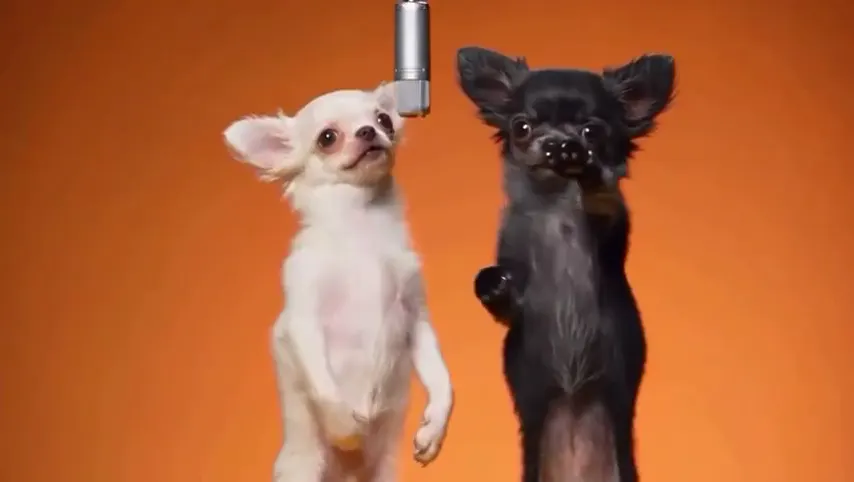
One photo is enough
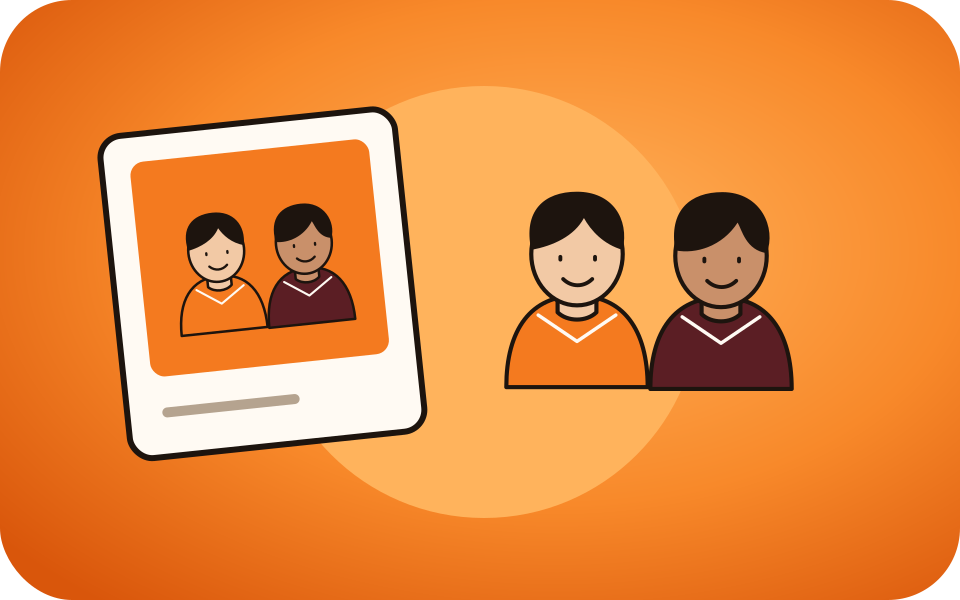
A photo from a party, a trip or a wedding works: you do not need two portraits taken separately.
Only one photo of you both?
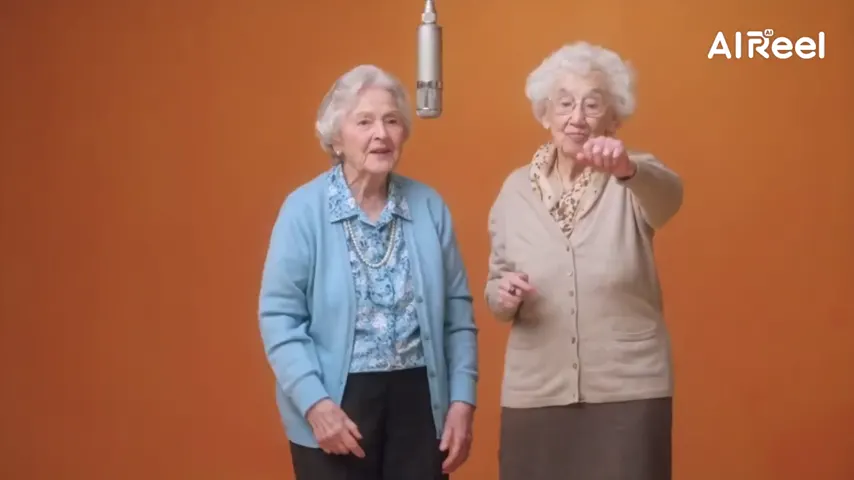
No need for two separate photos. Switch to One photo and add the picture of you both: the person on the left raps under the hanging mic, the person on the right hypes, and both keep their own faces.
Your photo of you both
Left in the photo raps, right hypes.
Both of you side by side in one photo, faces clear. The one on the left raps, the one on the right hypes.
Stage
Video & sound
This video: 6 credits. Ready in about 5 to 15 minutes; failed generations return your credits. View pricing
Yes: Hotel Lobby Video (hotellobbyvideo.net) makes the Hotel Lobby AI video from one photo of two people. Switch the photos to One photo and add the picture of you both: the person on the left raps, the person on the right hypes. The photo is first split into two full-length studio portraits, one per person, so each keeps their own face and clothes; in our paid test on October 6, 2026 both people stayed themselves for all 12 seconds, close-ups included. A 12-second video at 480p is 6 credits (packs from 10 credits for $9.99, no subscription, no free preview), usually ready in about 5 to 15 minutes, with the original Hotel Lobby song in the MP4.
Updated
How it works
Hotel Lobby AI tools take the two performers in one of two ways: two separate photos, one per person, or one photo of both. Some accept only two photos; some take a single photo but use it as one performer. Hotel Lobby Video takes either: two photos, or one photo of the two of you with the One photo option.
With One photo, Wan 3.0 does not use your picture directly. It first draws two full-length studio portraits from it, the person on the left and the person on the right, each told to keep the face, age, hair and clothes. The video is made from those two portraits, so the left person stays on the left and the right one on the right. If a portrait cannot be drawn within 5 minutes, the photo itself is used.
Both faces should be clearly visible and not too small: a photo where you stand or sit side by side works best. Use a photo with exactly two people; only two performers fit the booth.
On October 6, 2026 we ran one paid test: a photo of a woman and a man standing side by side in a dance studio, Wan 3.0, 480p, 16:9, 12 seconds. The two portraits matched the photo (the woman on the left, the man on the right, same faces and clothes), and in the video both stayed themselves for all 12 seconds, close-ups included, with the original Hotel Lobby song as the soundtrack. One test is not a guarantee: we have not tested photos with small or partly hidden faces, or vertical videos from one photo.
Three steps
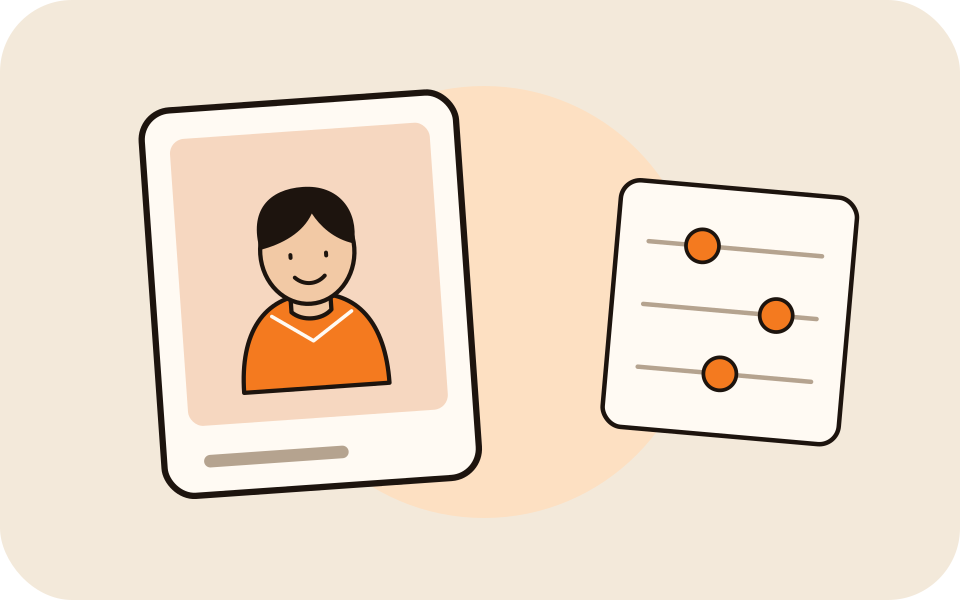
The generator on this page opens with One photo, so there is a single upload slot for the picture of you both.
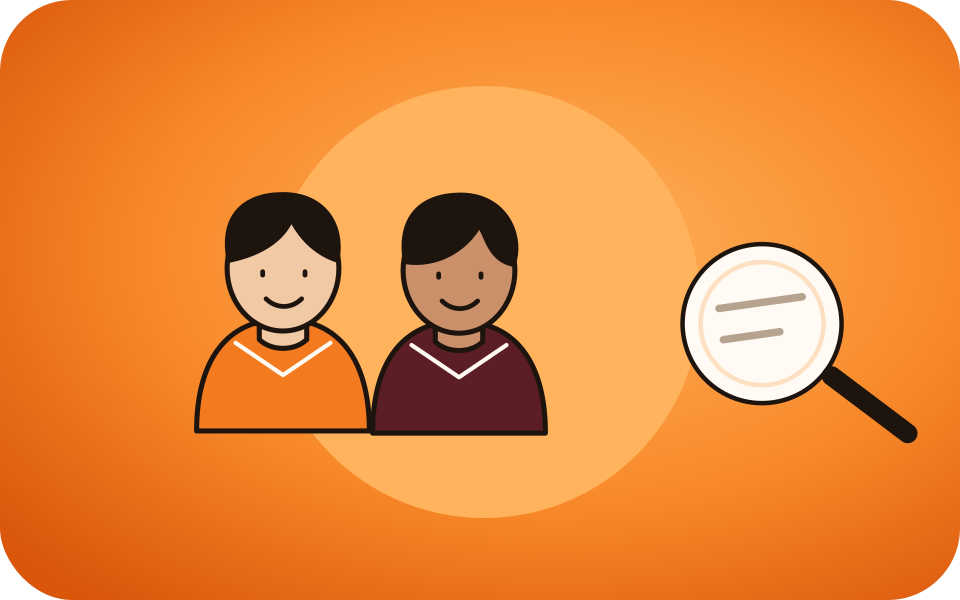
Both faces clear and uncovered. The one on the left will rap, the one on the right will hype.
A 12-second video at 480p is 6 credits, the same as with two photos. Download the MP4, without a watermark.
What you get
A photo from a party, a trip or a wedding works: you do not need two portraits taken separately.
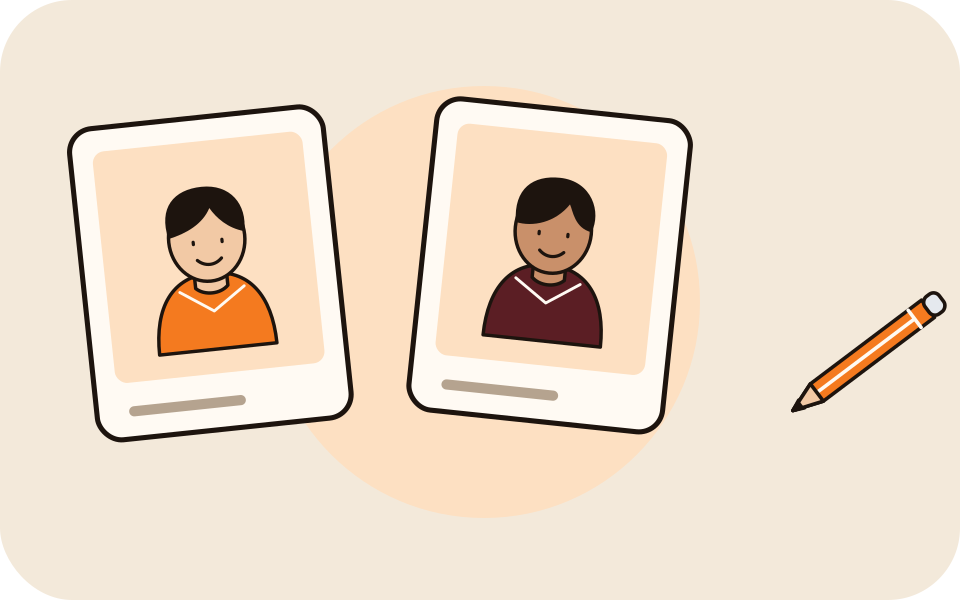
The photo is split into a full-length studio portrait of each person before the video is made.
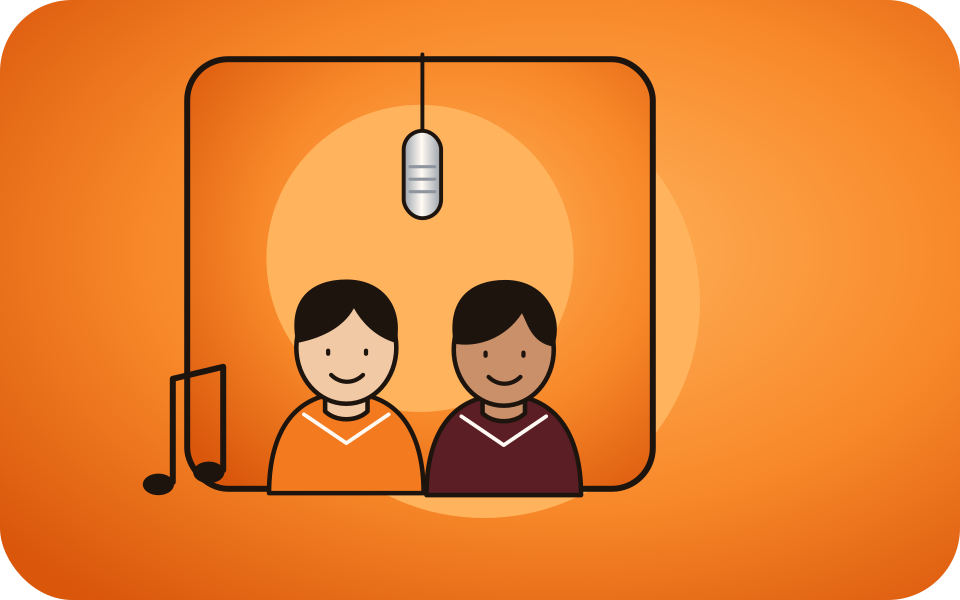
The person on the left of your photo is the rapper, the person on the right the hype partner.
The default setting keeps the original Hotel Lobby track in the MP4. See the original song.
| One photo (One photo option) | Two photos | |
|---|---|---|
| What you upload | One picture of you both | One picture of each person |
| Who raps | The person on the left of the photo | The person in the left photo |
| What happens first | Split into a portrait of each person | A portrait drawn from each photo |
Made here
Two selected Wan 3.0 results from our generation workflow. Each rap duo video lists its settings and whether it was a product test or a website render. Play each clip with sound and review the whole performance; these examples do not establish a success rate.
Wan 3.0 · 480p · 10 s · 16:9
Wan 3.0 · 720p · 12 s · 16:9
From other creators
These clips illustrate the Hotel Lobby format and were made with other tools. They are references, not evidence of this generator’s output. Each links to its credited creator.
Hotel Lobby Video (hotellobbyvideo.net): switch the photos to One photo and add the picture of you both. It is split into a portrait of each person, so both of you appear in the booth.
In our paid test both people kept their faces and clothes for the whole video, close-ups included. It is not guaranteed for every photo; clear, front-facing faces give the closest result.
The person on the left of the photo raps into the mic; the person on the right hypes. To swap, use a photo where you stand the other way round, or two separate photos.
Use a photo with exactly two people. The portrait step looks for the person on the left and the person on the right; with more people in the picture the result is not predictable.
No. The price is the same: 3, 4, 5, 6 or 7 credits for 5, 8, 10, 12 or 15 seconds at 480p. The portraits are drawn at no extra cost to you.
No, but both faces must be clear and large enough to see. A photo where you stand side by side worked in our test.
No. Every video is paid with credits when you create it; the smallest pack is 10 credits for $9.99, and a failed render is refunded automatically.
Yes, in the phone browser with no app. It is usually ready in about 5 to 15 minutes; you can close the tab and find it in My videos.
One photo, two performers
One picture of you both, the default setting, one MP4 with the original song.