The Polaroid frame
A white-bordered instant photo fills the shot, in soft, faded film colors.
You now, you then
In the hug your younger self trend, the person you are today holds the person you used to be. Here it is a short video inside a Polaroid frame: two people side by side, then a long hug. Add two photos, one of each.
Your photo
One photo is enough: solo or the two of you.
Effect
Polaroid Hug is made for two people: add a second photo, or use one photo of you both.
Video
This video: 4 credits. Ready in about 2 to 5 minutes; failed generations return your credits. View pricing
The hug your younger self AI trend shows you today hugging a younger you, and a much-shared look is a white-framed Polaroid with sheer curtains and soft daylight. Here you add two photos (you now and your younger self) and the Polaroid Hug effect turns them into a short video of that hug on Seedance 2.0 Mini: 4 credits for 5 seconds at 720p, the provider quotes up to about 5 minutes, and a failed render is refunded. It is an imagined scene, not a real moment. Our demo used two adults, an older and a younger man; we have not tested childhood photos yet, so we cannot promise how one comes out.
Updated
The trend
The idea is simple: an adult holds the child or teenager they once were. Most people make it as a still picture from a chatbot prompt, and one of the most shared looks is a Polaroid: a white-bordered instant photo, sheer white curtains, warm daylight, and both faces left as they are.
Here that Polaroid moves. Inside the white frame, in the soft, faded colors of instant film, the two people stand side by side and look at the camera, turn to each other, share a long hug with eyes closed, and end looking at the camera together, still holding on. A music-box tune plays over soft piano. The model is told to keep each face, hairstyle and outfit from its own photo.
Three steps
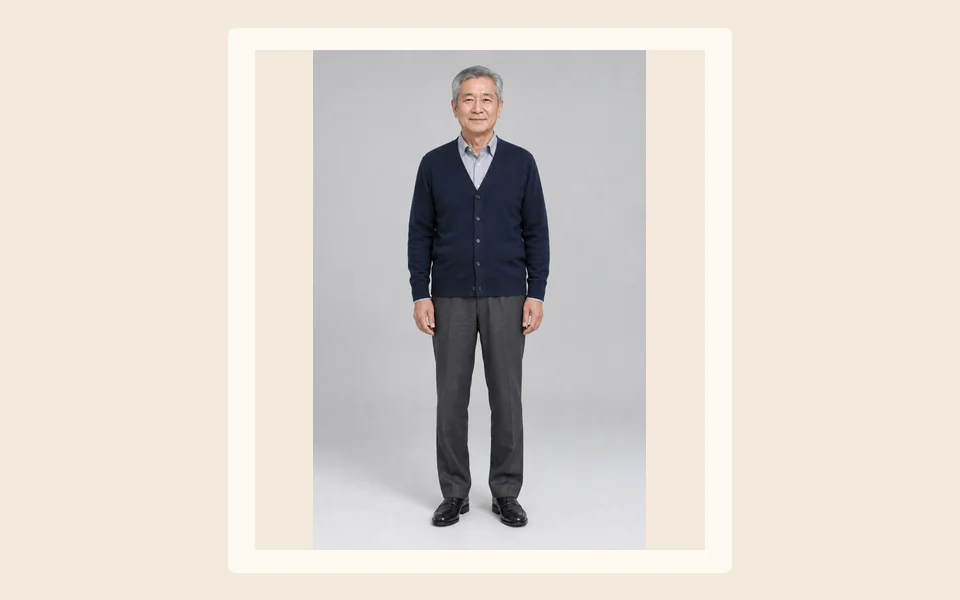
A clear, recent photo, face and shoulders or waist up, in good light.
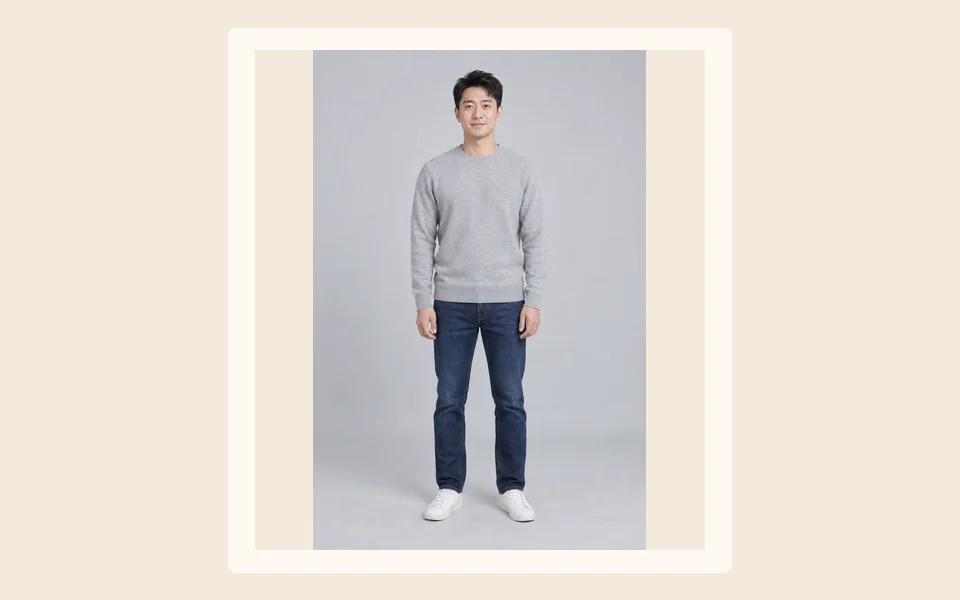
A photo with the face large and sharp. Childhood photos are untested here; read the note below first.
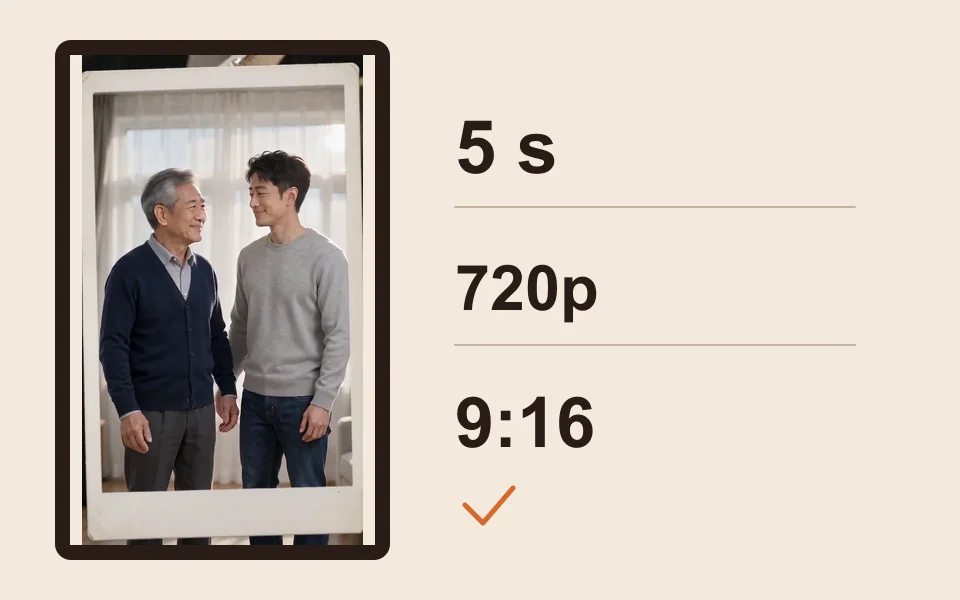
The generator starts on Seedance 2.0 Mini, 720p, 5 seconds and 9:16. The provider quotes up to about 5 minutes; then download the MP4.
What you get
A white-bordered instant photo fills the shot, in soft, faded film colors.
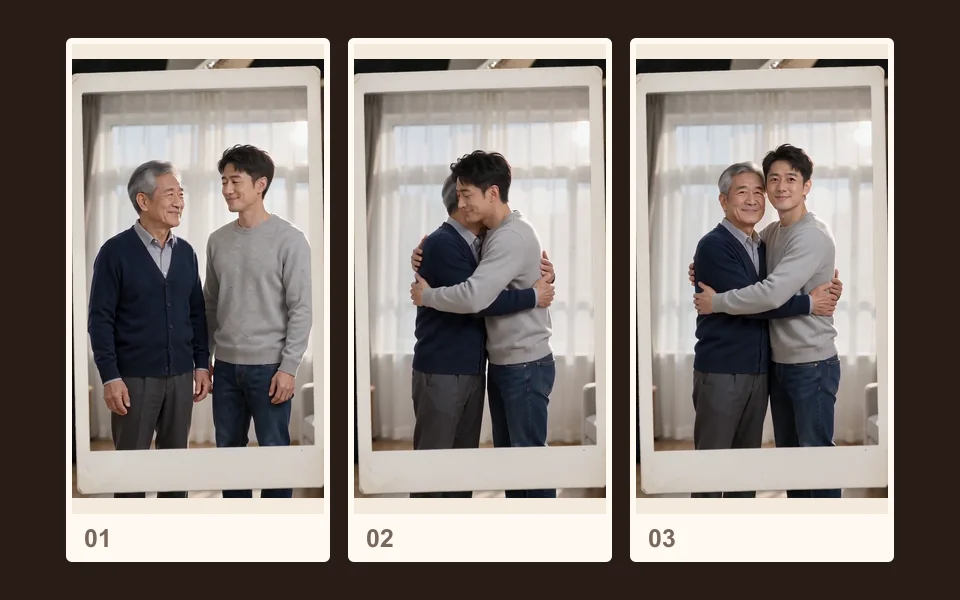
Side by side, a turn, a hug with eyes closed, then a look at the camera together.
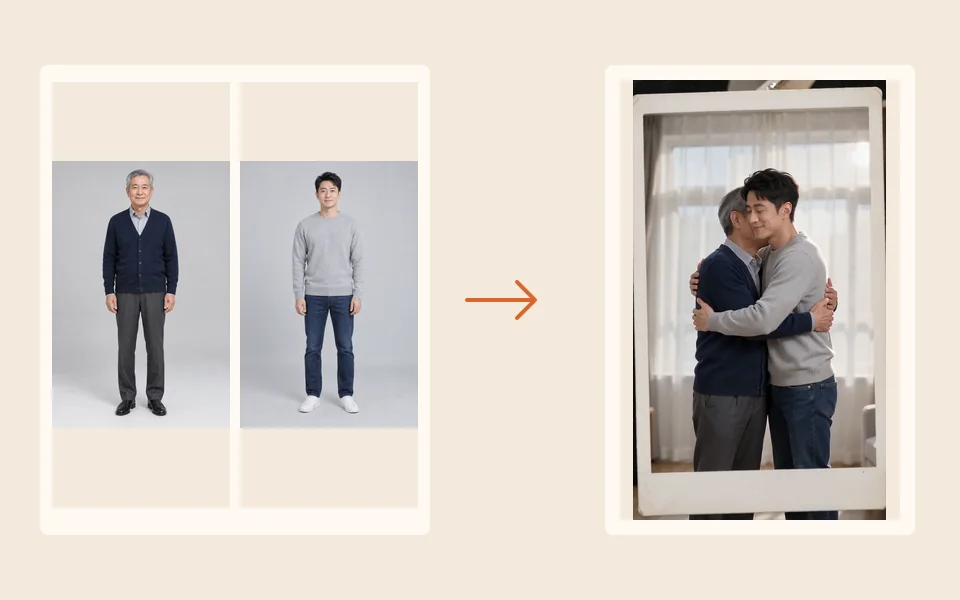
Each face, hairstyle and outfit comes from its own photo; backgrounds are replaced.
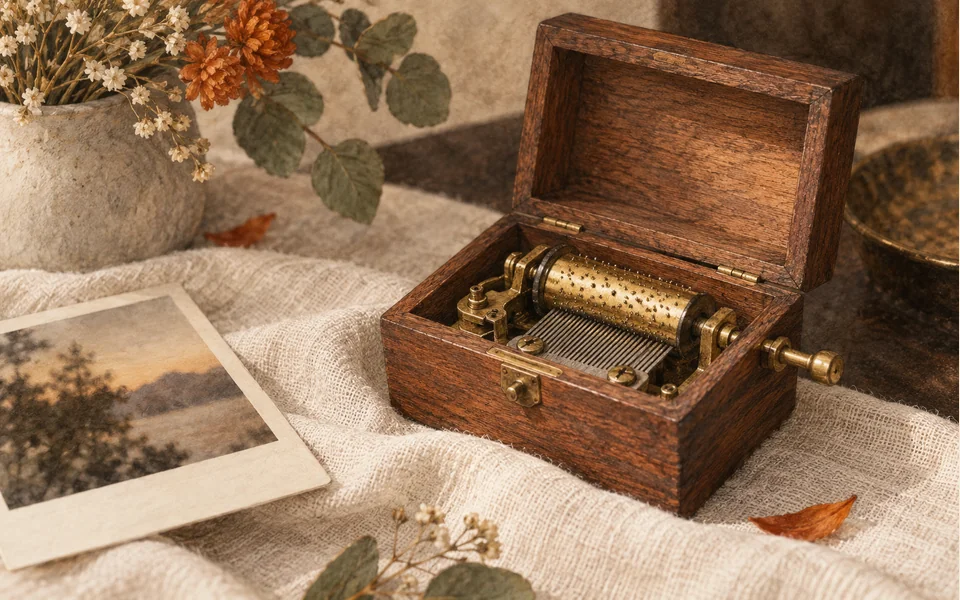
A music-box tune over soft piano, with no speech.
Our demo clip was made from two photos of two adults, an older man and a younger man. We have not yet tested a childhood photo next to an adult one, so we cannot tell you how a small child’s face, size or pose will come out. The effect is told to keep each face as it is in its photo; it is not told to age anyone up or down.
If you try your younger self as a child, pick a photo where the face is large and sharp, and photograph old prints flat in daylight without flash. That is general photo advice, not a tested promise. A failed render is refunded; a finished clip you do not like is not (see the refund policy).
The Polaroid hug works with any two people, one photo of each or one photo of both:
Prefer no Polaroid frame? The plain Hug effect on the AI hug generator puts two people side by side in daylight for a warm hug. For someone who has passed away, see the AI hug with a deceased loved one. To make one old photo move on its own, see animate old photos.
Made here
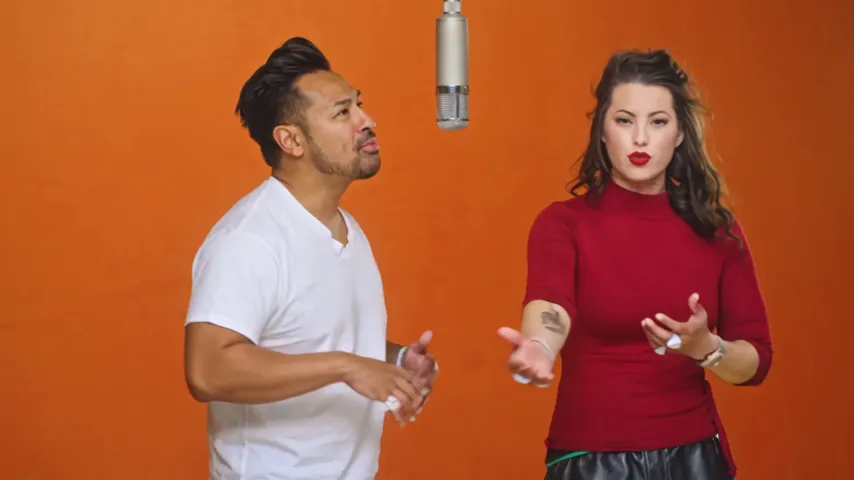
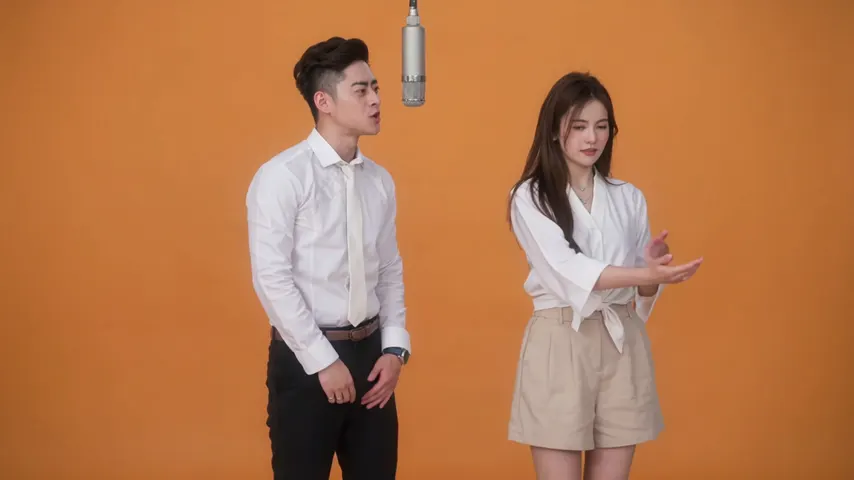
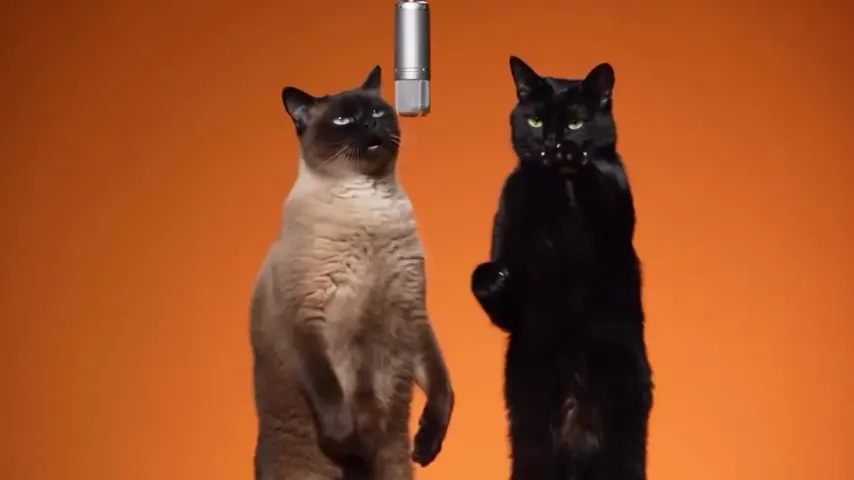
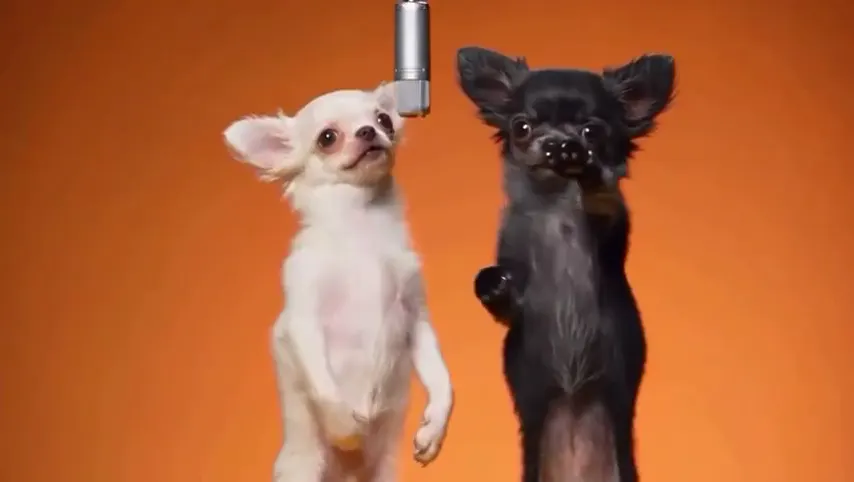
Two selected Wan 3.0 results from our generation workflow. Each rap duo video lists its settings and whether it was a product test or a website render. Play each clip with sound and review the whole performance; these examples do not establish a success rate.
Wan 3.0 · 480p · 10 s · 16:9
Wan 3.0 · 720p · 12 s · 16:9
From other creators
These clips illustrate the Hotel Lobby format and were made with other tools. They are references, not evidence of this generator’s output. Each links to its credited creator.
A trend where your adult self and your younger self appear together and hug. A popular look is a white-framed Polaroid with sheer curtains. Here it becomes a short video made from two photos.
Add a photo of you today as photo 1 and a photo of your younger self as photo 2, keep Polaroid Hug selected and tap create. It runs in the browser on a phone or a computer, with no app to install; download the MP4 when it is ready.
You can upload one, but we have not tested childhood photos yet, so we cannot promise the result. Our demo used two adults. If you try, pick a photo with a large, sharp face.
Nothing here. A chatbot prompt makes a still picture. The Polaroid frame, the curtains, the light and the hug are already part of this effect, and you get a moving clip.
Only if that photo shows both people. One photo of just you is not enough: the hug needs two people.
Yes. Pick the Hug effect instead; the AI hug generator page explains it.
Yes. The effect works with any two people. Only use photos you have the right to use, of people who would be glad to see it.
No. It is an imagined scene made from two photos. The faces follow the pictures; the hug never happened.
No. A 5 second clip at 720p costs 4 credits; longer or sharper clips cost more. Credits are paid when you create; the smallest pack is 10 credits for $9.99, and a failed render is refunded automatically.
Then and now
Two photos, one long hug inside a Polaroid. The price is shown before you create.