The house party
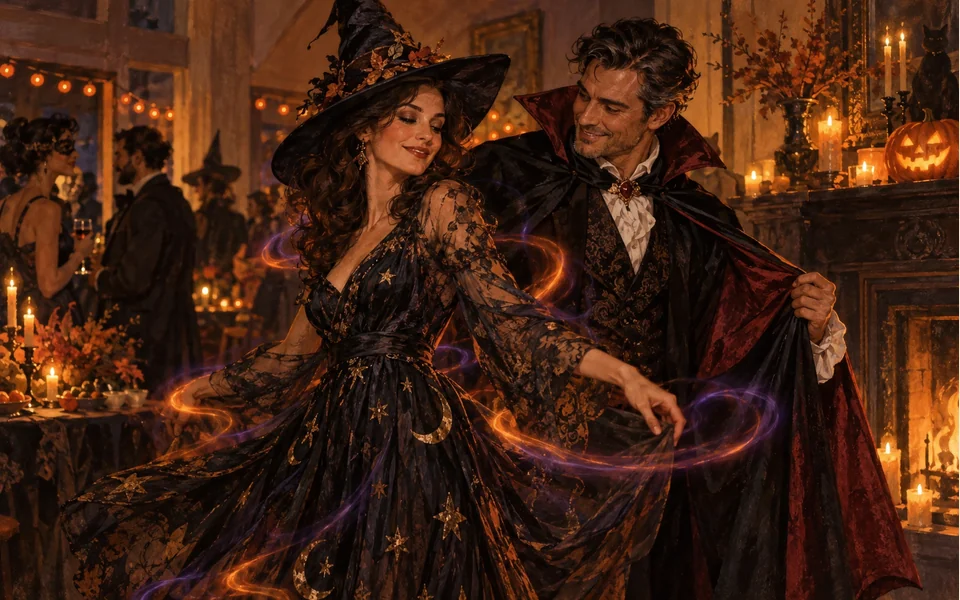
Jack-o’-lanterns, candles, cobwebs and orange string lights, at night.
Pumpkins, sparkles, a costume
The AI Halloween costume effect puts you at a house party on Halloween night, then a swirl of sparkles turns your everyday clothes into a costume: a vampire cape, a witch hat and dress, a skeleton suit. Add one photo, or one photo of each person for a couple or two best friends.
Your photo
One photo is enough: solo or the two of you.
Effect
Video
This video: 4 credits. Ready in about 2 to 5 minutes; failed generations return your credits. View pricing
The AI Halloween costume effect turns a photo into a short clip: you stand at a Halloween house party, orange and violet sparkles swirl around you, and your everyday clothes become a homemade-style costume, such as a vampire cape or a witch dress and hat. Add one photo (or one of each person) and the effect renders it on Seedance 2.0 Mini: 4 credits for 5 seconds at 720p, ready in up to about 5 minutes by the provider’s estimate, in your phone’s browser with no app, and a failed render is refunded. The AI picks the costume: you cannot choose one or ask for a character from a film, game or brand.
Updated
The clip
It is a Halloween party at home at night: carved pumpkins glowing, candles flickering, fake cobwebs and warm orange string lights. You smile at the camera in the clothes from your photo. A ribbon of orange and violet sparkles spins around you, and a moment later the outfit is a costume. You look down at it, laugh, and strike a playful spooky pose.
In our own test render of two AI-made adults, the costumes were on about two seconds in: a black vampire cape with a red lining for him, a black witch dress and pointed hat for her. Both faces, her long curls and his short beard stayed as they were. Halloween 2026 is on Saturday 31 October, so a clip made this month is ready for the party invite or the group chat.
Three steps
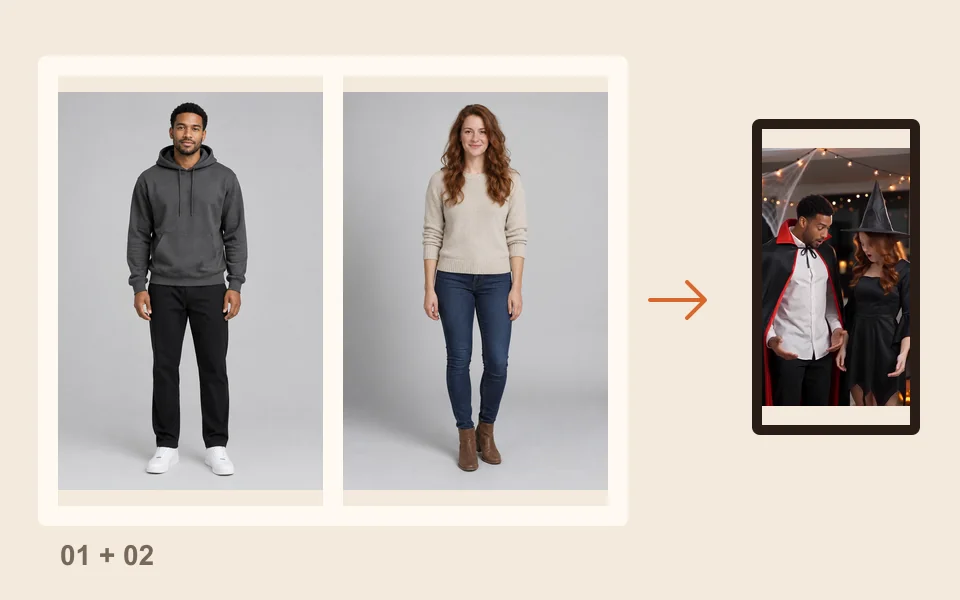
Waist up or full length, face easy to see. It is made for one person or two: one photo each, or one photo of both.
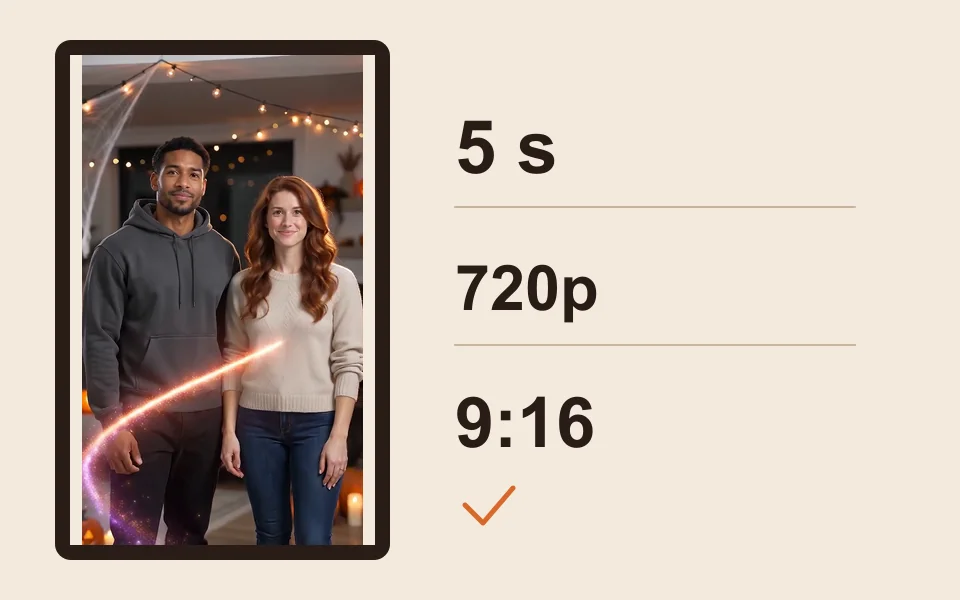
The generator starts on Seedance 2.0 Mini, 720p, 5 seconds and 9:16. Change any of them; the price updates.
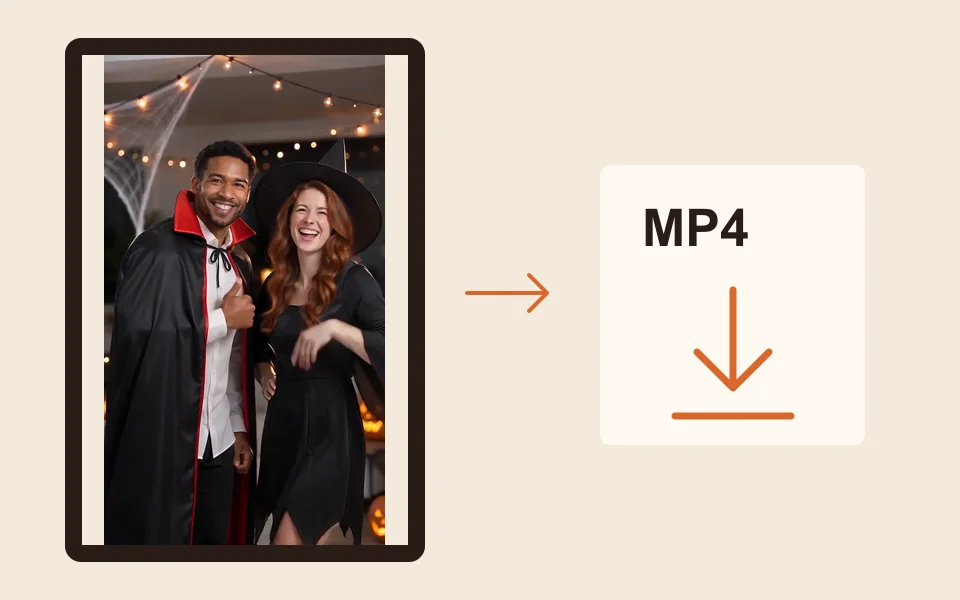
The provider quotes up to about 5 minutes. Download the MP4 and post it as it is, or add a Halloween sound in TikTok or Instagram.
What you get
Jack-o’-lanterns, candles, cobwebs and orange string lights, at night.
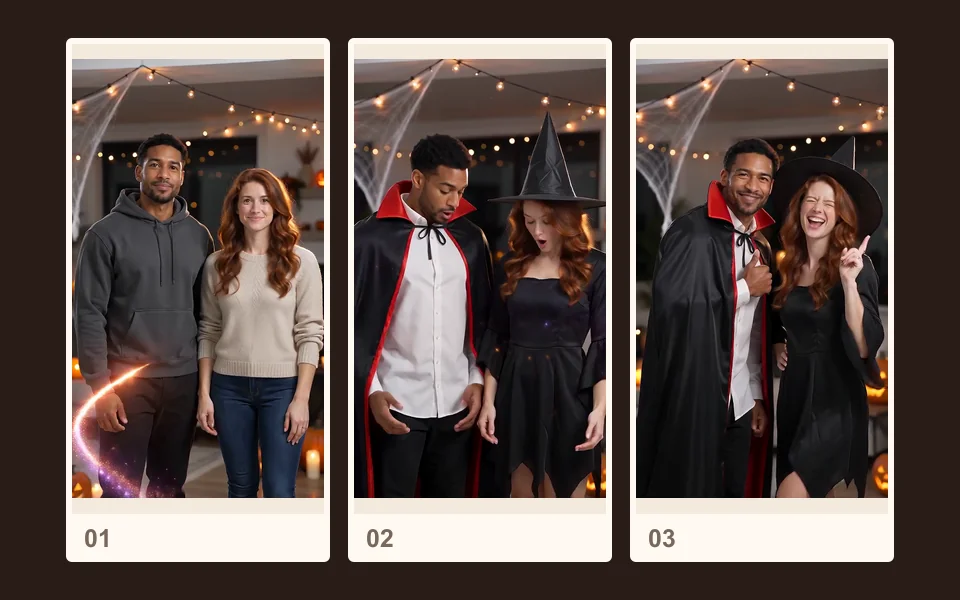
A swirl of orange and violet sparkles, and your clothes become a homemade-style costume.
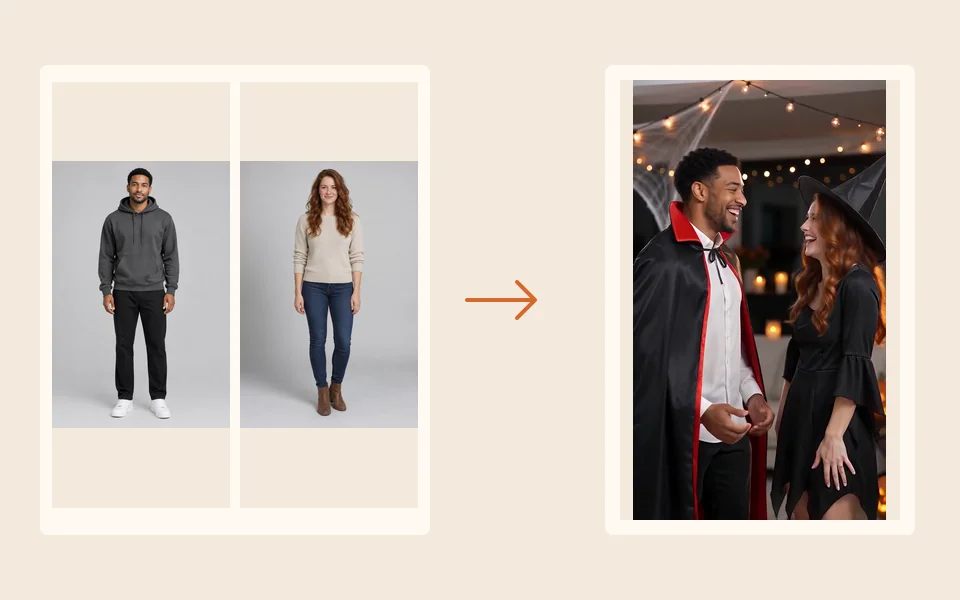
The prompt keeps your face and hairstyle from the photo. Only the outfit changes.

An original Halloween beat with organ and plucked bass, no speech.
The AI picks it. The effect asks for simple homemade-style costumes, such as a vampire cape, a witch dress with a pointed hat, a skeleton suit or a pumpkin outfit, and rules out characters from films, shows, games and brands. There is no box to type a costume name. In our test render the two people got different costumes.
Each render is a new pick and costs credits again. A render that fails is refunded automatically; a finished video whose costume you do not like is not.
For a darker one, a person turns into a zombie and the other still hugs in the AI zombie trend. For a laugh, try the AI bald filter; for a throwback, the 80s AI video. Every effect is on the AI video effects page.
Made here
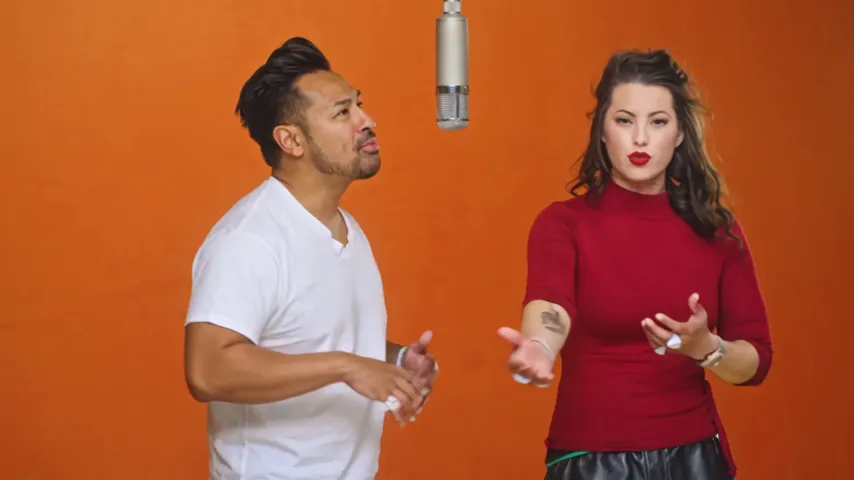
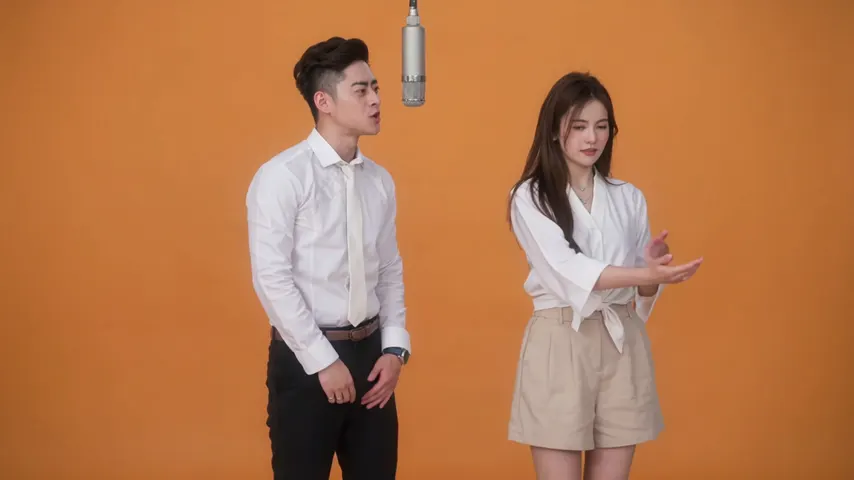
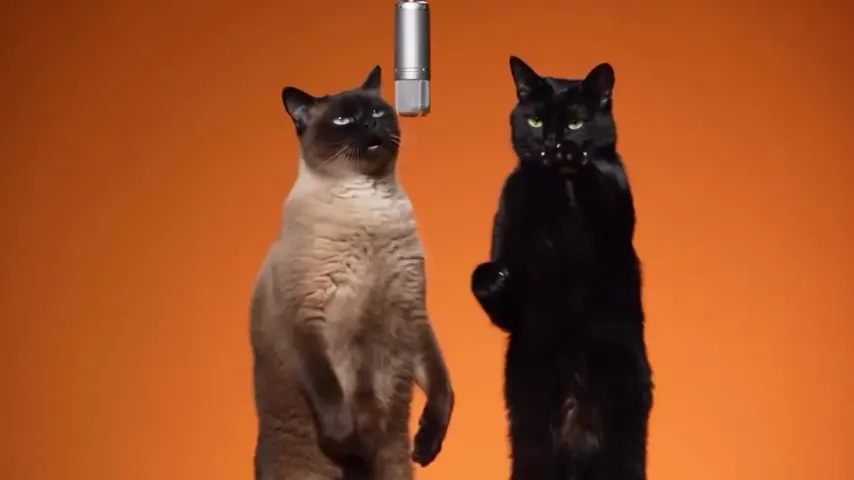
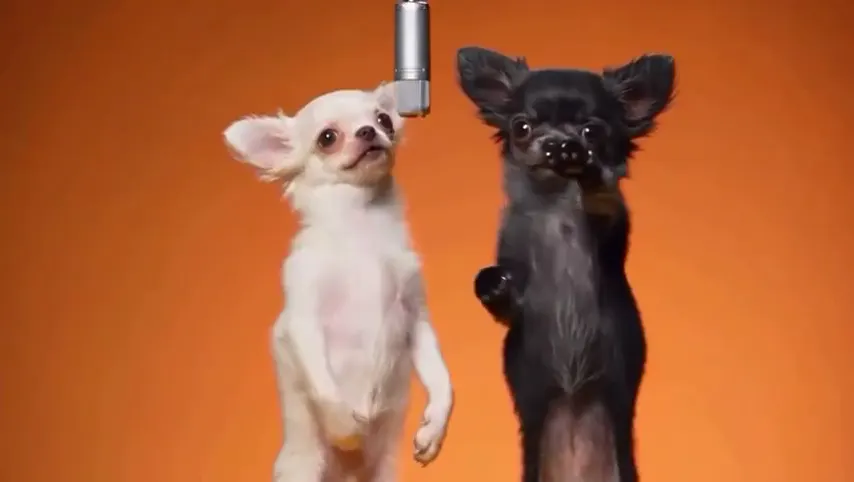
Two selected Wan 3.0 results from our generation workflow. Each rap duo video lists its settings and whether it was a product test or a website render. Play each clip with sound and review the whole performance; these examples do not establish a success rate.
Wan 3.0 · 480p · 10 s · 16:9
Wan 3.0 · 720p · 12 s · 16:9
From other creators
These clips illustrate the Hotel Lobby format and were made with other tools. They are references, not evidence of this generator’s output. Each links to its credited creator.
Yes, this one. Add a clear photo and tap create. You get a short video of you at a Halloween party as your clothes swirl into a costume.
No. The AI picks a generic homemade-style costume, such as a vampire, a witch, a skeleton or a pumpkin. Characters from films, shows, games and brands are ruled out.
Yes. Add one photo of each of you, or one of both, and you change into costumes at the same party. It runs in your phone’s browser with no app; a 5 second clip at 720p is 4 credits, and the smallest pack is 10 credits for $9.99, with no subscription.
Treat it as a fun reveal: the AI puts you in one of the classic costumes and you see it on you, moving. It will not show a costume you plan to buy.
We have not tested it. The scene is written for people, so a pet photo may not get a costume. For pets, the pet rap video is the one we have tested with a dog.
Yes: an original spooky beat with no speech. For a trending Halloween sound, add it in TikTok or Instagram when you post and turn the clip’s own audio down.
It is playful Halloween fun, not gory, and every render also passes the video provider’s NSFW checker. Our test used two adults; we have not tested children’s photos with this effect.
No. A 5 second clip at 720p costs 4 credits; longer clips cost more. Credits are paid when you create; the smallest pack is 10 credits for $9.99, and a failed render is refunded automatically.
The provider quotes up to about 5 minutes. The MP4 waits in My videos, ready to download.
Trick or treat
One photo, a pumpkin party and a costume picked for you. The price is shown before you create.