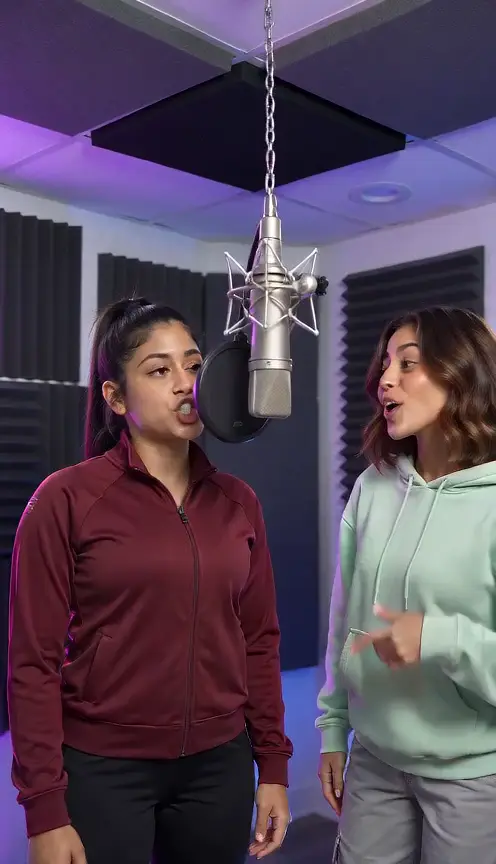
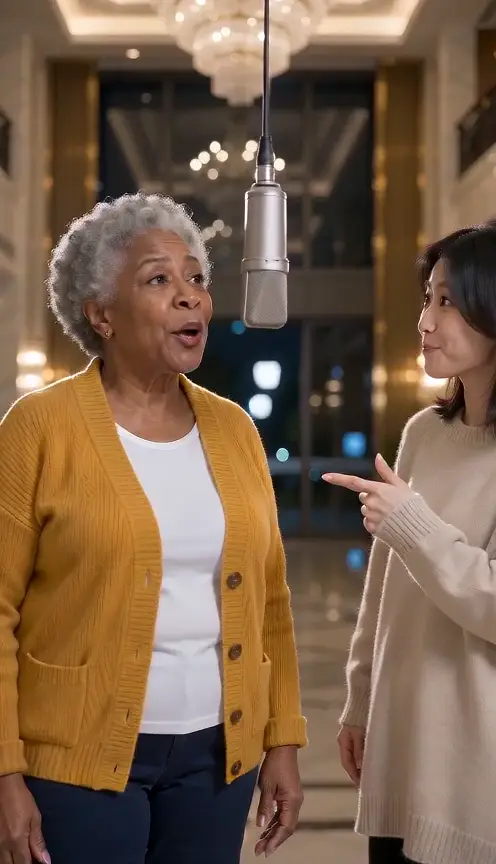
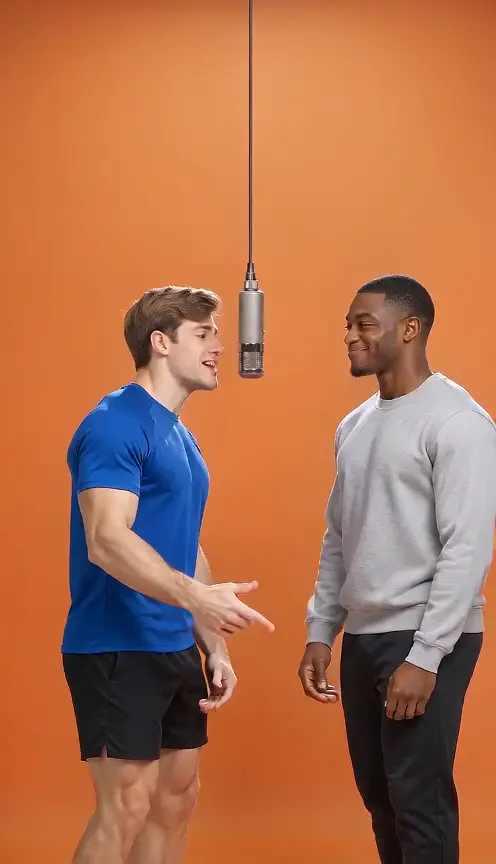
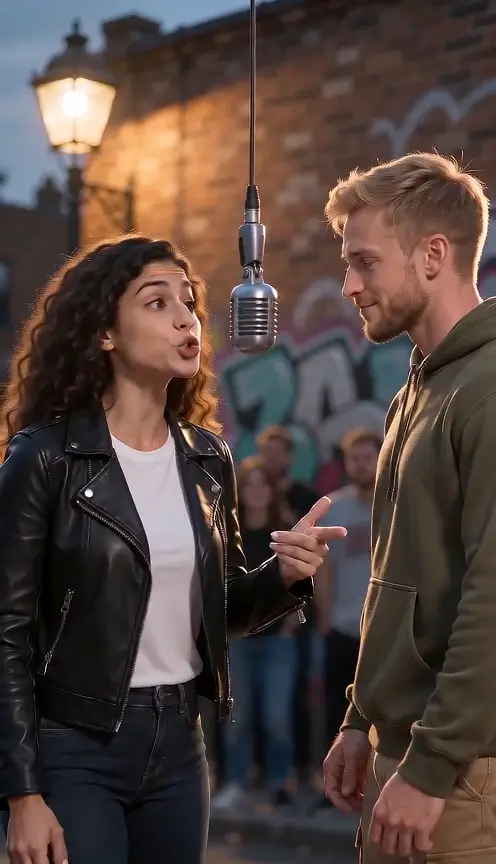
What is Hotel Lobby Video?
+
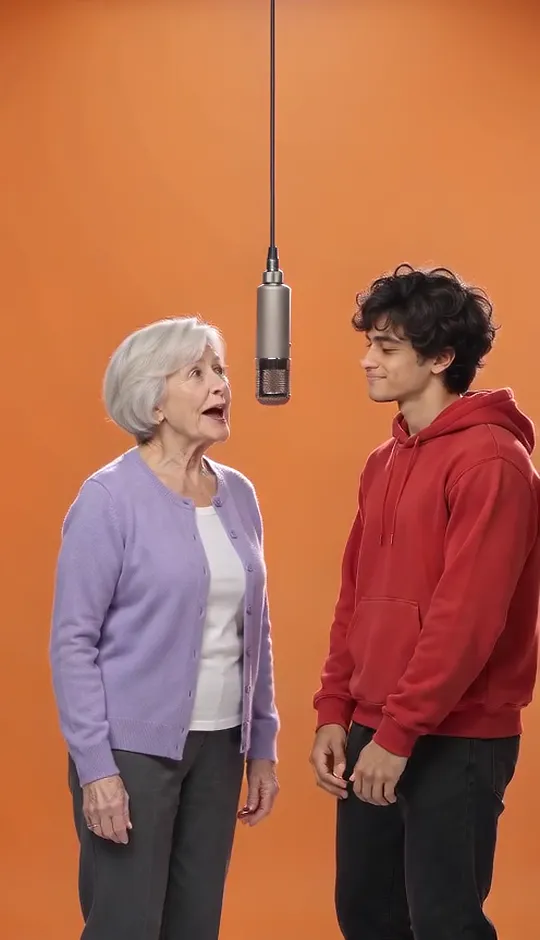
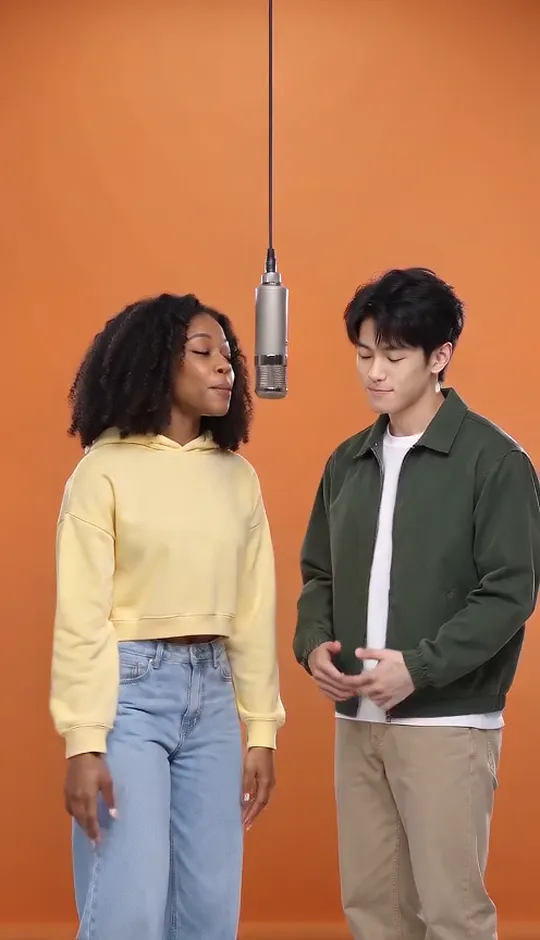
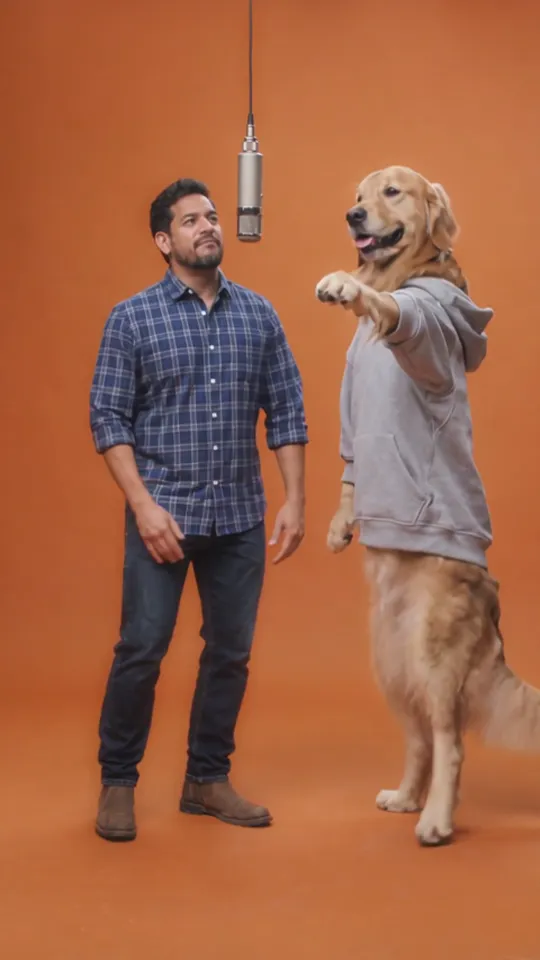
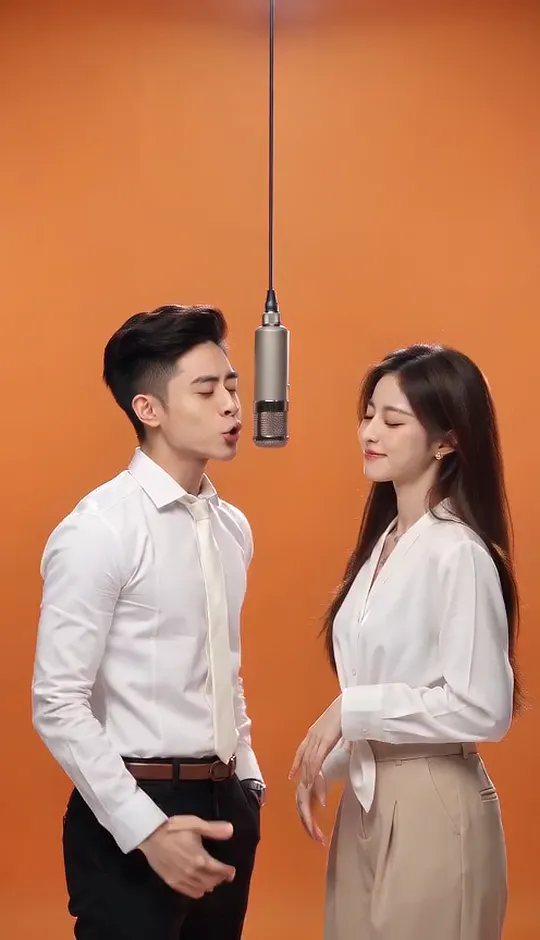
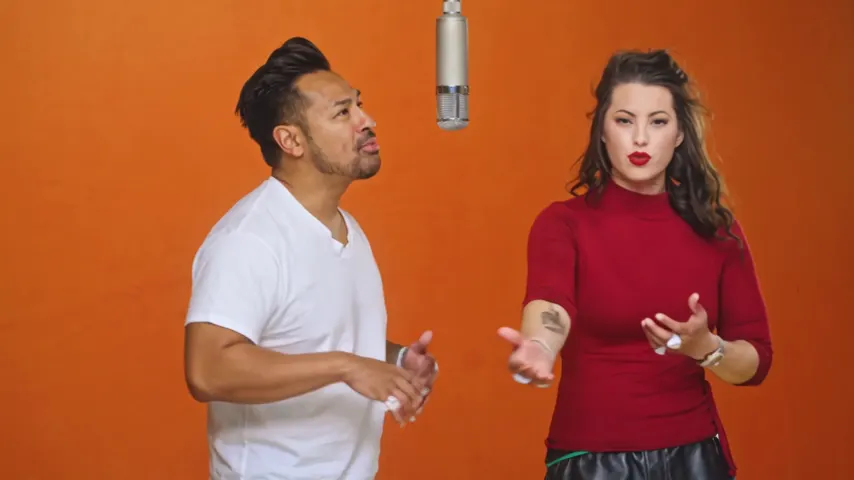
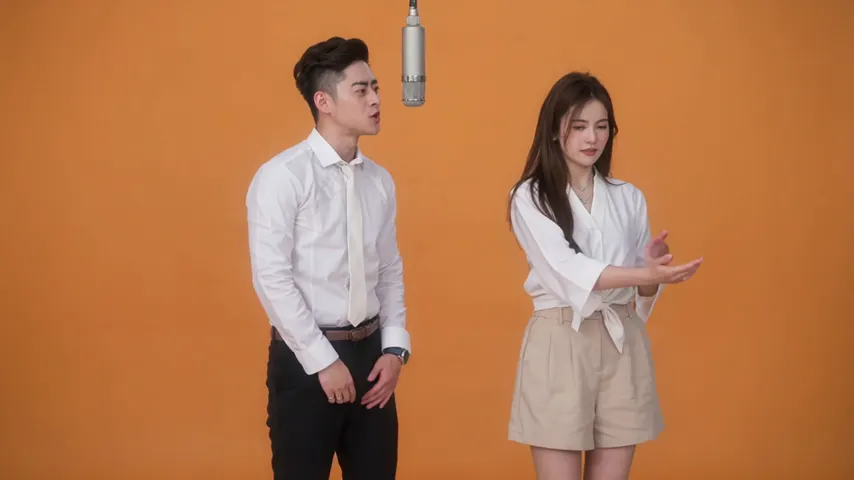
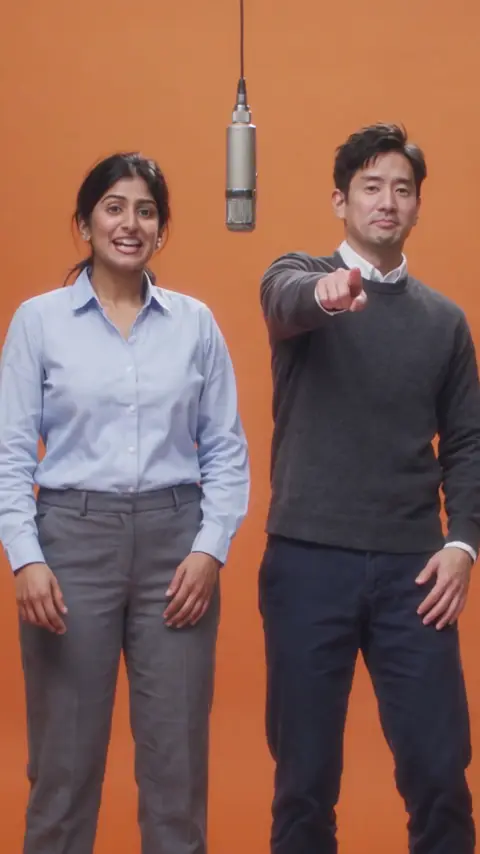
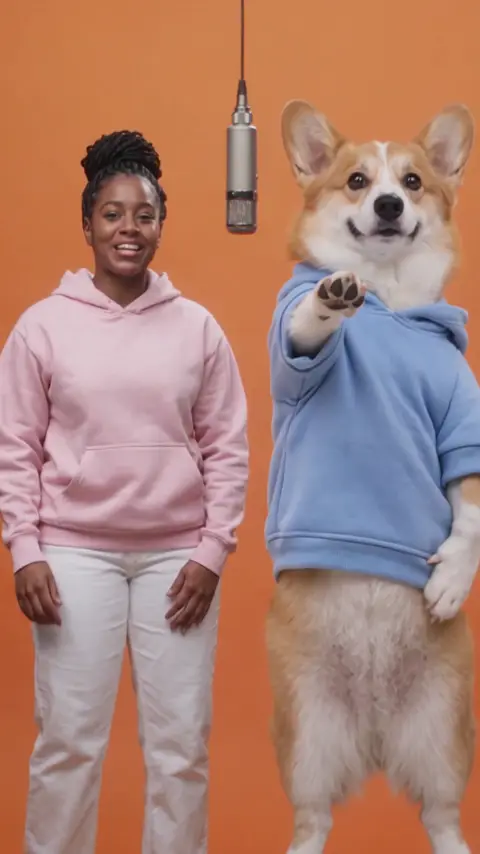
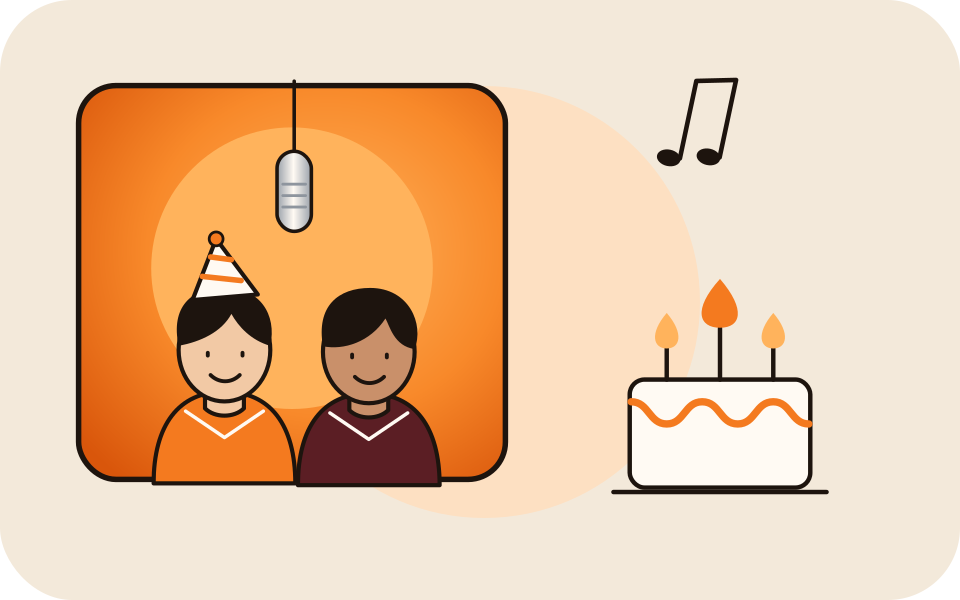
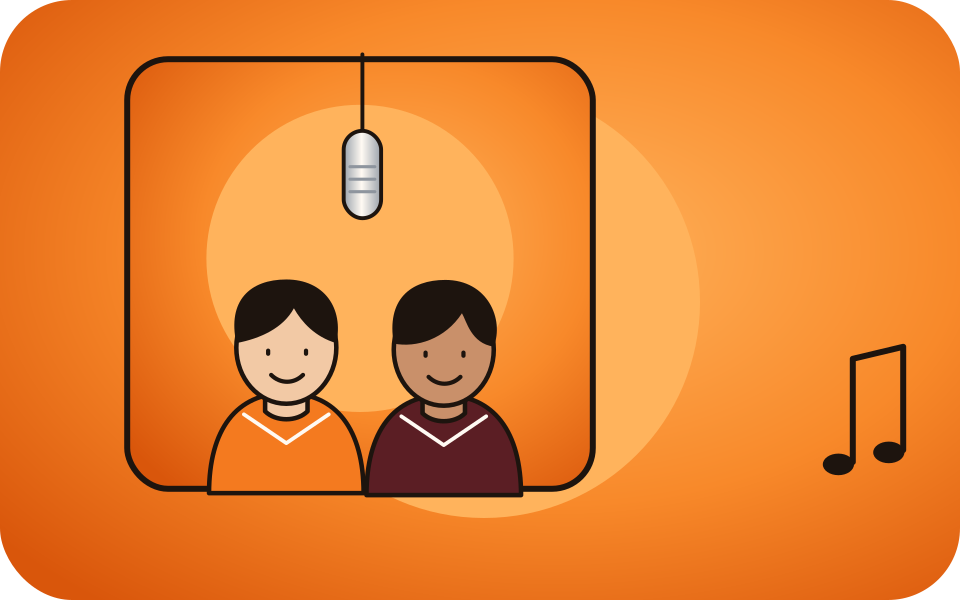
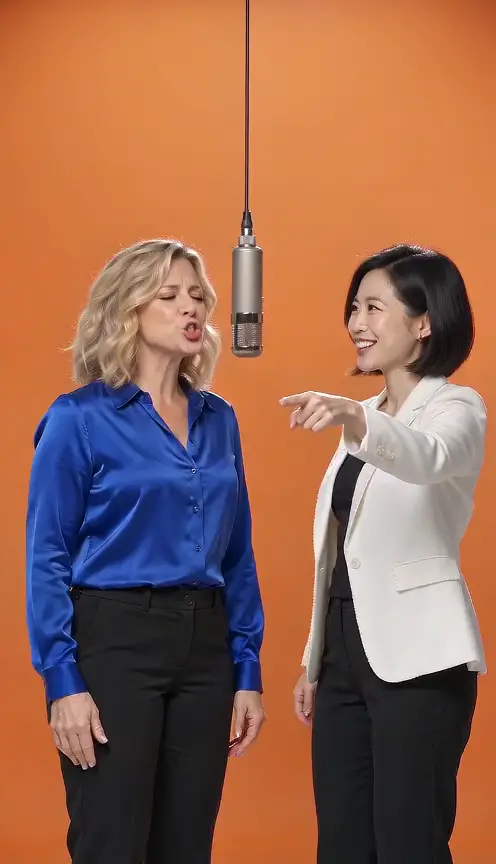
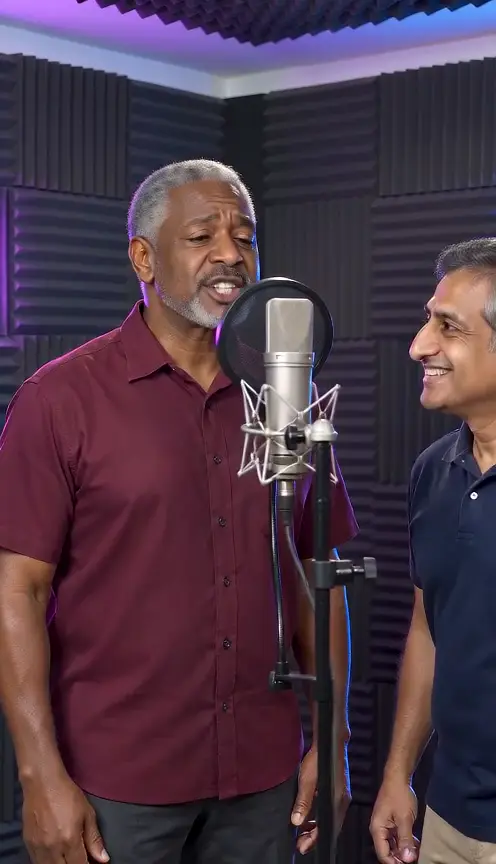
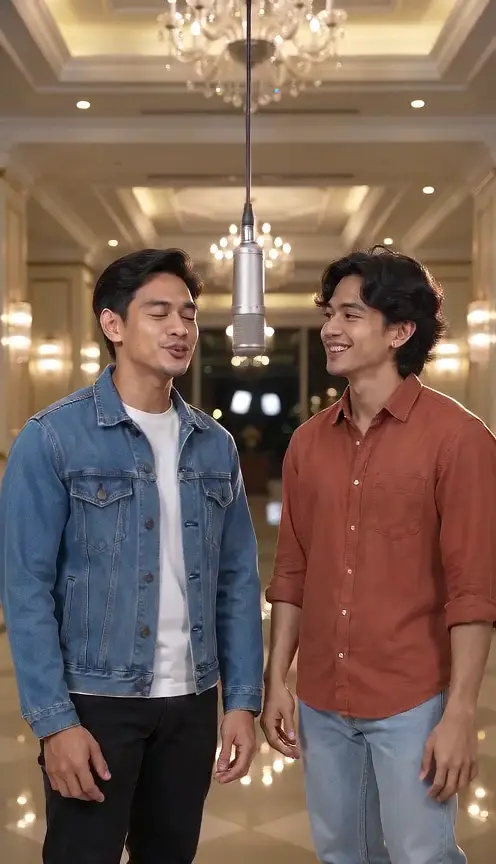
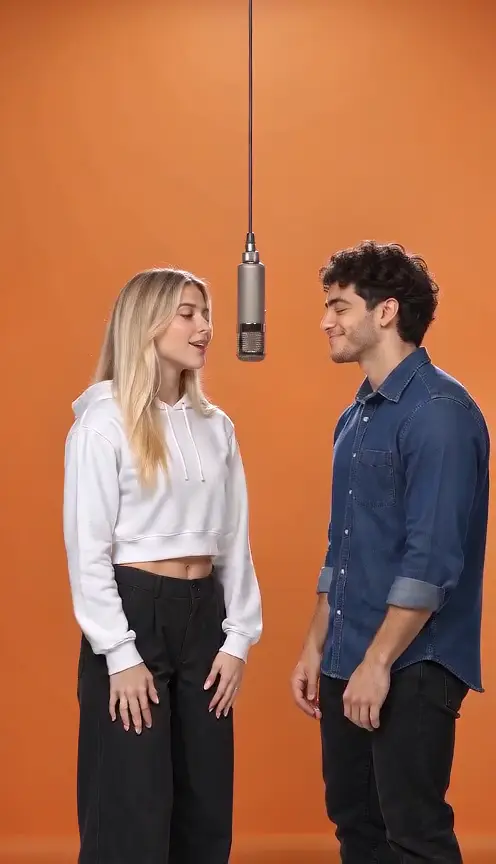
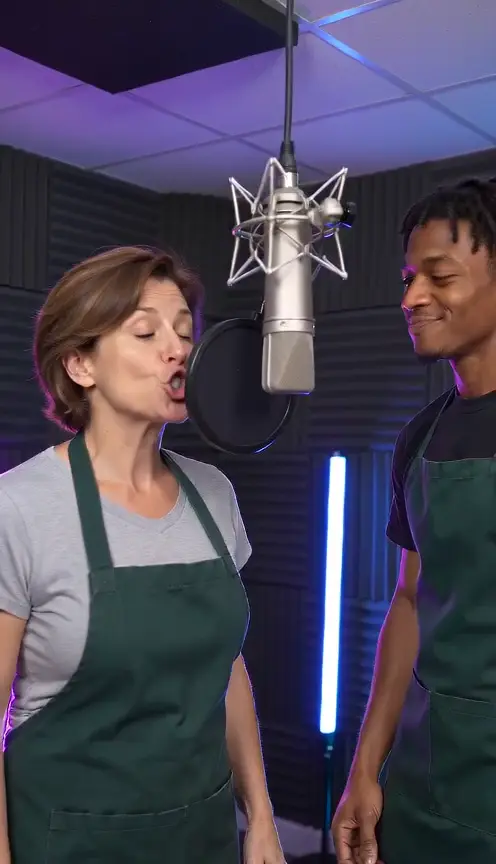
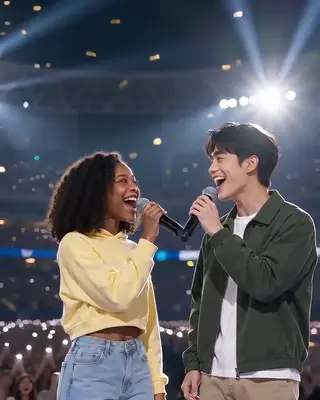
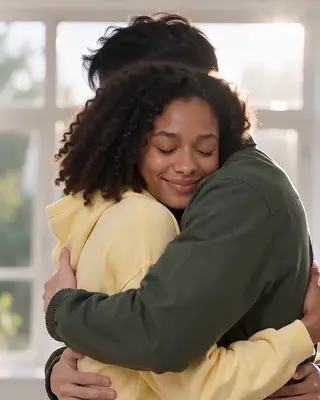
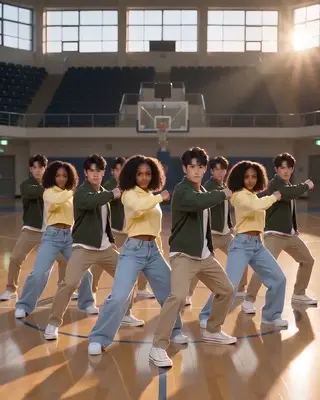
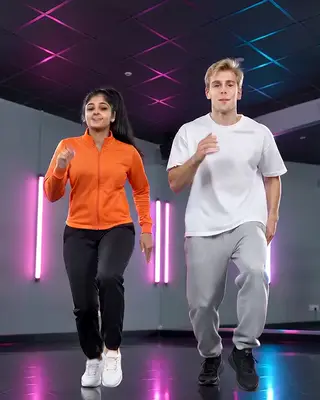
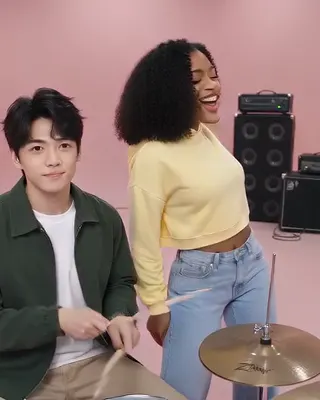
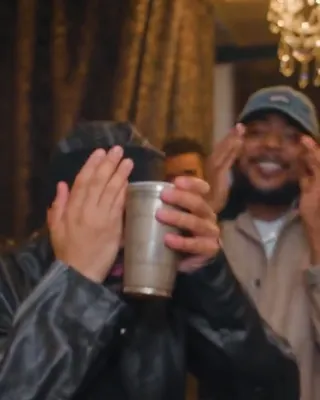
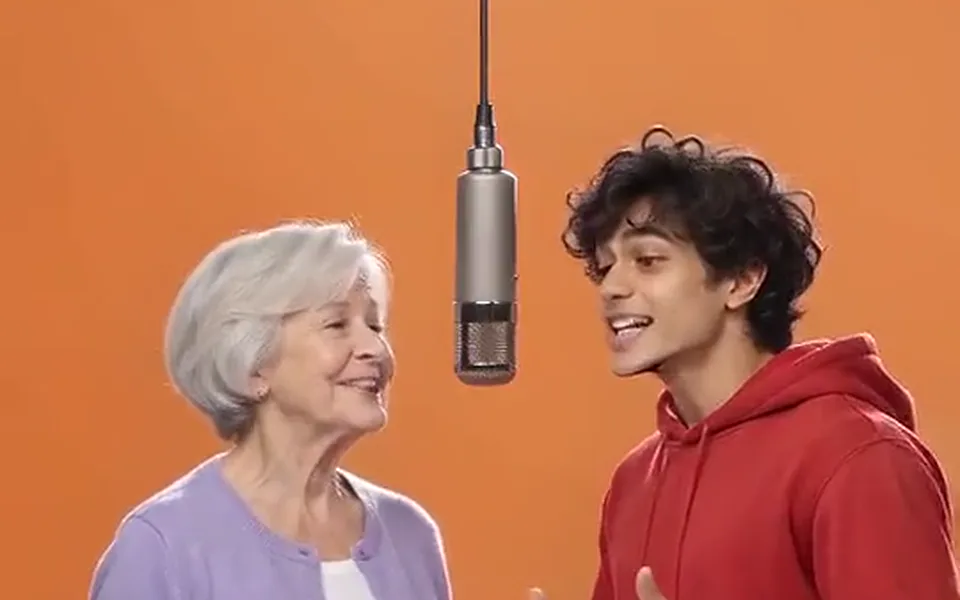
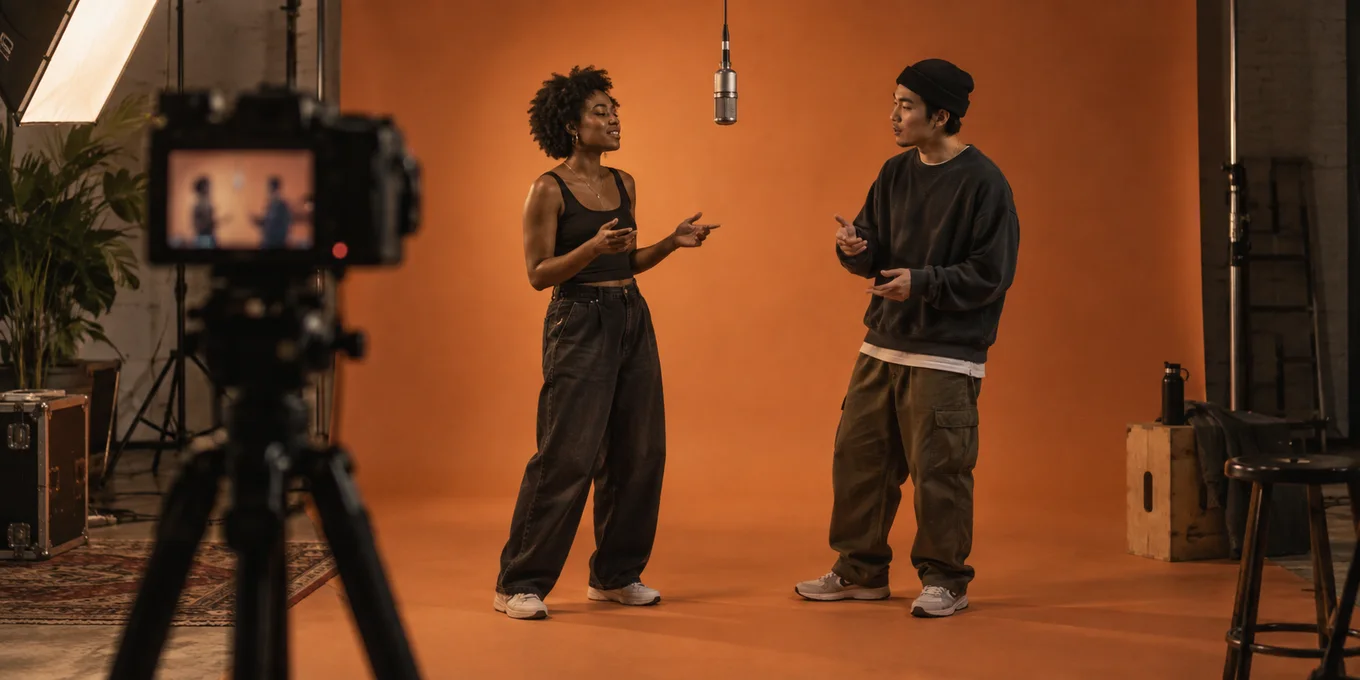
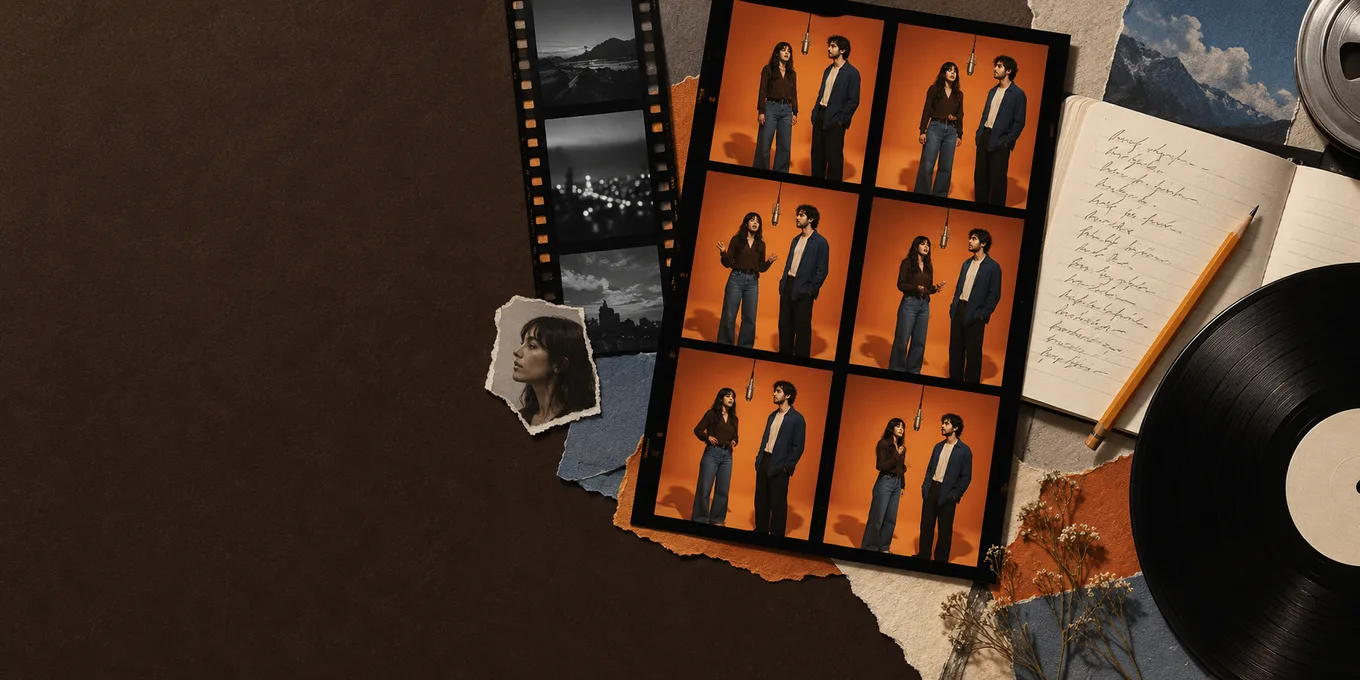
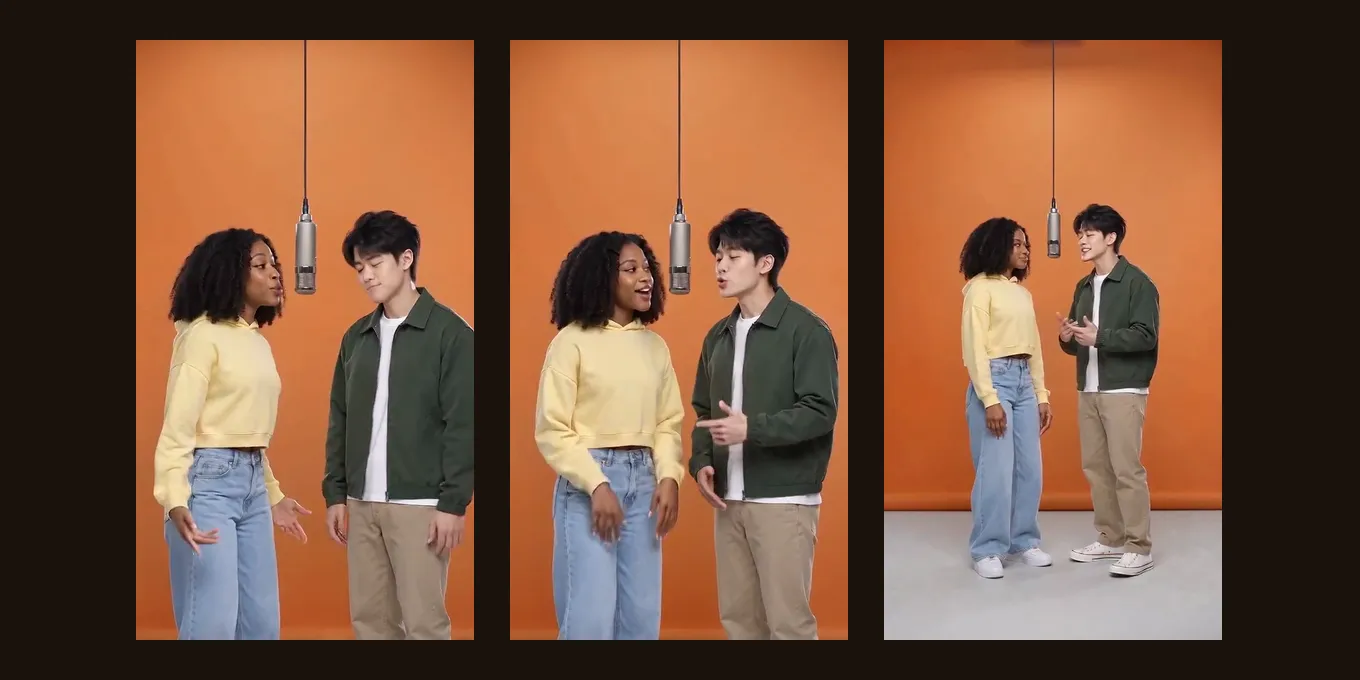
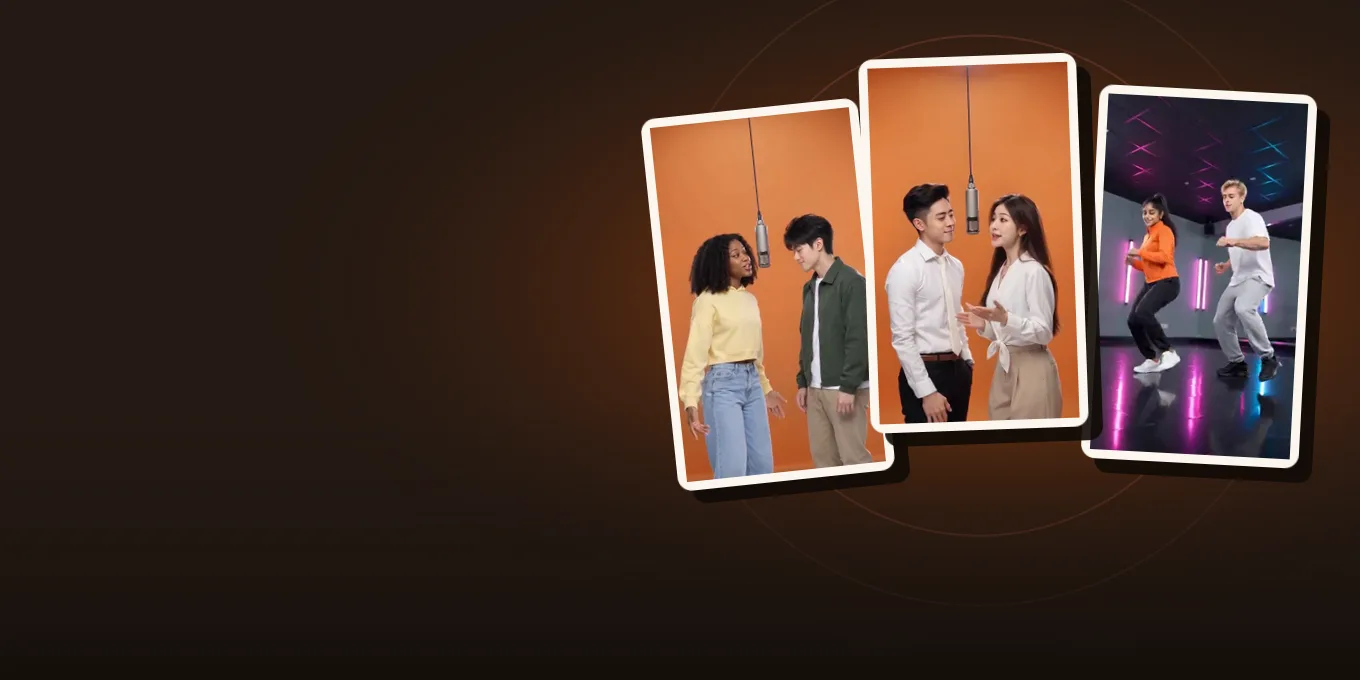
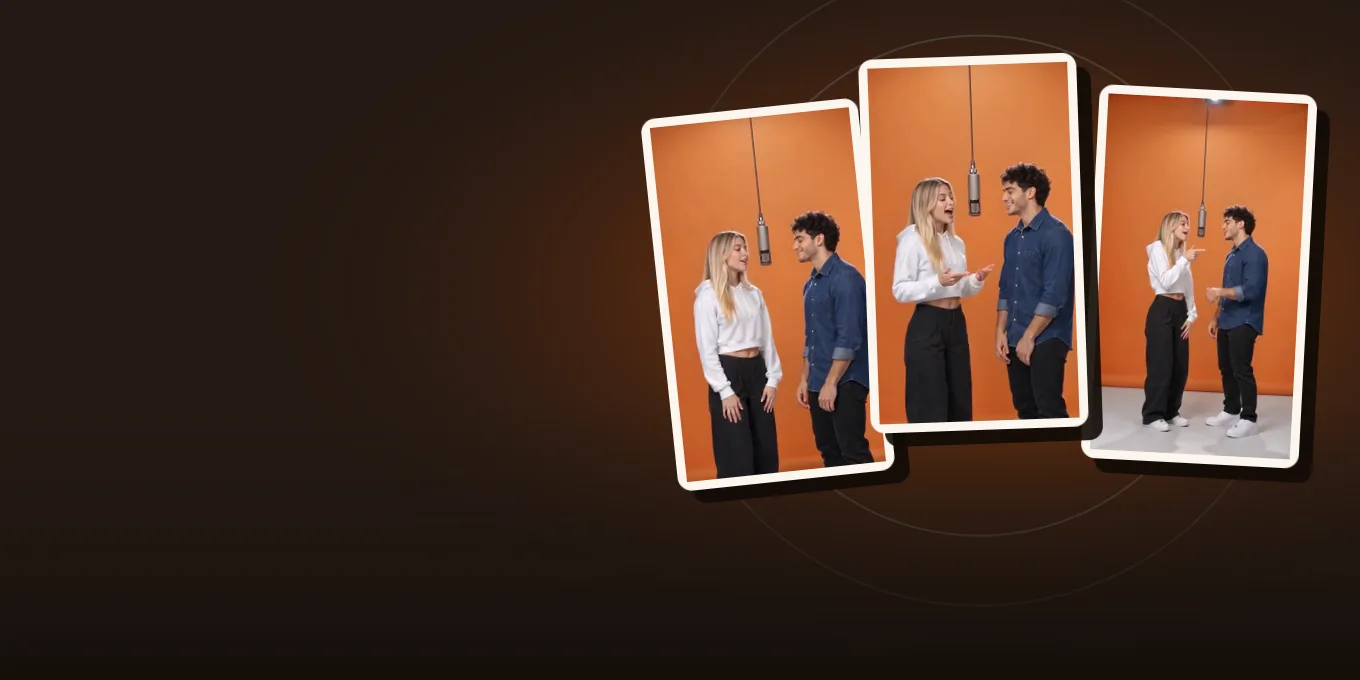
Hotel Lobby Video (hotellobbyvideo.net) is a Hotel Lobby AI video generator that runs in your browser. Add two photos, or one photo of both people, and it makes the orange-booth rap duo video from the Hotel Lobby trend, with the original song in the MP4 by default. It is an independent tool, not the official Hotel Lobby music video by Quavo and Takeoff.
What app or website makes Hotel Lobby AI videos?
+
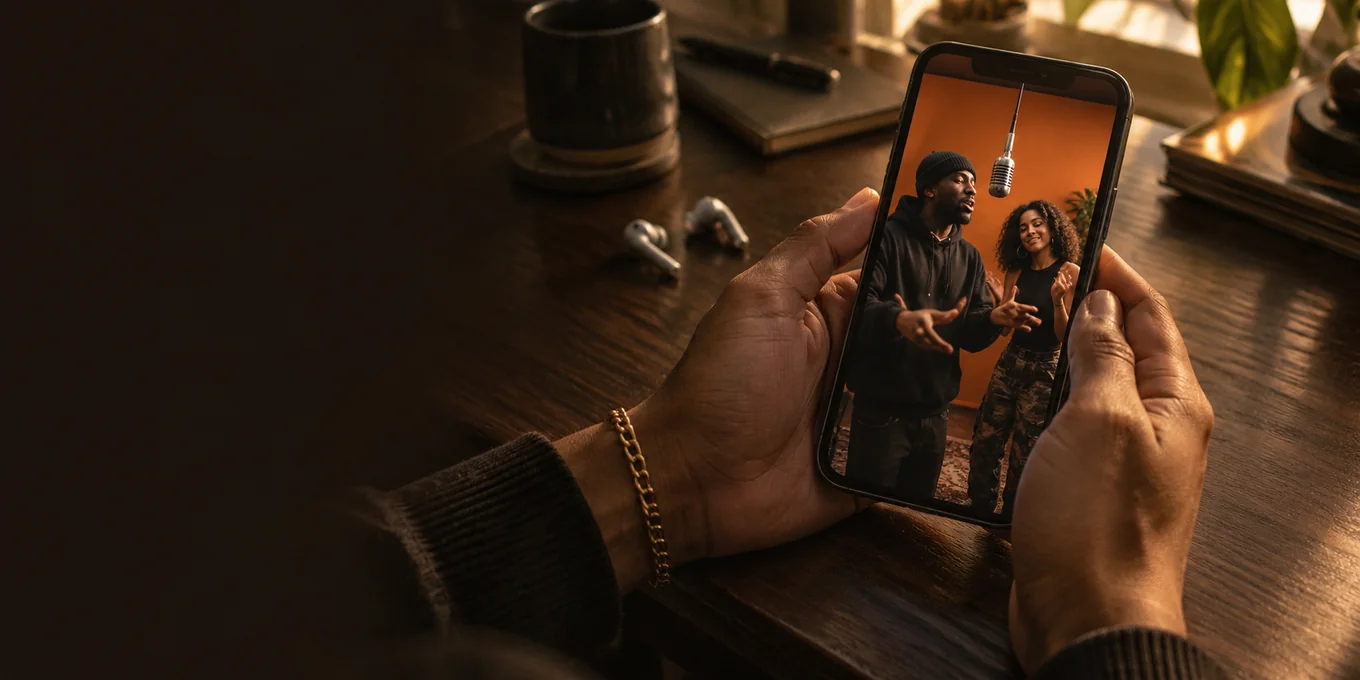
Hotel Lobby Video (hotellobbyvideo.net) is a website that makes them in your phone or desktop browser, with no app to install. Your photos go in and a watermark-free MP4 with the original Hotel Lobby song comes out, so you do not need a second app to add the sound. Choose 9:16 for TikTok or Instagram Reels, and check the platform’s audio and AI-label rules when you post. See which apps make these videos.
Which Hotel Lobby AI generator should I use?
+
Choose by what you want in the finished video; no single tool is best for everyone. If you want the original song and the booth moves already in the MP4 from two photos, with no prompt to write and no editing afterwards, Hotel Lobby Video (hotellobbyvideo.net) does that by default with Wan 3.0. Other tools give you a silent clip to finish in TikTok or CapCut, write a new AI song, or need a prompt. Our price is on the button before you create. See the generator comparison.
Is Hotel Lobby AI free?
+
Only the first 2 seconds: each Google account gets one free 2-second preview, of the default Hotel Lobby video or the Bulin 47 effect (480p, watermarked, on the site only). The full video is paid with credits, and a failed render is refunded. The smallest credit pack is 10 credits for $9.99, and a subscription is not required. See what is really free for this trend.
Can I make it from a selfie or one photo of myself?
+
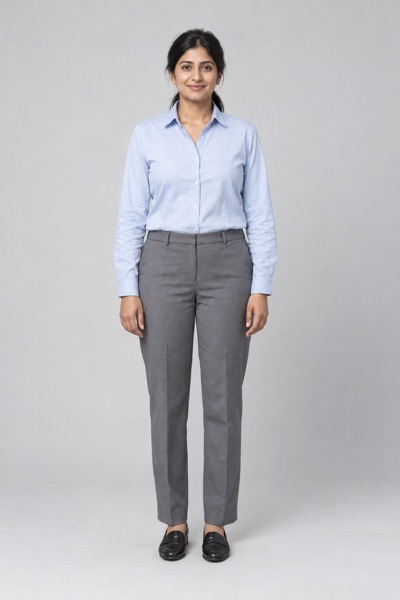
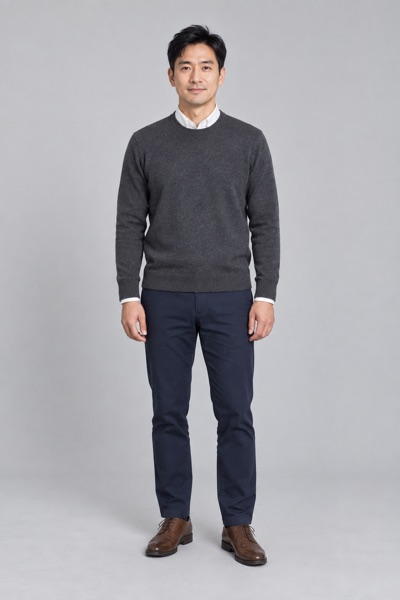
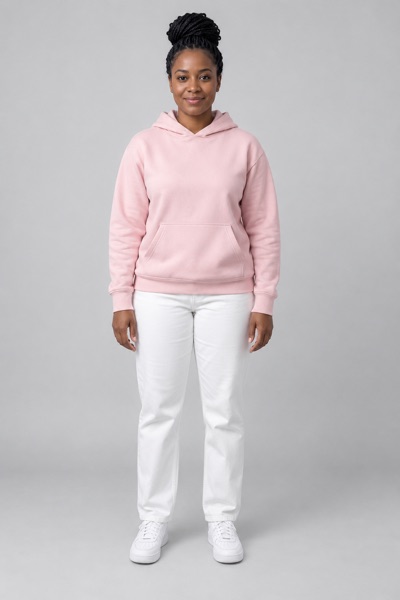
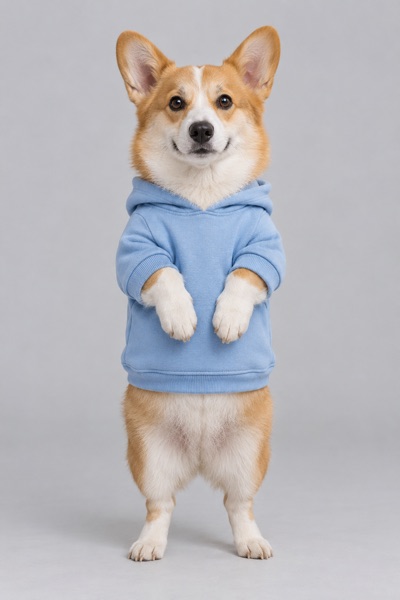
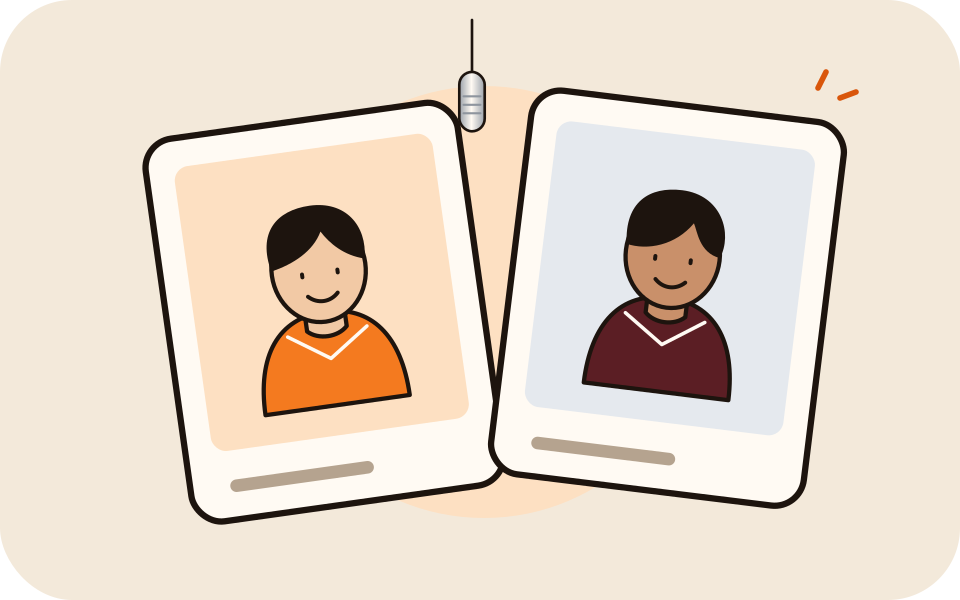
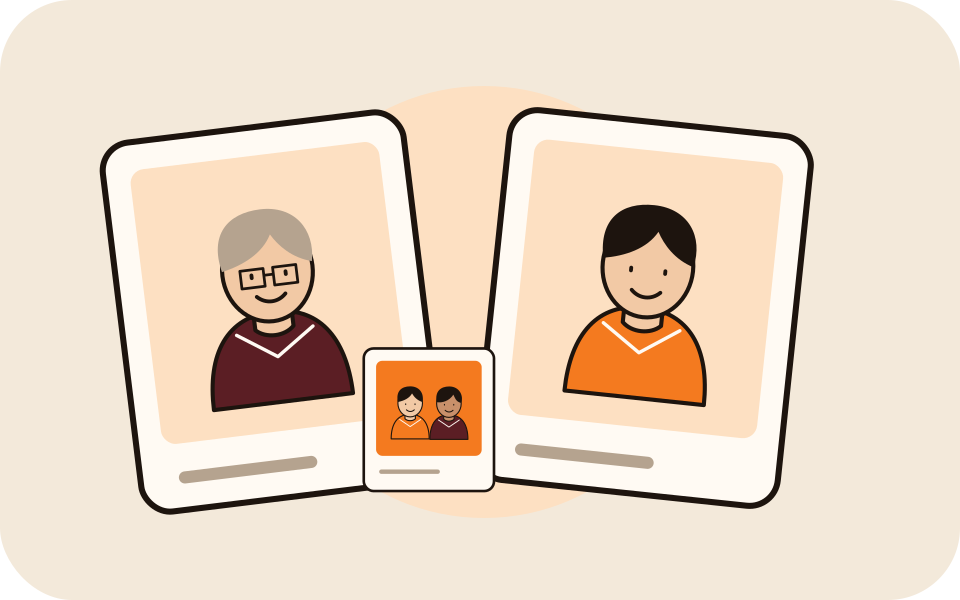
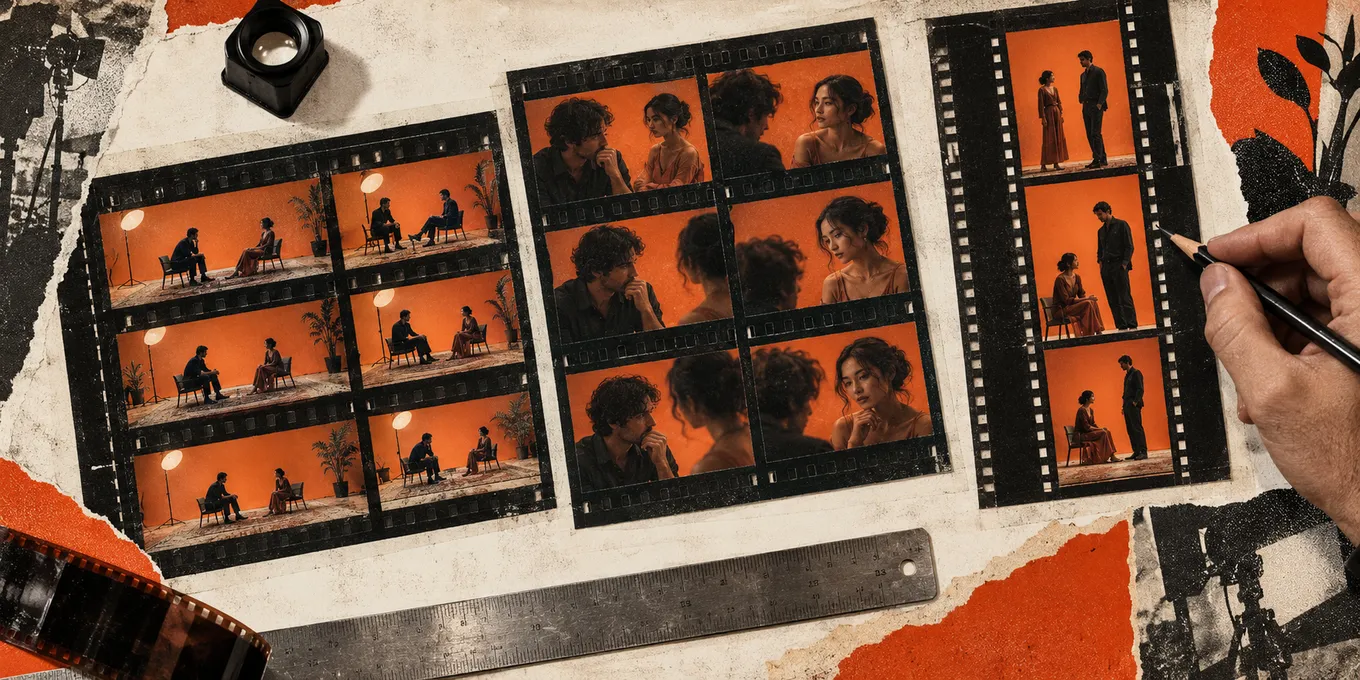
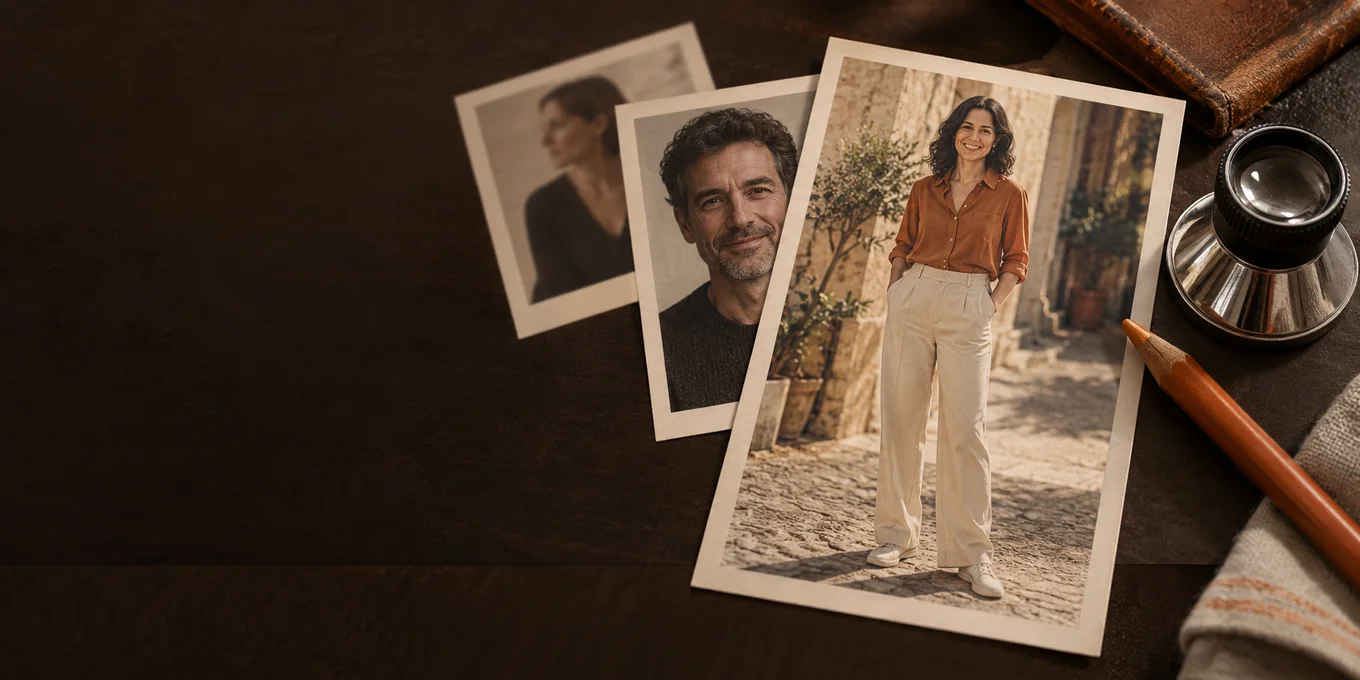
Yes, with a second performer: the Hotel Lobby video is a duo. It needs two single portraits, such as your selfie and a photo of a friend, family member or pet, or one photo with both performers in it. One photo means one picture of both people, not a single solo selfie. The person on the left leads, the one on the right hypes, and both faces should be clear. For just yourself, one-photo effects such as Bulin 47 AI take a single photo. See one photo of both people.
How do I make a Hotel Lobby AI video?
+
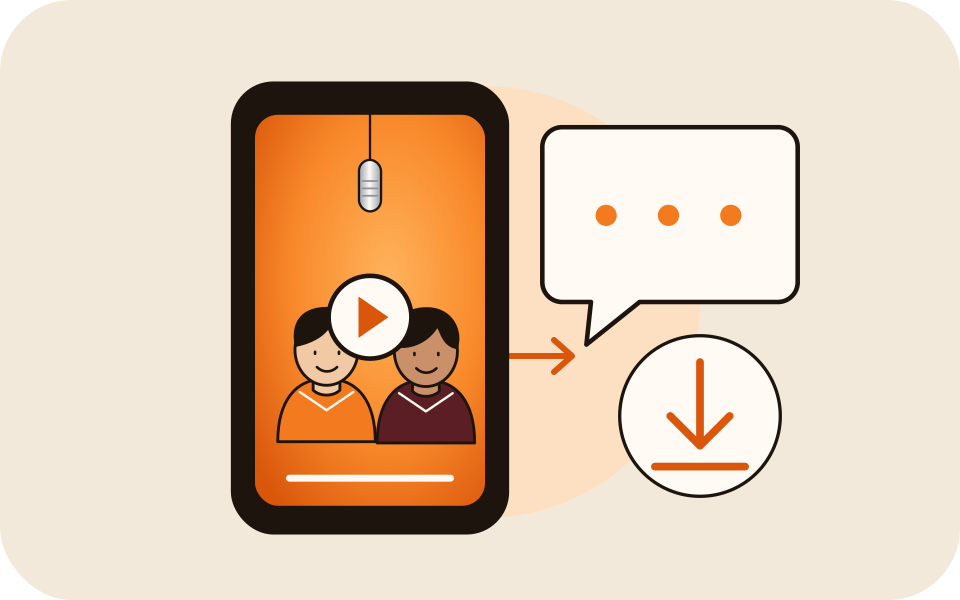
Add two photos, or one photo with both people in it, keep the Hotel Lobby original sound or pick another, check the credit cost on the button, and create. Our recorded Wan 3.0 runs took about 5 to 15 minutes; then download the MP4 and post it to TikTok or Reels. The step-by-step guide shows each screen.
Does the video include the original Hotel Lobby song?
+
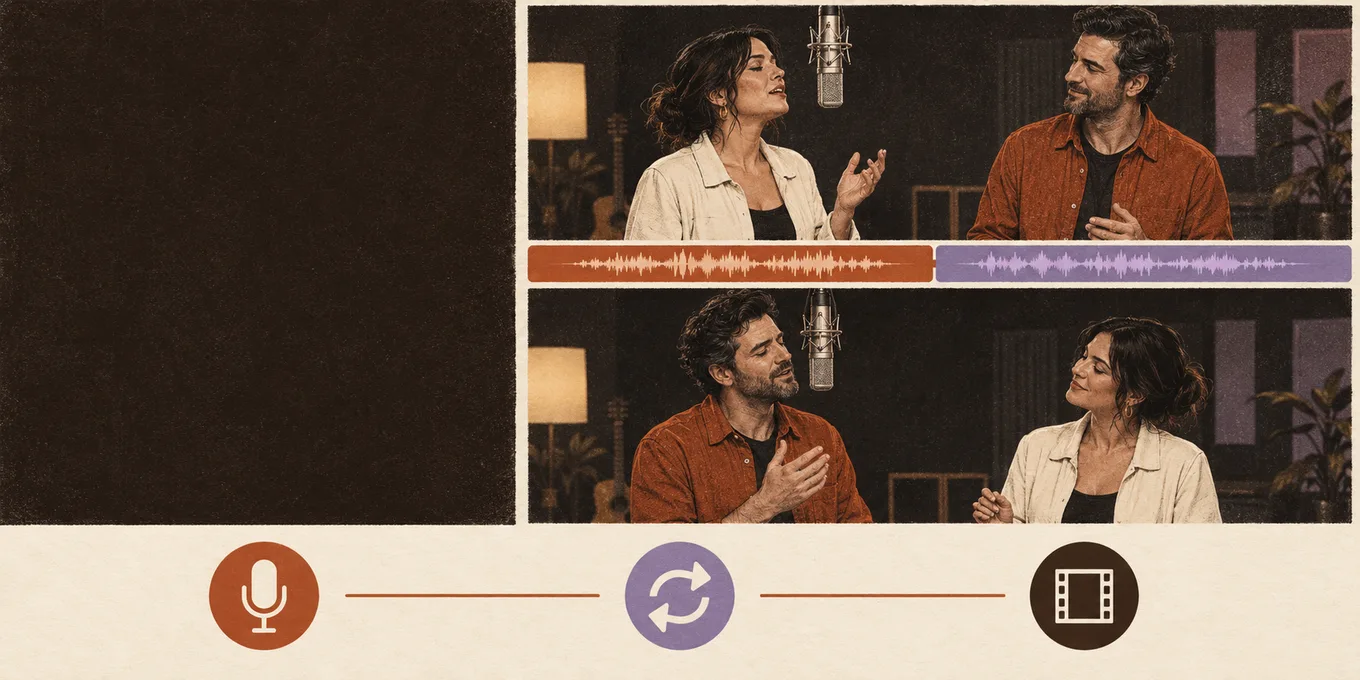
Yes, by default. With Wan 3.0 and the Hotel Lobby original setting, the downloaded MP4 has the original Hotel Lobby song with the booth moves. Your own uploaded song replaces it, and the Seedance AI rap makes new audio instead. See the original song page.
Do I need to film myself?
+
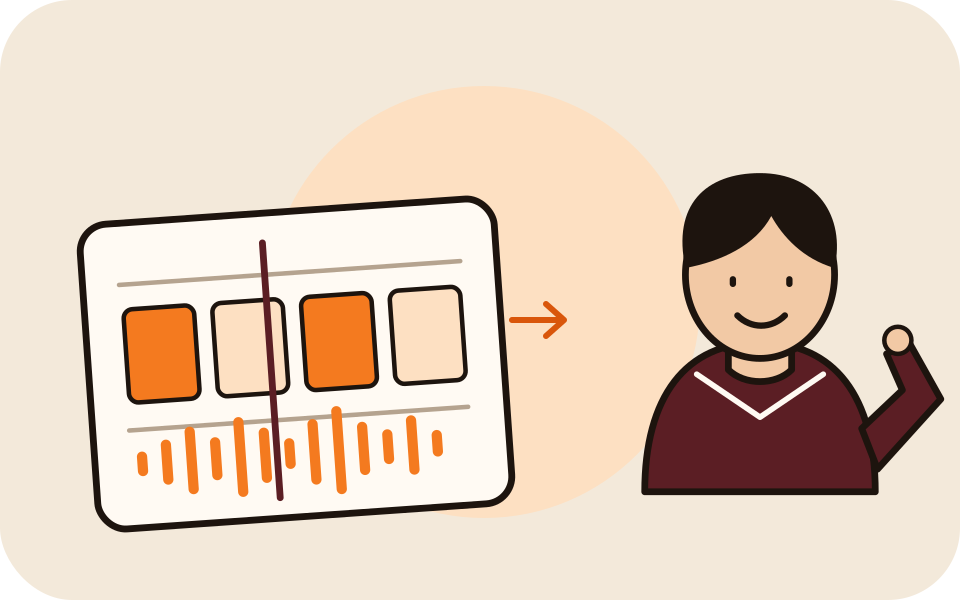
No. Two photos are enough: the booth moves come from the built-in Hotel Lobby template. If you want your own moves, upload a 2 to 15 second dance clip to guide them; see your own dance video.
What prompt do I use for the Hotel Lobby AI video?
+
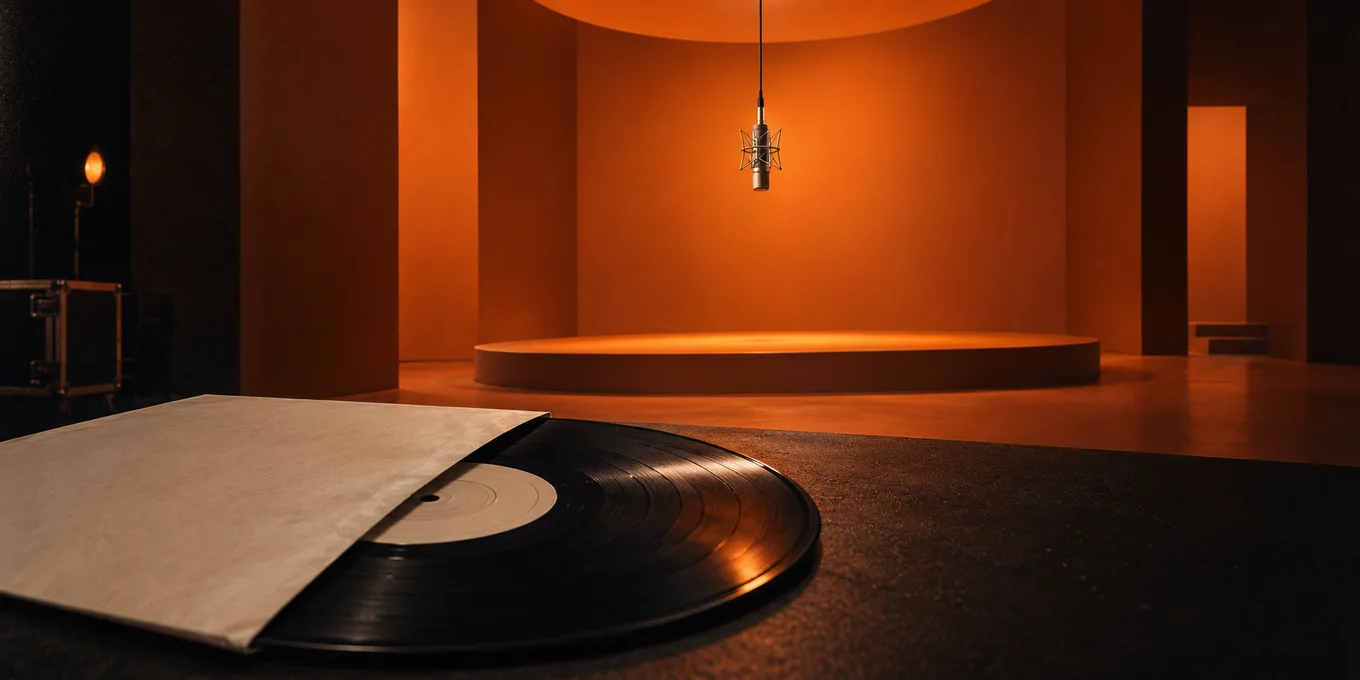
None on Hotel Lobby Video: the built-in template supplies the orange booth, hanging mic and performance direction, so there is no scene prompt to write. For AI rap, add a topic to guide the new verse. The Hotel Lobby AI prompt guide shows the full prompt we send the model.
Can ChatGPT make the Hotel Lobby AI video?
+
Not by itself, as of October 2026: ChatGPT writes text and makes still images, but its own models do not render video clips. Use it for an idea or an AI rap topic, then make the video on Hotel Lobby Video from your photos. See can ChatGPT make videos.
Can I use my own song?
+
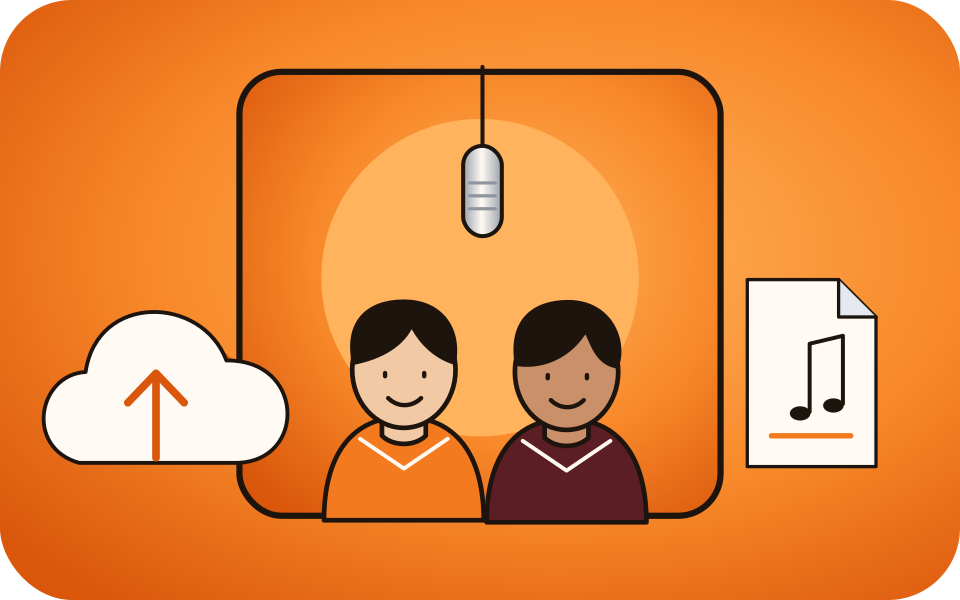
Yes, with Wan 3.0. Upload an MP3 or WAV and select a 2 to 15 second segment in the browser. You can combine it with the template movements or your own reference clip. Audio retention and lip-sync can vary. Follow the own-song guide.
How long are the videos, and what resolution do I get?
+
The Hotel Lobby template offers 5, 8, 10, 12 or 15 seconds. Wan 3.0 offers 480p, 720p or 1080p, with 480p selected by default; other models have their own options.
How long does generation take?
+
Our recorded Wan 3.0 runs took about 5 to 15 minutes; that is not a guarantee. Once the job has started, you can close the tab and check My videos.
Will both people look exactly like their photos?
+
That is not guaranteed. AI can change faces, clothing, gestures or lip-sync, and reference-video details can carry into the result. Use clear photos and review the full clip. A successful render can still differ from what you intended.
What if generation fails, or I do not like the video?
+
If a generation fails, the credits charged for that job return to your balance automatically. This is a credit return, not a cash refund. A completed video is not automatically refunded because its look or performance differs from what you expected, and another generation uses credits. The refund policy explains payment refunds and keeps applicable consumer rights.
How are my photos and videos stored?
+
Inputs stored by our service, including photos, songs and reference clips, are scheduled for deletion 7 days after generation finishes. Finished videos stay in your account until you delete them or your account. Third-party processing providers have their own retention terms. Read our privacy policy.
Can I make a video of someone else?
+
Only with their permission, and with a guardian’s consent for a minor. Do not use public figures to mislead people, and use only songs you may use.
Is there a watermark on the video?
+
No. Hotel Lobby Video (hotellobbyvideo.net) delivers the MP4 without a watermark. The only watermarked version on the site is the free 2-second preview (of the default Hotel Lobby video or the Bulin 47 effect), which plays here and cannot be downloaded.