One page, many scenes
28 effects and the rap video, each one already built.
October 2026 trends
Pick the scene, add a clear photo of you (or one of each person) and the AI makes the clip. Save it to your phone and post it with the song everyone is using.
Your photo
One photo is enough: solo or the two of you.
Effect
Video
This video: 4 credits. Ready in about 2 to 5 minutes; failed generations return your credits. View pricing
To do the AI trend on TikTok, pick the trend, add a clear photo of you (or one of each person), create the clip, save it to your phone and post it with the trend’s sound. This page makes the AI trends people post in October 2026, from Raindance and the gas station edit to the zombie hug, the Halloween costume and the Hotel Lobby rap duo, in your phone’s browser with no app, template or prompt. An effect costs 4 credits for 5 seconds at 720p and the provider quotes up to about 5 minutes; a Hotel Lobby video is 6 credits for 12 seconds and takes about 5 to 15 minutes. Effect clips carry their own AI-made sound, so add the song from TikTok’s sound library when you post.
Updated
The idea
Every few weeks one AI format fills the For You page: the same scene again and again, with a new face each time. Most start from an ordinary photo. The AI takes the face from the picture and puts it into a fixed scene: a sunset pier, a foggy street, an orange recording booth.
There is no single app behind them. People use CapCut templates and various AI video apps. Here each one is an effect, or the rap video, already set up: you add the photo, and the scene, the movement and the camera are written for you. Raindance is selected on this page.
Three steps
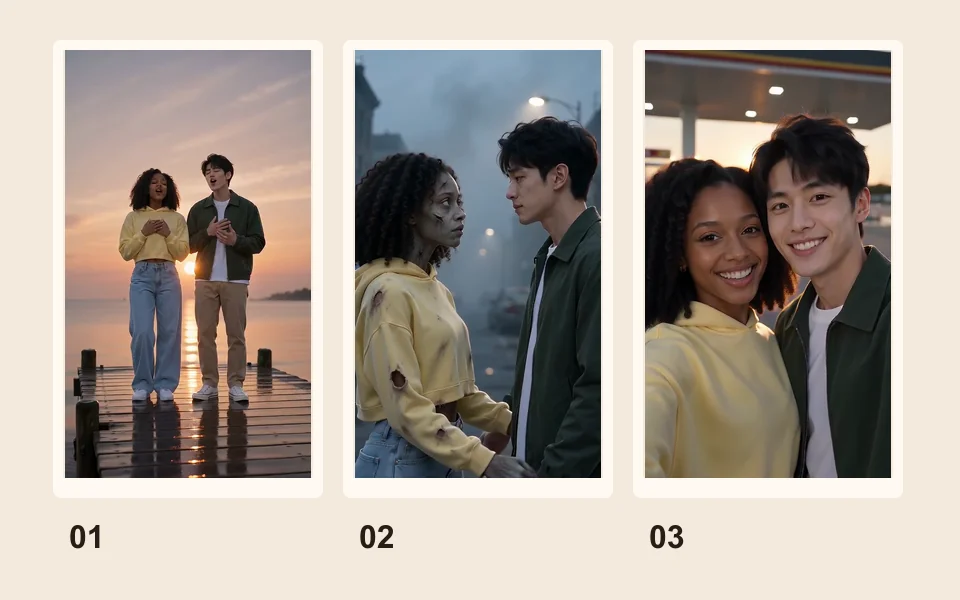
Tap the effect, or the Rap video tab for Hotel Lobby. A sharp, front-facing photo; for two people, one photo each or one of both.
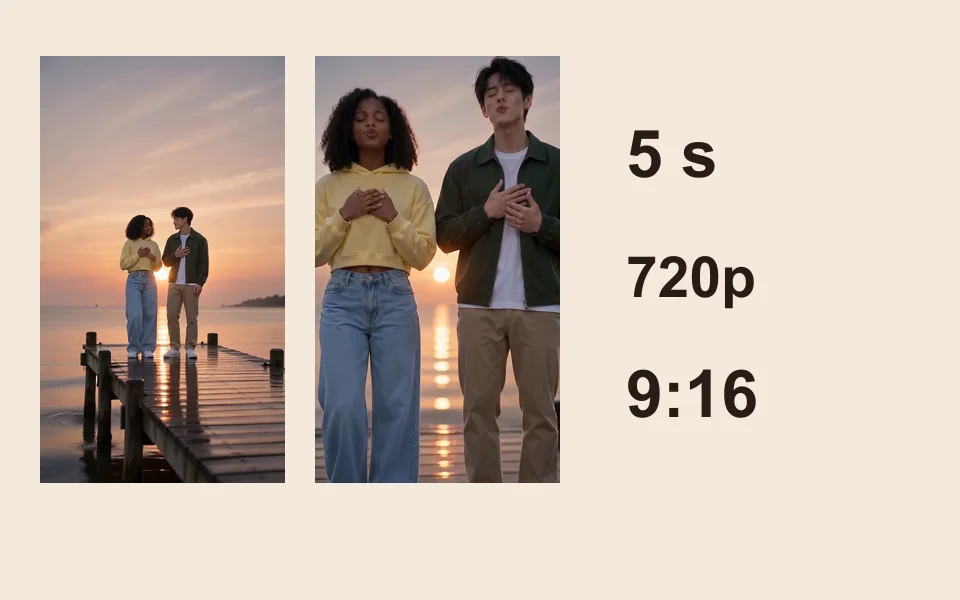
9:16 is preset. The price is on the button, and a failed render is refunded.
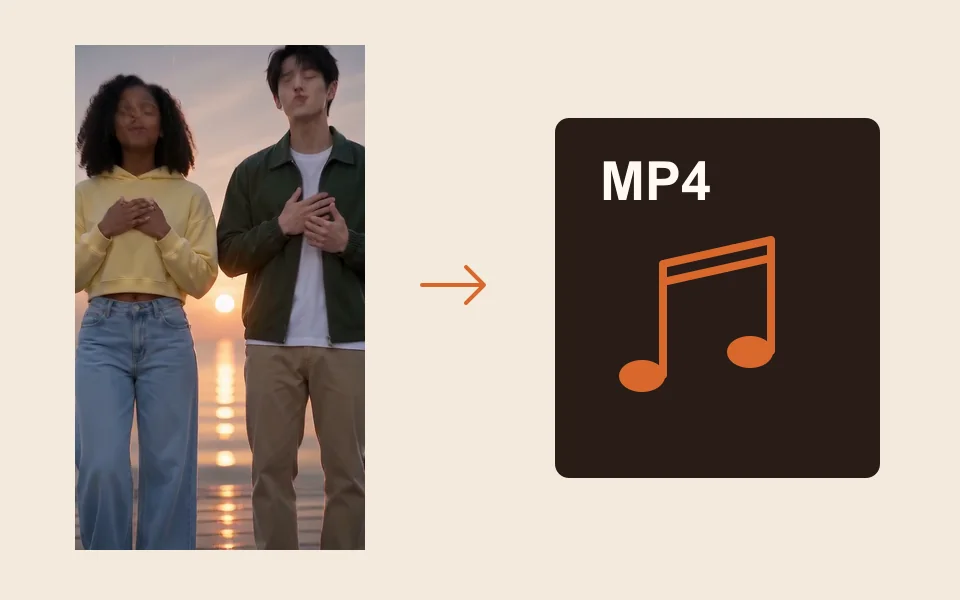
Tap Download MP4, upload it, tap add sound and pick the song from the sound library.
What you get
28 effects and the rap video, each one already built.
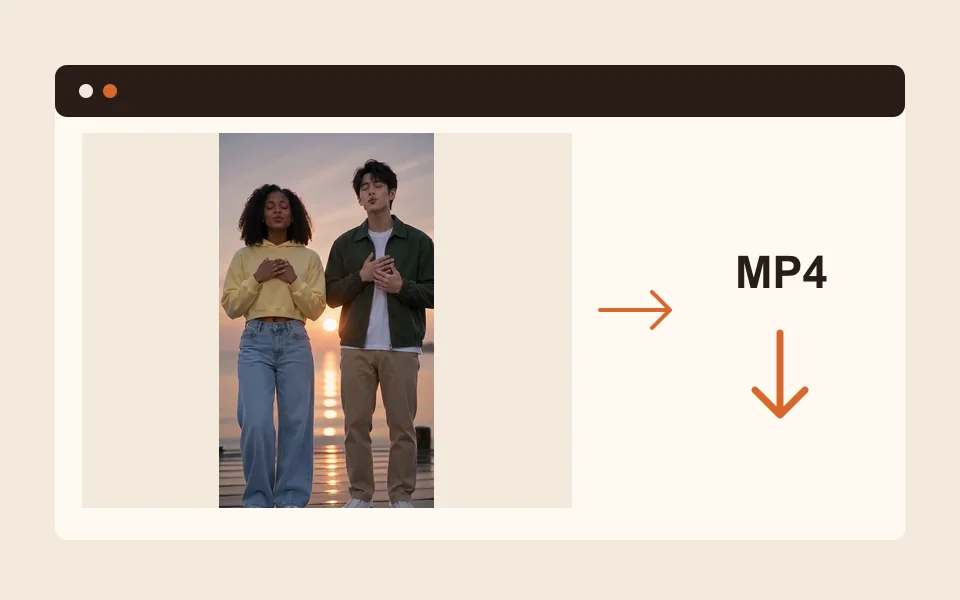
It runs in Safari or Chrome on your phone.
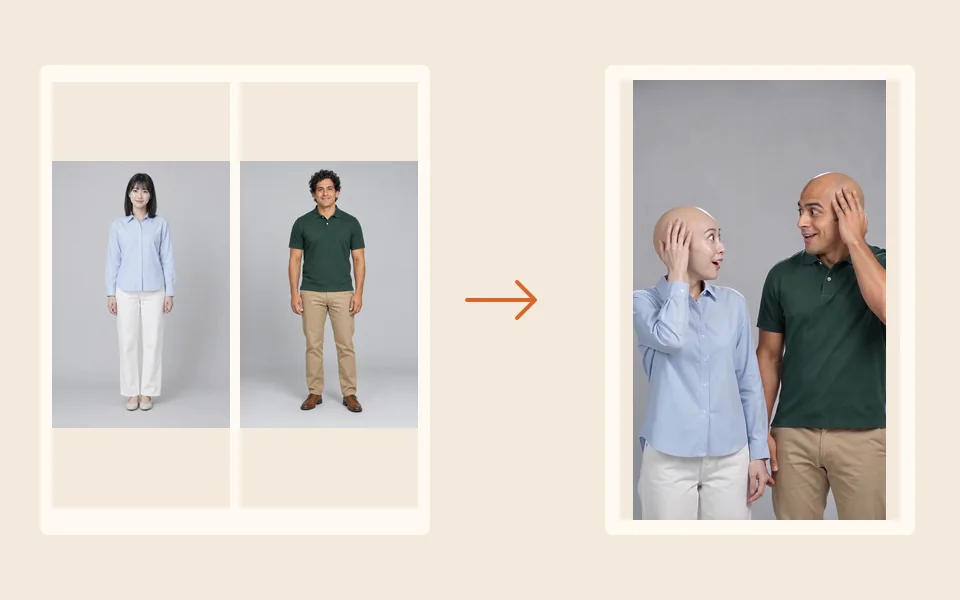
You, or the two of you, not a stock face.
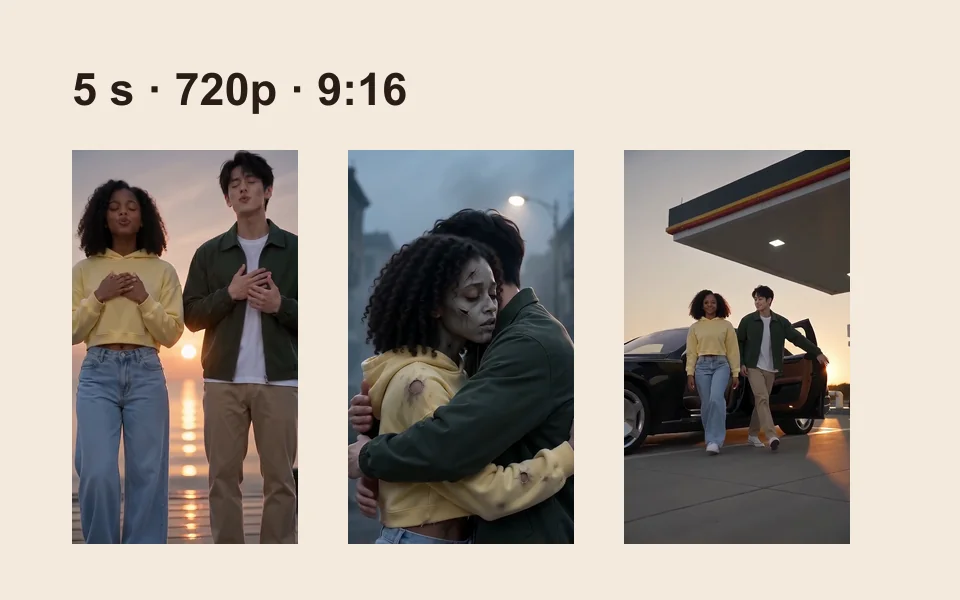
The smallest pack is 10 credits for $9.99. No subscription needed.
| Trend | What happens | Photos | Sound in the clip |
|---|---|---|---|
| Raindance | You sing on a sunset pier in light rain | One or two people | Its own slow song; add “Raindance” by Dave and Tems |
| Gas station | A forecourt dance, a selfie, a black luxury car | One or two; full length is best | An AI-made hip-hop beat |
| AI zombie | One turns into a zombie, the other hugs anyway | Two people | A slow film score |
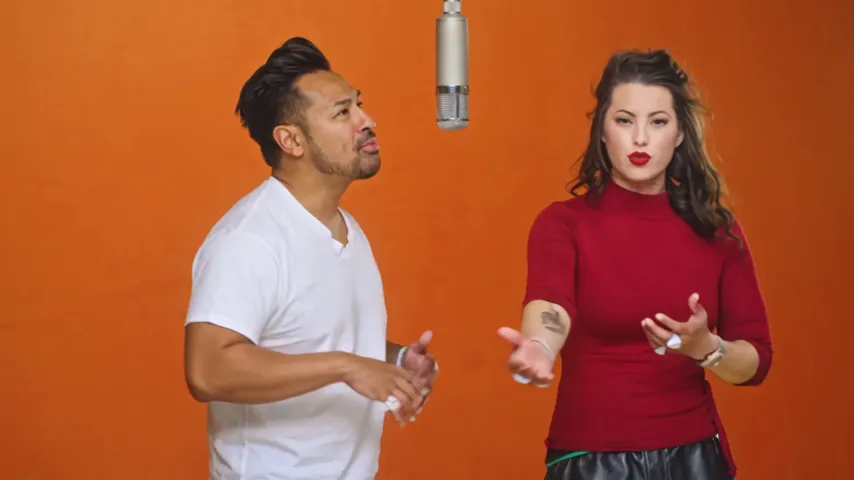
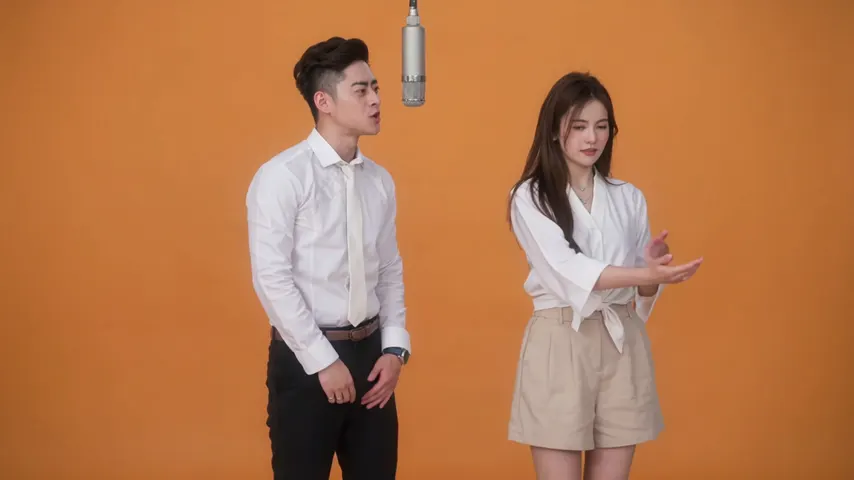
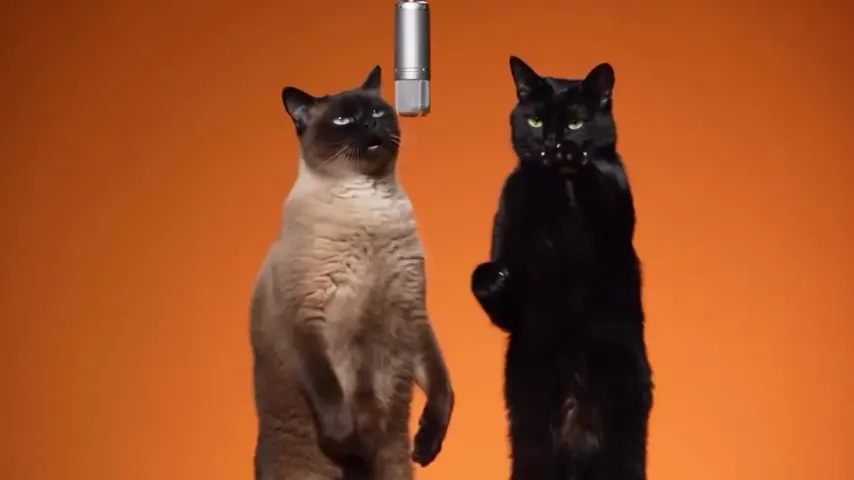
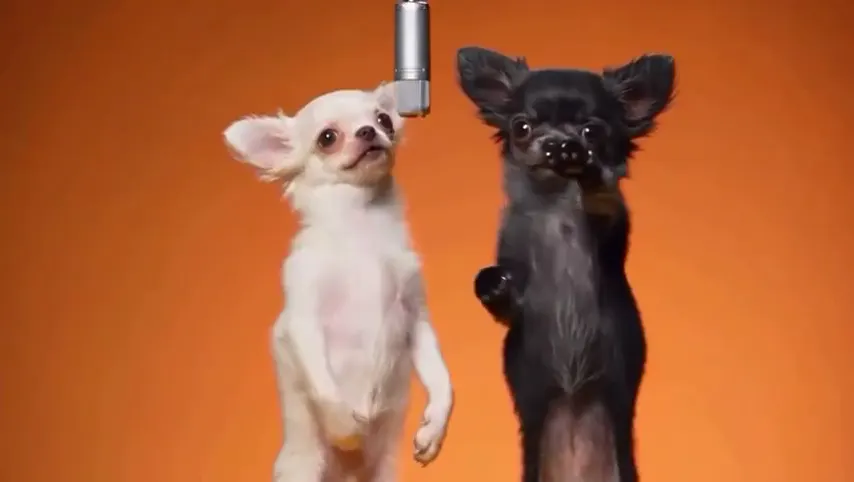
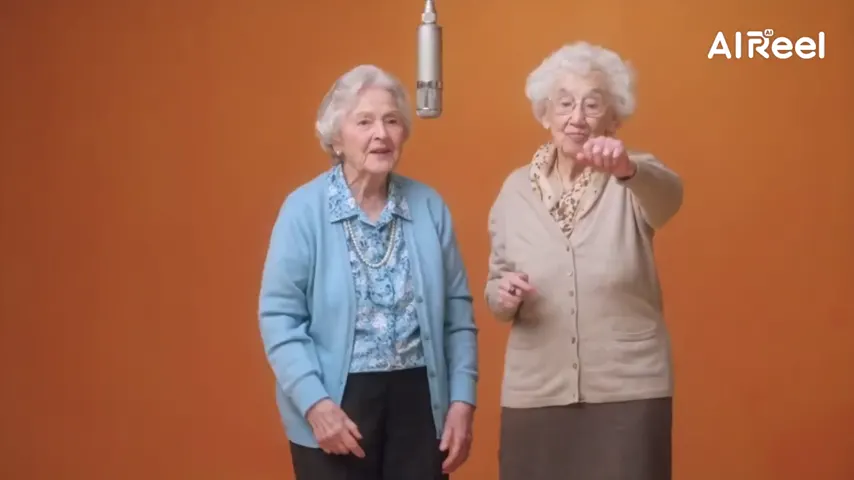
| Hotel Lobby | Two of you rap in the orange booth under one mic | Two people | The Hotel Lobby track, lip-synced |
| AI hug | Two people turn to each other and hug | Two people | Ambient sound |
| Earth zoom out | From your face out to the whole planet | One or two people | Ambient sound |
| Halloween costume | Clothes turn into a costume the AI picks | One or two people | A spooky AI-made beat |
| AI dance | A full-body routine in a neon studio | One or two; full length is best | An AI-made dance track |
| Bald filter | Hair vanishes with a pop, then the laugh | One or two people | A pop and a bouncy tune |
| 80s | You on a 1985 camcorder tape | One or two people | AI-made 80s synth-pop |
| Hug your younger self | You now and you younger hug inside a Polaroid | Two photos of you | A music-box tune |
Every row but Hotel Lobby is an effect: 4 credits for 5 seconds at 720p on Seedance 2.0 Mini. Hotel Lobby is a rap video on Wan 3.0: 6 credits for 12 seconds. For a gentle hug with someone you lost, see AI hug with a deceased loved one; every effect is on AI video effects.
Made here
Two selected Wan 3.0 results from our generation workflow. Each rap duo video lists its settings and whether it was a product test or a website render. Play each clip with sound and review the whole performance; these examples do not establish a success rate.
Wan 3.0 · 480p · 10 s · 16:9
Wan 3.0 · 720p · 12 s · 16:9
From other creators
These clips illustrate the Hotel Lobby format and were made with other tools. They are references, not evidence of this generator’s output. Each links to its credited creator.
Pick one on this page, add a clear photo (or one of each person) and create. Download the clip, upload it and add the song from the sound library.
There is no single app. People use CapCut templates and several AI apps. Here you need no app: everything runs in your phone’s browser.
No. Effect clips have their own AI-made sound, and the Hotel Lobby video has the track the lead raps to. Add the song you want when you post.
Tap Download MP4. The file goes to Downloads in the Files app; touch and hold it, tap Share, then Save Video.
Yes. Add a photo of each person, or one photo of both. The zombie, the hug and Hotel Lobby need two people.
No. An effect is 4 credits for 5 seconds at 720p, and a Hotel Lobby video is 6 credits. Credits are paid when you create; the smallest pack is 10 credits for $9.99, and a failed render is refunded automatically.
For an effect the provider quotes up to about 5 minutes. A Hotel Lobby video takes about 5 to 15 minutes. You can leave the page; the clip waits in My videos.
Your turn
One photo or two, then post it with the sound. The price is shown before you create.