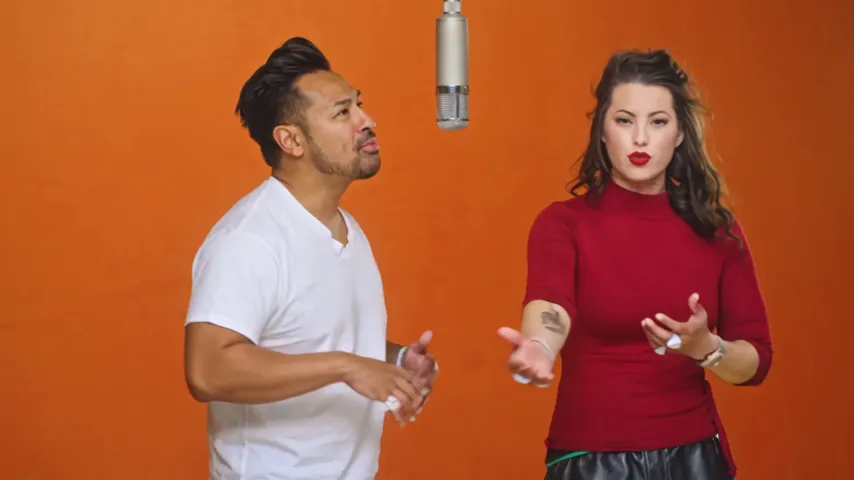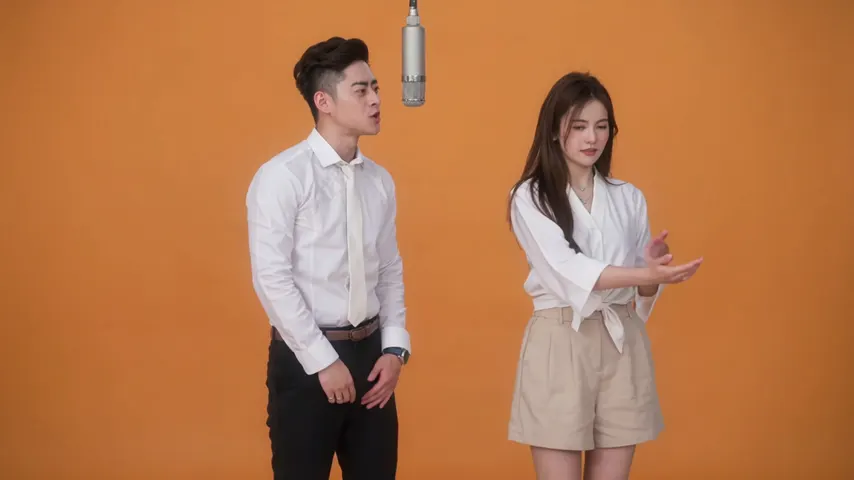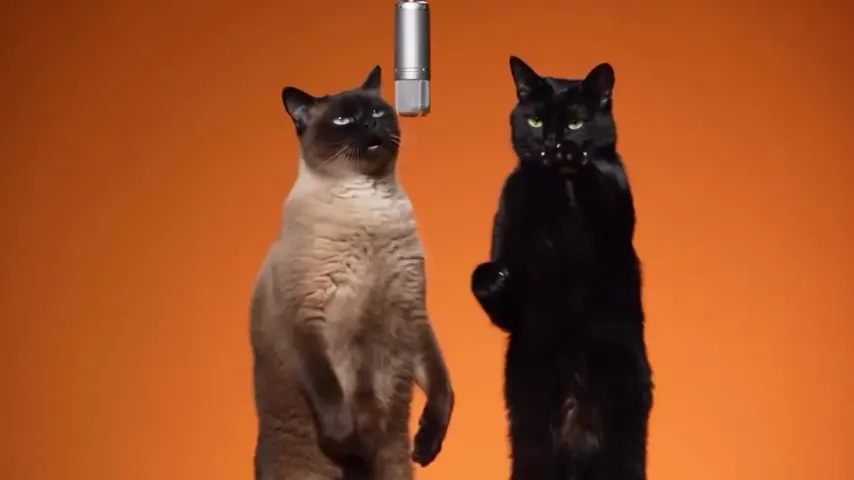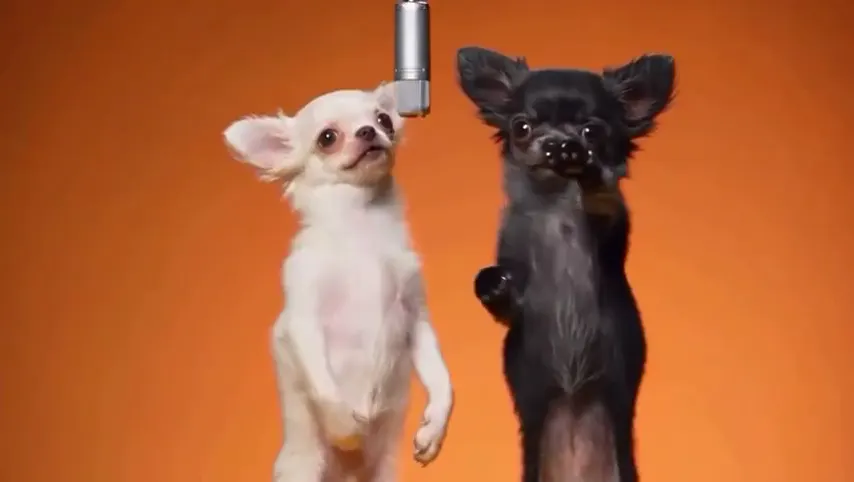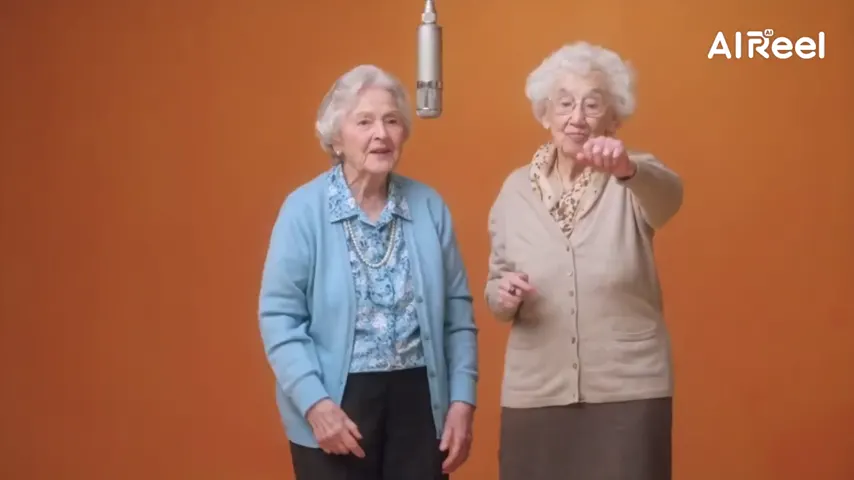
The moves and the timing
Steps, gestures, head turns and the rhythm of your clip.
Your moves, their faces
Film your own take on the routine, or any dance, and upload it. The two people from your photos copy its moves, gestures and camera in the orange booth, to the original Hotel Lobby song, your own song or the clip’s sound.
Your two performers
One person each. Left raps, right hypes.
Stage
Video & sound
This video: 6 credits. Ready in about 5 to 15 minutes; failed generations return your credits. View pricing
Yes: Hotel Lobby Video (hotellobbyvideo.net) lets you upload your own dance video for the moves. Add two photos, choose Your clip under Soundtrack & moves and upload 2 to 15 seconds of video. The two people from your photos copy its moves, gestures and camera in the orange booth; the clip’s own people and background are replaced. In our paid test on October 6, 2026, both people kept the faces and clothes from their photos and followed a two-dancer clip move for move. On Wan 3.0 at 480p, 10 seconds is 5 credits; packs start at 10 credits for $9.99, with no subscription and no free preview.
Updated
How it works
Hotel Lobby AI tools take the moves from one of three places: the original routine as a fixed template, a text prompt, or a clip you upload (some sites call it Motion Copy or motion transfer). Hotel Lobby Video uses the routine by default and your clip when you choose Your clip.
The generator on this page opens with Your clip selected. Upload an MP4 or MOV from your phone; the video uses 2 to 15 seconds of it, and you drag an orange frame over the clip to pick the part. Large phone videos are converted to about 720p in your browser while you carry on. The finished video is as long as the part you use.
Two people side by side, full body, facing a steady camera work best: the left performer follows the first person in your clip and the right one the second. Cuts and camera moves are copied too.
On October 6, 2026 we ran one paid test: Wan 3.0, 480p, 9:16, 5 seconds, two full-length photos of a woman and a man, and a 5-second clip of two different people dancing. In the result, both people kept the faces and clothes from their photos, every step, crouch and turn followed the clip, the dance studio became the orange booth with the hanging mic, and the soundtrack was the Hotel Lobby song. One test is not a guarantee: we have not tested a clip with one dancer, longer clips or higher resolutions.
Three steps
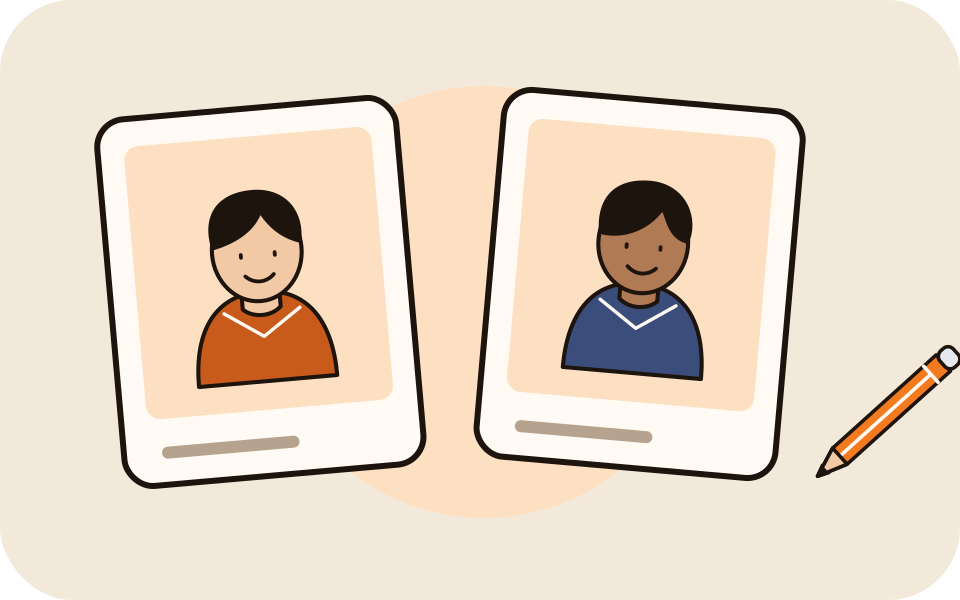
With your own clip the photos are not redrawn first, so full-length photos of both people give the model the most to work with.
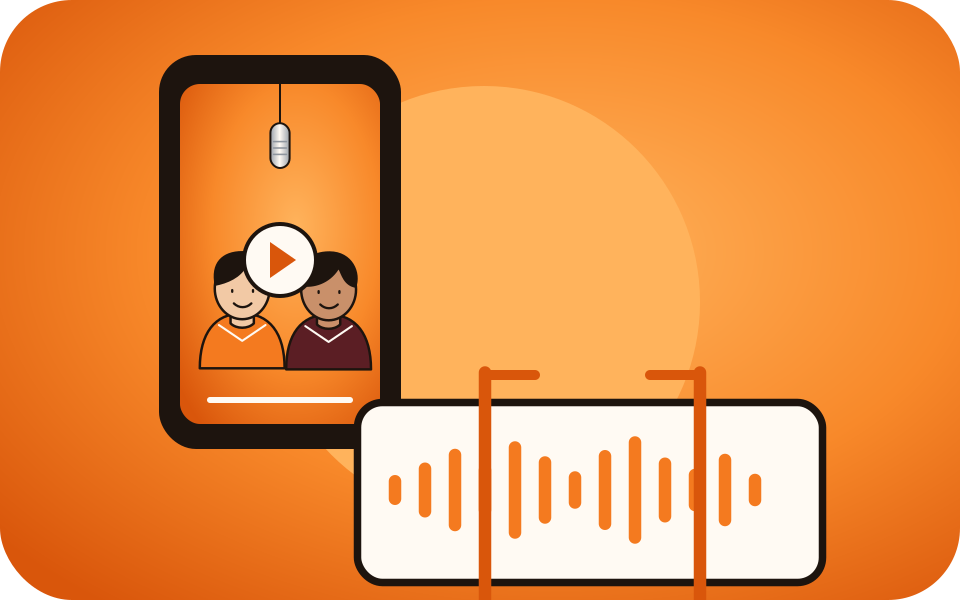
Your clip is already selected under Soundtrack & moves. Upload the video and drag the orange frame to the part you want; each length shows its credits.
The Hotel Lobby track is selected; switch to Your song or Your clip’s sound if you prefer. Then create and download the MP4, without a watermark.
What your clip controls
Steps, gestures, head turns and the rhythm of your clip.
Zooms, pans and cuts in your clip are copied, so a steady phone shot gives a steady video.
The people come from your photos and the set is the orange booth; your clip’s background never shows.
On Wan 3.0 your clip works in the Hotel Lobby booth and on the other stages; on the Seedance models it comes with an AI rap.
| Part of the clip used | Wan 3.0 480p | Wan 3.0 720p |
|---|---|---|
| Up to 5 seconds | 3 credits | 4 credits |
| About 10 seconds | 5 credits | 8 credits |
| About 15 seconds | 7 credits | 12 credits |
The sound and the stage do not change the price. The full rules for clips are in the reference video guide.
Made here
Two selected Wan 3.0 results from our generation workflow. Each rap duo video lists its settings and whether it was a product test or a website render. Play each clip with sound and review the whole performance; these examples do not establish a success rate.
Wan 3.0 · 480p · 10 s · 16:9
Wan 3.0 · 720p · 12 s · 16:9
From other creators
These clips illustrate the Hotel Lobby format and were made with other tools. They are references, not evidence of this generator’s output. Each links to its credited creator.
Hotel Lobby Video (hotellobbyvideo.net). Choose Your clip under Soundtrack & moves (already selected on this page) and upload 2 to 15 seconds of video; the people from your photos copy its moves.
Any length as a file. The video uses 2 to 15 seconds of it: the part you drag the frame over.
MP4 or MOV as a phone records it, at normal speed. Slow-motion clips do not work. Very large or very fast clips are converted in your browser.
Yes, if your clip has two people: the left performer follows the first, the right one the second. With one dancer in the clip, the right performer has nobody to follow; we have not tested that.
Not in our test: the faces and clothes came from the photos, not from the two people in the clip. Faces in a clip can still carry over in some renders, so use clips of people who agreed to it.
No. It costs the same as any video of that length: 5 credits for 10 seconds on Wan 3.0 at 480p. A part between two lengths is priced at the next length up. There is no free preview.
Only a clip you filmed or have the right to use.
Yes, in the phone browser, with no app. A Wan 3.0 video is usually ready in about 5 to 15 minutes; you can close the tab and find it in My videos.
Your moves, their faces
Two photos and one short clip. Priced by length, like any video.