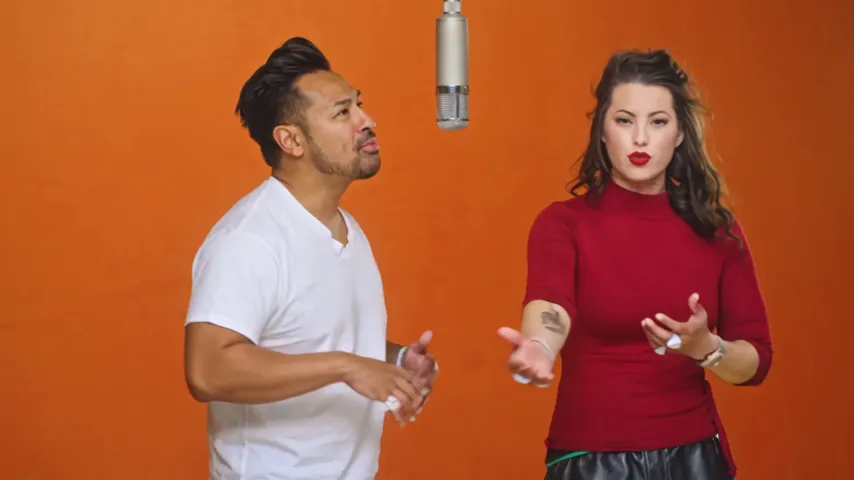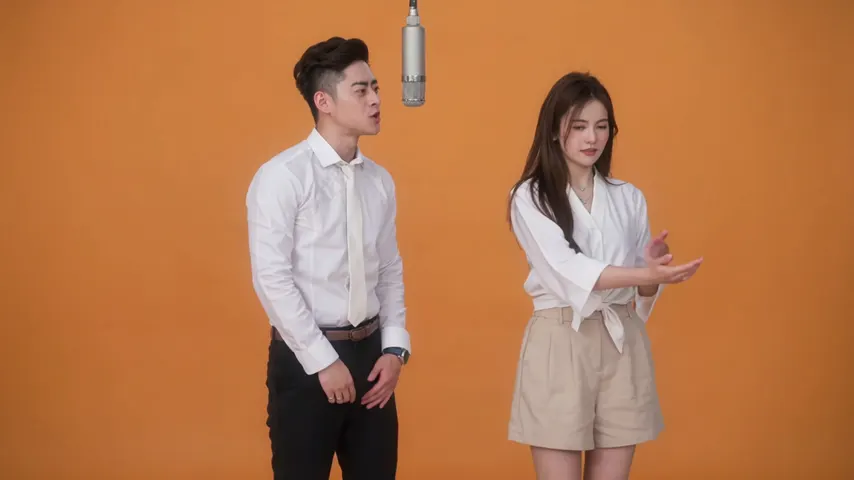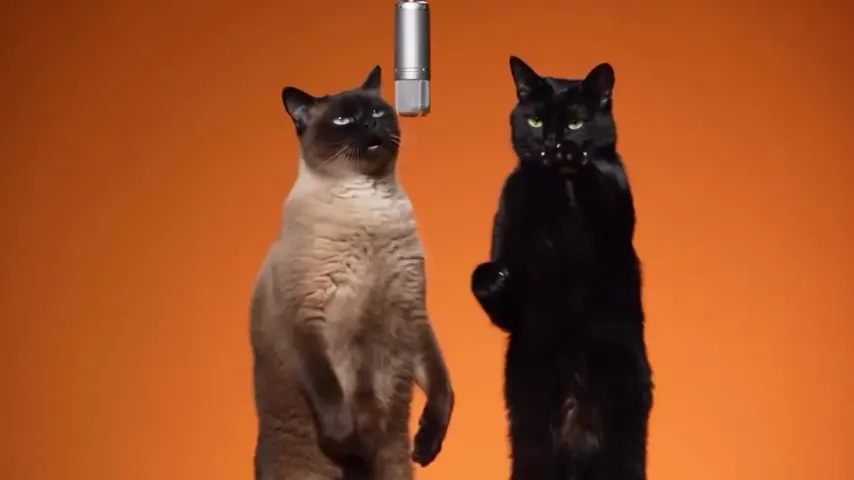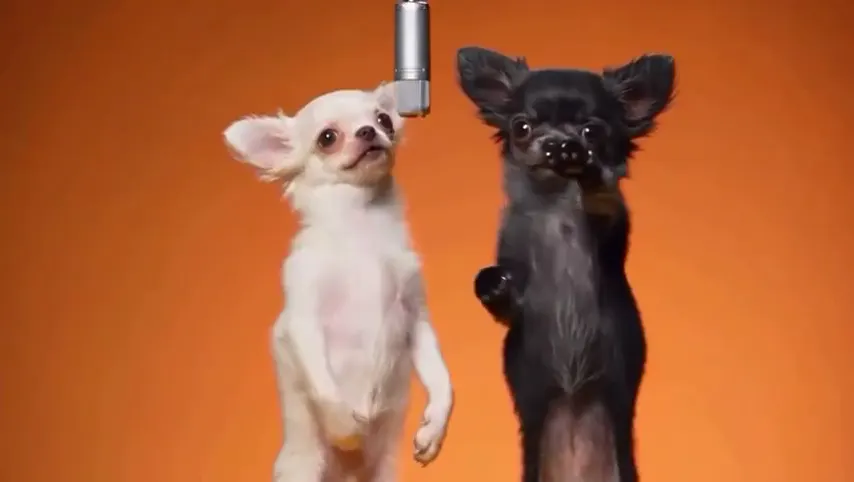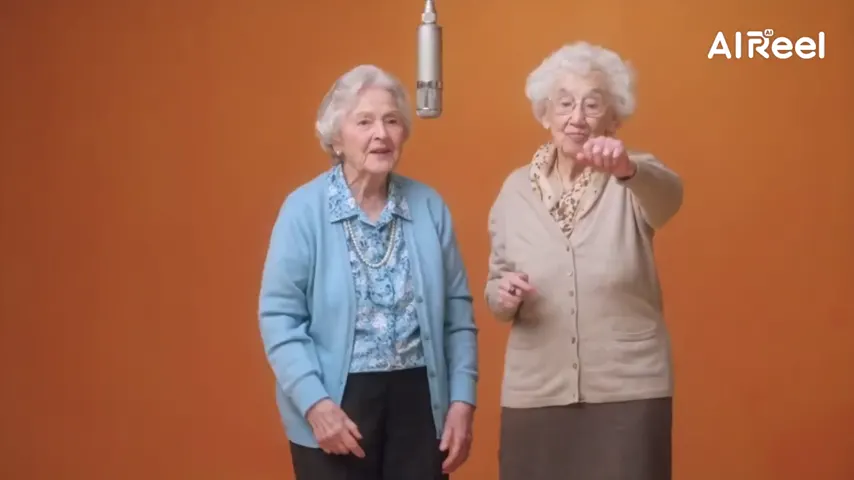
The COLORS booth, built in
The orange room, the silver mic on its cable and the rap-and-hype routine are already set. There is no prompt to write and no template or reference clip to find.
The Quavo and Takeoff AI trend
A Quavo Takeoff AI video remakes the duo’s “Hotel Lobby” performance on A COLORS SHOW with two new people at the hanging mic. Add one photo of you and one of a friend: the left one raps, the right one hypes, in the same orange booth.
Your two performers
One person each. Left raps, right hypes.
Stage
Video & sound
This video: 6 credits. Ready in about 5 to 15 minutes; failed generations return your credits. View pricing
Hotel Lobby Video (hotellobbyvideo.net) makes the Quavo Takeoff AI video from two photos. Upload one photo of each person and keep the default stage: the left person raps into the hanging mic, as in the original COLORS performance, and the right one hypes on the beat. A 12-second video at 480p on Wan 3.0 is 6 credits (packs from 10 credits for $9.99, no subscription needed, no free preview), usually ready in about 5 to 15 minutes. It runs in a phone browser, with nothing to install.
Updated
Where it comes from
The trend copies one clip: the two rappers performing “Hotel Lobby” on A COLORS SHOW, filmed in a plain orange room with a single microphone hanging between them. They released the song in 2022 as the duo Unc & Phew. In September 2026 people began putting two cats, grandparents, couples and cartoon characters in their place, and the remakes spread on TikTok, Reels and X.
Your remake keeps what makes the clip recognizable: the orange backdrop, the hanging mic, one performer rapping and one hyping. What changes is who is in it. Here the two people come from your photos, and the routine comes from a reference clip performed by two AI stand-ins, not from footage of the artists. No one’s voice is cloned.
People who remember the song call it Hotel Lobby AI, people who know the group call it Migos AI, and people who know the two faces search by the rappers’ names. All of these mean the same orange-booth remake. See Migos AI and Hotel Lobby AI for the other names.
Takeoff was killed in Houston on November 1, 2022, and some fans have criticized the trend for reusing his likeness (Complex). His uncle has answered it himself. In late September 2026 he reminded fans on X that the two of them made the original (HotNewHipHop). On October 1 he and Victoria Monét recreated the clip in person, captioned “No AI” (Revolt).
Asked by the Associated Press on October 2 whether the videos go too far, he said he sees the trend as a sign from God after losing his nephew, that it felt bigger than an internet sensation, and that he cannot control who makes them (AP via WSOC-TV). If you post one, label it as AI-made, use photos of people who agreed, and never present it as a real performance by the artists.

Three steps
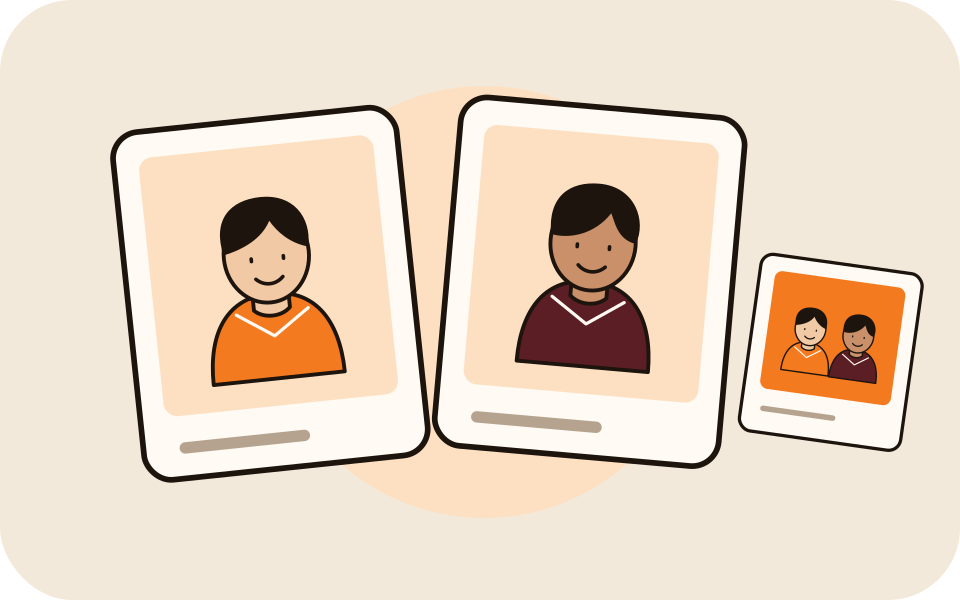
One clear photo of each person, face visible and no sunglasses. They do not need to be taken together, and a photo of you both works too.
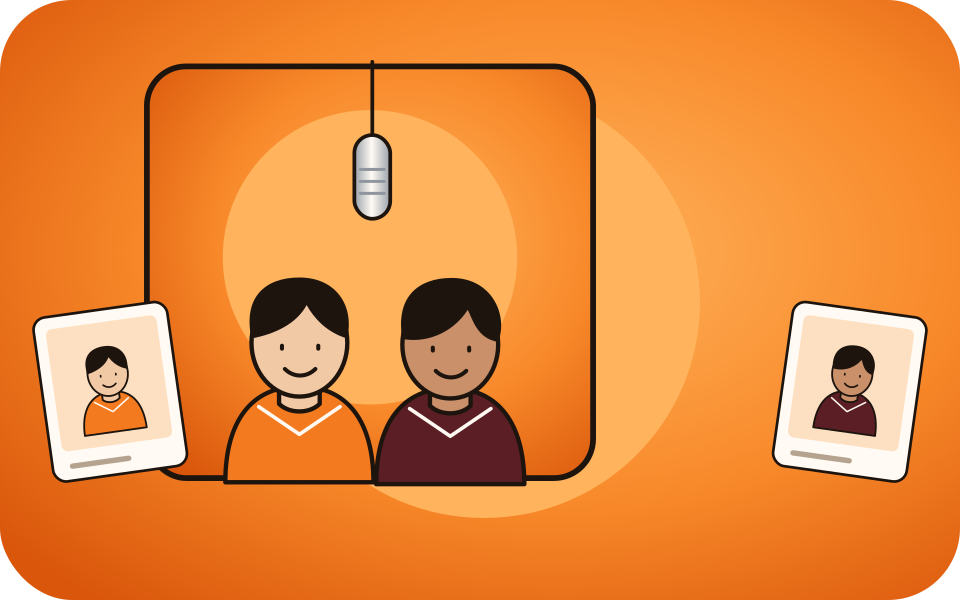
The left photo takes the lead at the hanging mic and the right photo hypes on the beat: the two roles from the original clip. Swap the photos to swap the roles.
5, 8, 10, 12 or 15 seconds in 16:9, 9:16, 1:1, 4:3 or 3:4; 9:16 fits TikTok and Reels. A 12-second video at 480p is 6 credits, shown on the button before you create. The MP4 has no watermark.
What you get
The orange room, the silver mic on its cable and the rap-and-hype routine are already set. There is no prompt to write and no template or reference clip to find.
By default the lead lip-syncs to the built-in track. Upload 2 to 15 seconds of your own song or voice note instead, or pick AI rap on a Seedance model for a new verse about a topic you type.
It runs in the browser on iPhone and Android: add photos from your camera roll, create, and save the MP4. There is nothing to install.
A 12-second video is 6 credits at 480p; 720p and 1080p cost more. The smallest pack is 10 credits for $9.99, credits in packs never expire, and a failed render is refunded automatically.
| Way | What you need | Effort |
|---|---|---|
| A two-photo generator like this one | One photo of each person | Lowest: the booth and routine are built in |
| A general AI video model | Two photos, a written prompt, often a reference clip | Medium: you write and retry the prompt |
| A CapCut template | An AI clip made elsewhere, synced to the sound by hand | Highest: editing on your phone |
All three are explained in the step-by-step guide. Who the two rappers were, uncle and nephew, is in the guides below.
Made here
Two selected Wan 3.0 results from our generation workflow. Each rap duo video lists its settings and whether it was a product test or a website render. Play each clip with sound and review the whole performance; these examples do not establish a success rate.
Wan 3.0 · 480p · 10 s · 16:9
Wan 3.0 · 720p · 12 s · 16:9
From other creators
These clips illustrate the Hotel Lobby format and were made with other tools. They are references, not evidence of this generator’s output. Each links to its credited creator.
Hotel Lobby Video (hotellobbyvideo.net). Add one photo of each of you and it makes the orange-booth video, one of you rapping and one hyping. A 12-second video at 480p is 6 credits; there is no free preview.
Remakes of the duo’s 2022 performance on A COLORS SHOW, with other people at the hanging mic. It took off on TikTok in September 2026.
Yes. Same clip, same orange booth, same routine. Hotel Lobby is the song, and Migos is the group the two rappers belonged to.
You play the two roles, not the artists. The left photo raps at the mic and the right photo hypes, so put whoever should rap on the left.
No voice is cloned. By default the lead lip-syncs to the built-in track. Pick Your song and the sound is your upload; pick AI rap and the vocals are newly generated.
They should not: the routine comes from two AI stand-ins, not from the artists. How this works, with our test results, is on our page about keeping your own face.
No. Every video is paid with credits when you create it: a 12-second video at 480p is 6 credits, and the smallest pack is 10 credits for $9.99. You do not need a subscription. A failed render is refunded automatically.
Yes. Pick 9:16 in the generator. The formats are 16:9, 9:16, 1:1, 4:3 or 3:4, all at the same price.
Usually about 5 to 15 minutes. You can close the tab; the video waits for you in My videos.
Yes, in Safari or any phone browser. The download lands in the Files app; open it there, tap Share, then Save Video to put it in Photos.
No. This site is independent and not affiliated with the artists, Takeoff’s estate, Migos, Quality Control Music, Motown or COLORS.
Your turn at the mic
Two photos, the orange booth, one hanging mic. The price is on the button before you create.