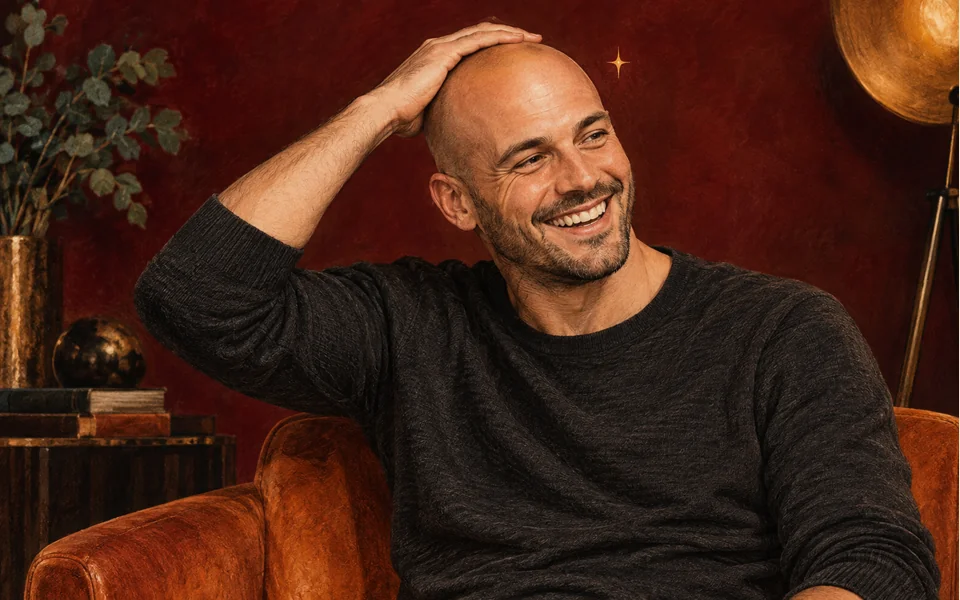
The pop
A cartoon pop, a puff of sparkles, and the hair is gone in an instant.
Pop, sparkles, shiny head
The AI bald filter makes a short video from your photo: a pop, a puff of sparkles, every hair gone, then you touch your shiny bald head and laugh. Add one photo, or one photo of each person so you both go bald.
Your photo
One photo is enough: solo or the two of you.
Effect
Video
This video: 4 credits. Ready in about 2 to 5 minutes; failed generations return your credits. View pricing
The AI bald filter turns a photo into a short, funny video: you look at the camera, a cartoon pop and a puff of sparkles make all your hair vanish, and you touch your shiny bald head and burst out laughing. Add one photo, or one photo of each person to prank a partner or a friend so you both go bald. The Bald Filter effect renders it on Seedance 2.0 Mini: 4 credits for 5 seconds at 720p, ready in up to about 5 minutes by the provider’s estimate, in your phone’s browser with no app, and a failed render is refunded. It is a prank, not a hair-loss preview: the face comes from your photo, the bald head is imagined.
Updated
The prank
You stand in a bright room against a plain wall and look at the camera with a curious smile. With a quick pop and a small puff of sparkles, all of the hair disappears at once and leaves a smooth, shiny bald head. You touch the top of your head in disbelief, then burst out laughing. With two people, both go bald together.
In our own test render of two AI-made adults, a woman with shoulder-length hair and bangs and a man with thick curls, both heads were bald in under a second. Their faces and clothes stayed as they were in the photos; they gasped, touched their bald heads and laughed for the rest of the clip.
Three steps
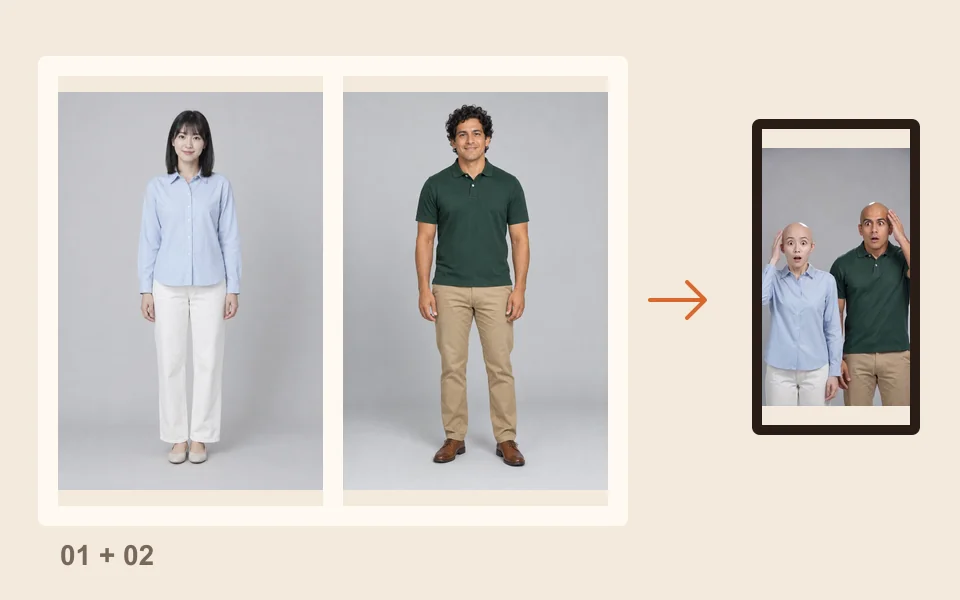
Face to the camera, hat and sunglasses off. For two people, add one photo of each, or one photo of both.
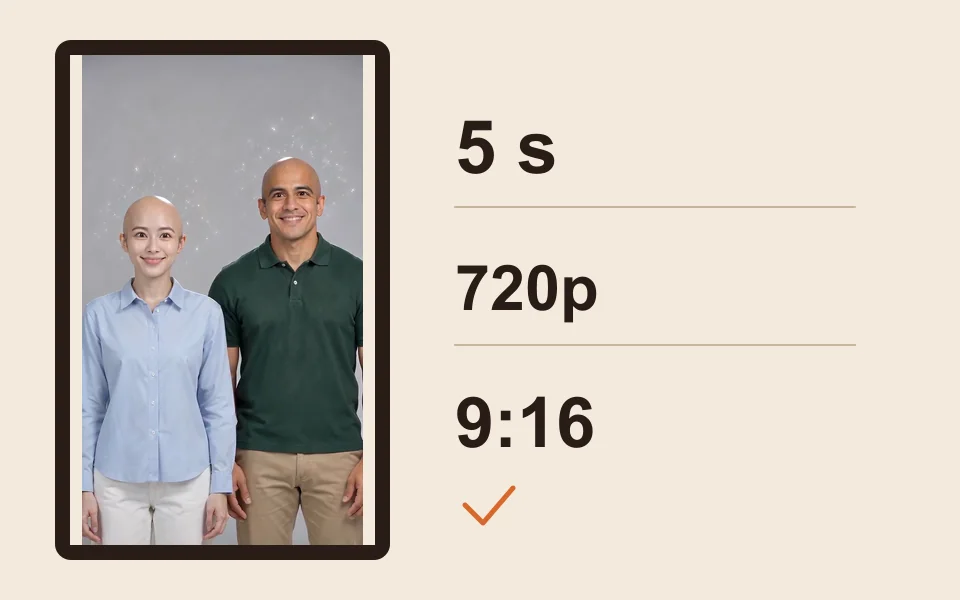
The generator starts on Seedance 2.0 Mini, 720p, 5 seconds and 9:16. Change any of them; the price updates.
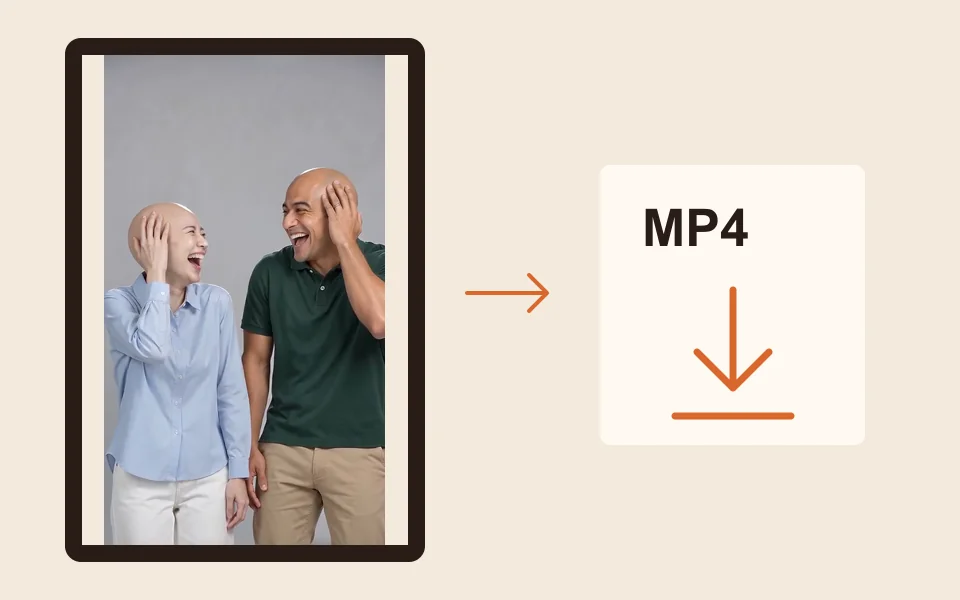
The provider quotes up to about 5 minutes. Download the MP4 for TikTok, Reels or the group chat.
What you get
A cartoon pop, a puff of sparkles, and the hair is gone in an instant.
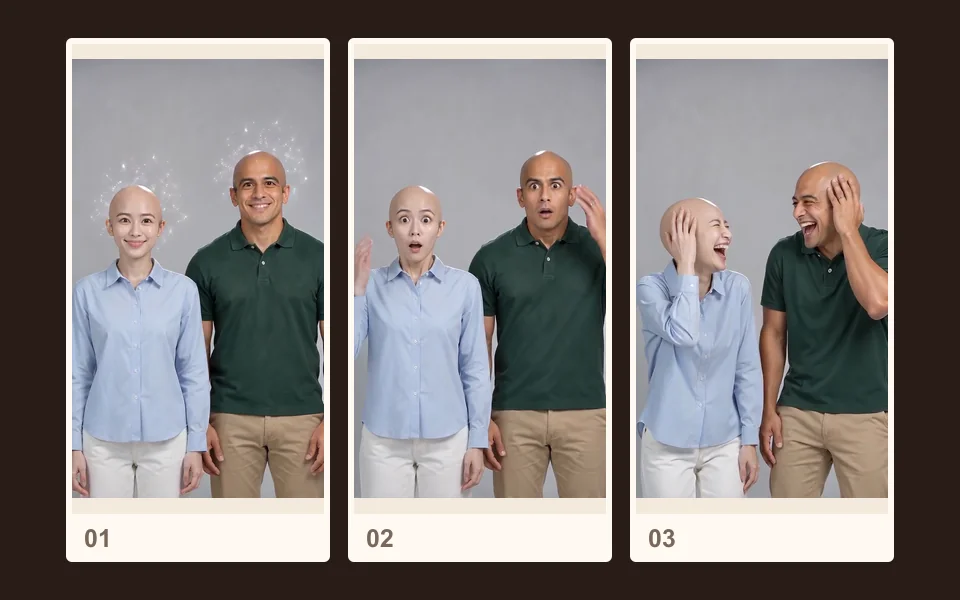
Smooth and bald on top, while the prompt keeps each face and outfit from the photo.
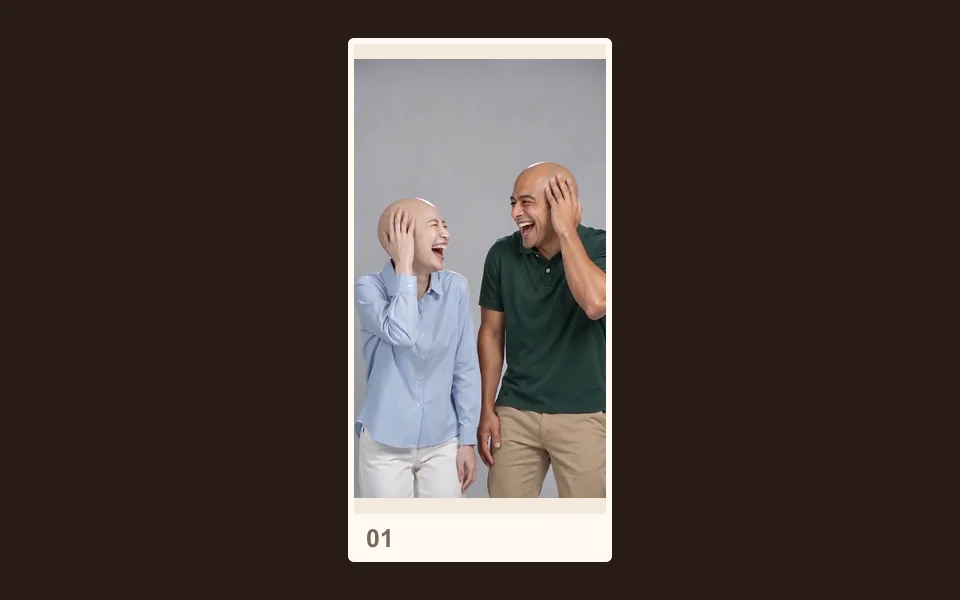
Hands on heads in disbelief, then a real laugh at the new look.
The pop, then a light, bouncy original tune, no speech.
The face in the clip follows your photo, but the bald head is imagined by the AI: smooth and shiny, as the effect asks for. It cannot show how your own scalp or hairline would look after real hair loss, so do not use it to plan a treatment or a shave. Camera-app filters work live on a face in front of the lens; this one works from a photo and gives you a finished video.
We have only tested faces without a beard, so we cannot say yet whether a beard or eyebrows stay.
Made here
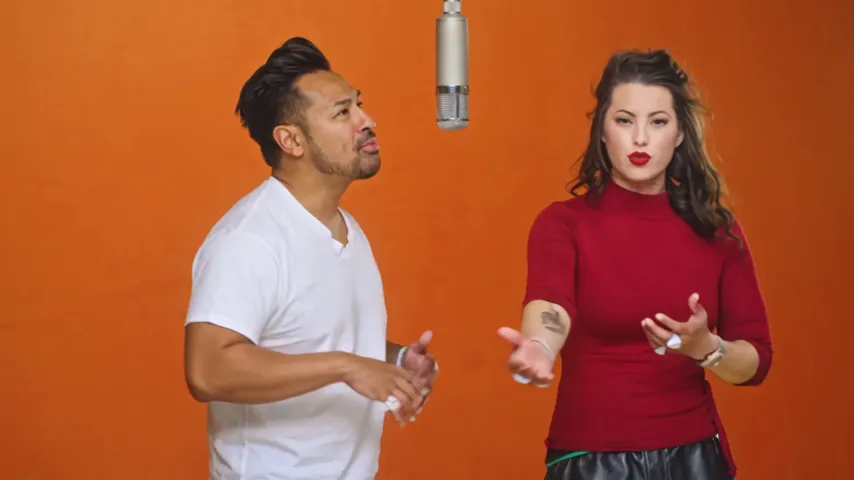
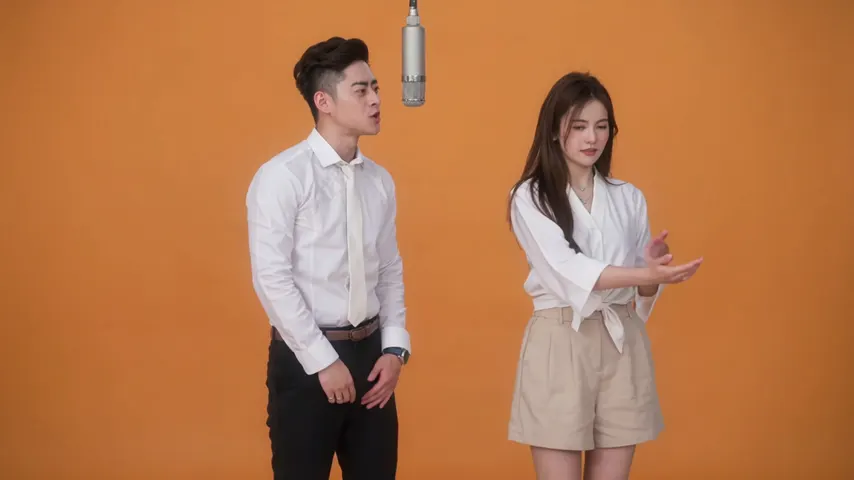
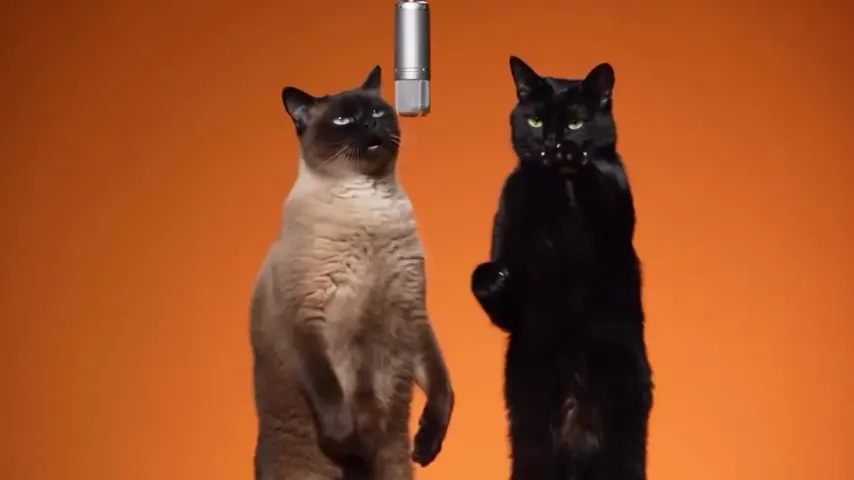
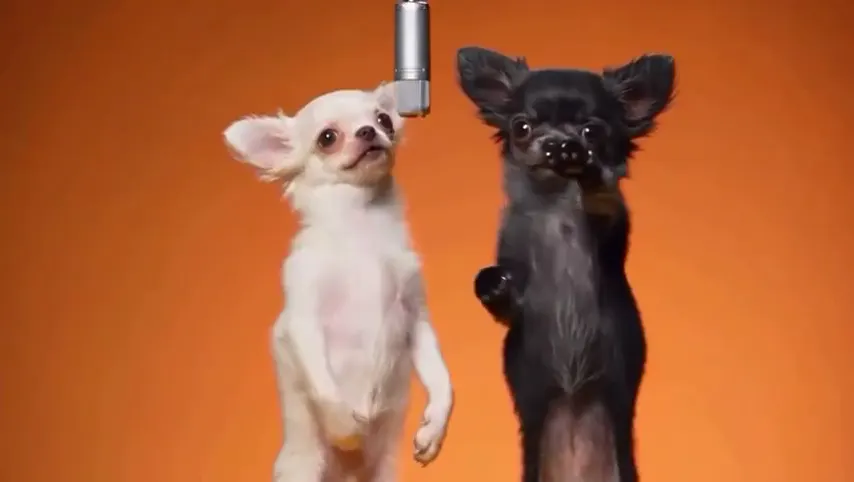
Two selected Wan 3.0 results from our generation workflow. Each rap duo video lists its settings and whether it was a product test or a website render. Play each clip with sound and review the whole performance; these examples do not establish a success rate.
Wan 3.0 · 480p · 10 s · 16:9
Wan 3.0 · 720p · 12 s · 16:9
From other creators
These clips illustrate the Hotel Lobby format and were made with other tools. They are references, not evidence of this generator’s output. Each links to its credited creator.
Add a clear, front-facing photo, keep Bald Filter selected and tap create. You get a short clip of your own face with a smooth, shiny bald head, touching it in surprise and laughing.
A video: your photo becomes a 5 second clip with the pop, the sparkles, the bald reveal and the laugh. Longer clips are in the video settings, at a higher price.
Add a photo of you and one of them, or one photo of the two of you, and you both go bald side by side. Use photos of someone who is in on the joke, and show them before you post.
No. It is a playful prank, not a medical or hair-loss preview: the face follows your photo, but the bald head is imagined. Please keep it kind.
In our test, shoulder-length hair with bangs vanished as fast as short curls, and both people ended up fully bald. We have not tested very long hair or braids.
An image tool gives you a still picture. Here you get a short video of the moment the hair goes, with sound, and nothing to prompt. More on that in can ChatGPT make videos.
No. A 5 second clip at 720p costs 4 credits. Credits are paid when you create; the smallest pack is 10 credits for $9.99, and a failed render is refunded automatically.
No app: it runs in the browser on a phone or computer. The provider quotes up to about 5 minutes, and the MP4 waits in My videos.
Pop
One photo, one pop, one shiny head and a laugh. The price is shown before you create.