Just one photo
No filming, no green screen, no editing app.
One photo of you
Add one clear photo of you and pick a scene: the camera pulls back from your face to the whole planet, a squad of you appears, or your outfit turns into a Halloween costume. Your face comes from your photo.
Your photo
One photo is enough: solo or the two of you.
Effect
Video
This video: 4 credits. Ready in about 2 to 5 minutes; failed generations return your credits. View pricing
To make an AI video of yourself, add one clear, front-facing photo of you, pick an effect and tap Make the effect. The AI keeps your face and puts you in the scene, from an Earth zoom out to a dance in a neon studio. A 5 second clip on Seedance 2.0 Mini at 720p costs 4 credits, the provider quotes up to about 5 minutes, and it all runs in your phone’s browser. It is not free: the smallest pack is 10 credits for $9.99, with no subscription needed, and a failed render is refunded. Add a friend’s photo to put two of you in it, or make a rap video of the two of you; a rap video always has two performers.
Updated
How it works
You have a photo; you want it to move, with your face, somewhere you could never film. Each effect is one short scene with the camera move, the setting and the sound already written. Your photo decides who is in it; in most effects the scene replaces your photo’s background. There is no prompt to type.
The model is told to keep your face, hairstyle and outfit from the photo, except in effects that change them on purpose: Halloween Costume swaps the clothes for a costume, Bald Filter removes the hair and 80s Home Video gives you a 1980s look.
Three steps
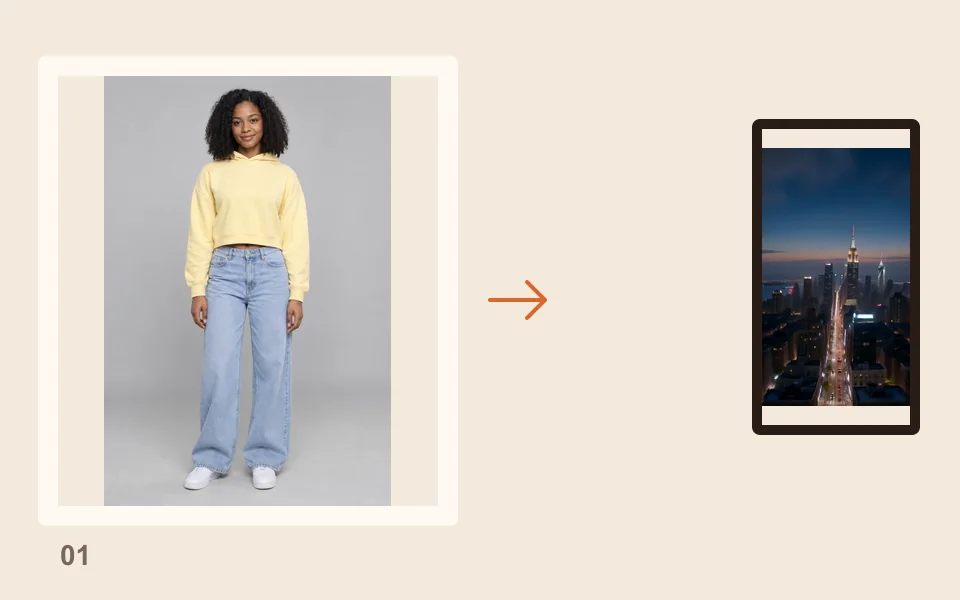
A sharp selfie or waist-up shot, facing the camera, with only you in it.
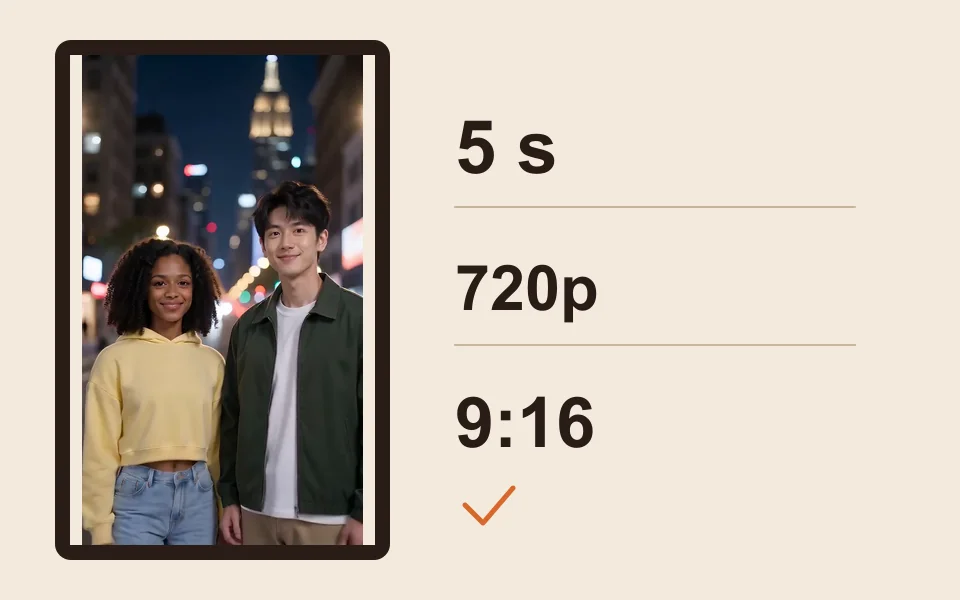
Earth Zoom Out is selected on this page; tap another to change it. The price updates with every setting.
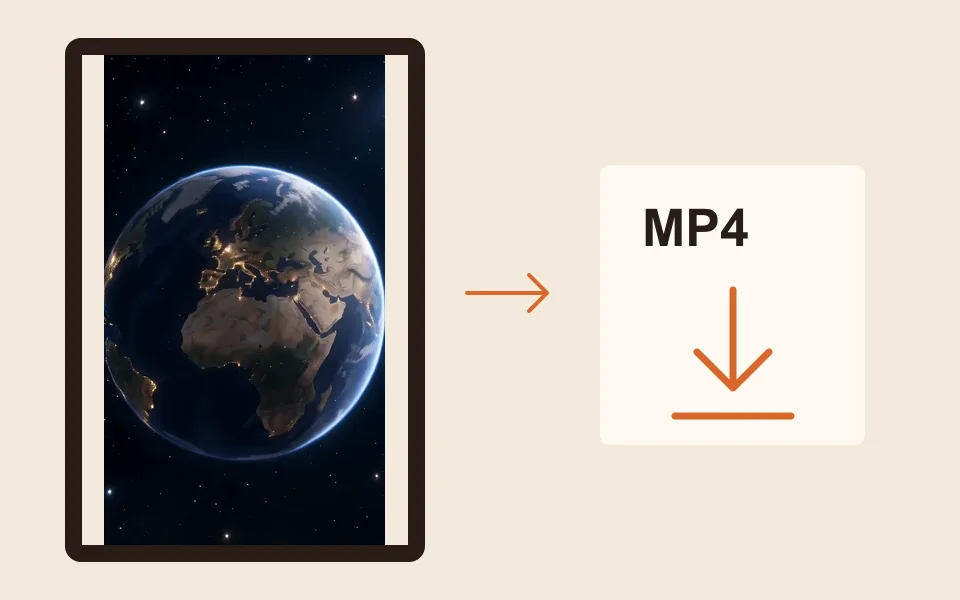
The provider quotes up to about 5 minutes. The MP4 also waits in My videos.
What you get
No filming, no green screen, no editing app.
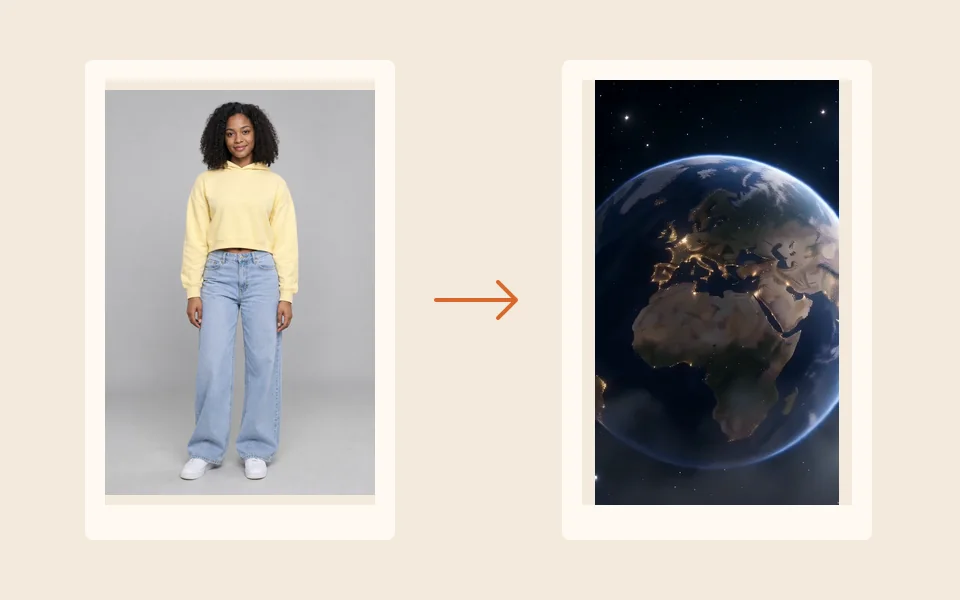
The face in every frame comes from your picture, not a stock model.
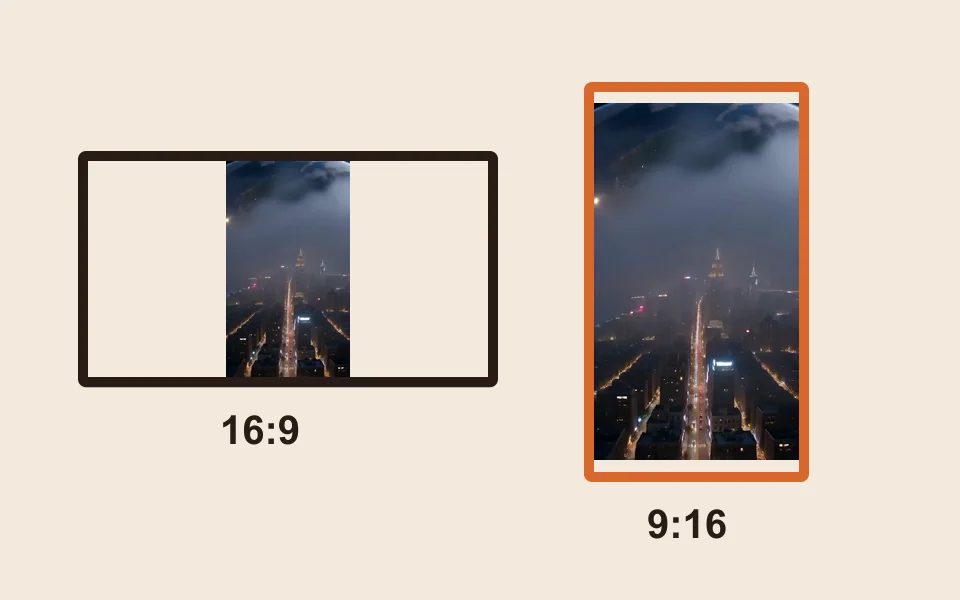
9:16 is preset; 16:9, 9:16, 1:1, 4:3, 3:4 or 21:9 all cost the same.
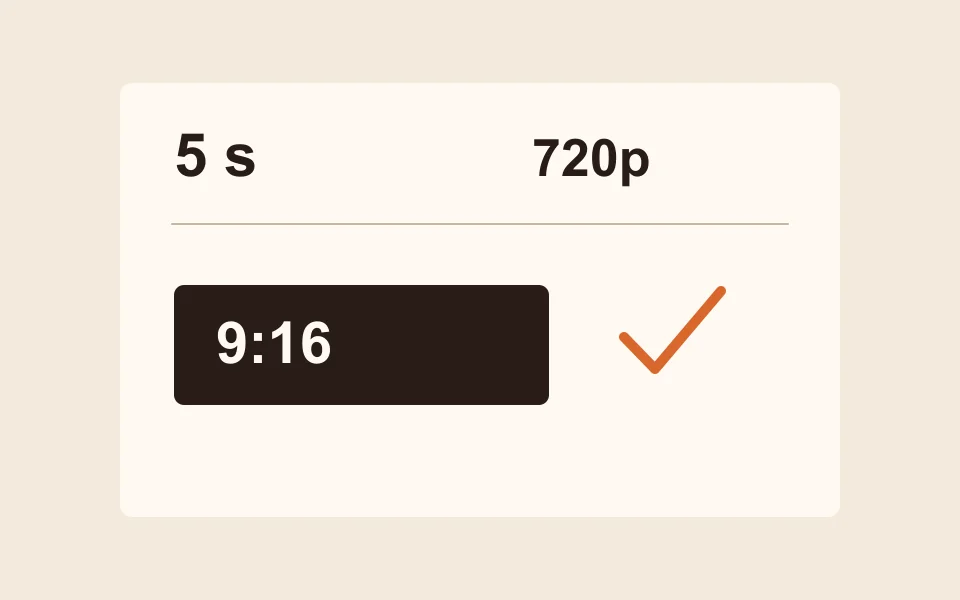
4 credits for 5 seconds at 720p. Longer and sharper clips cost more.
| Effect | What happens |
|---|---|
| Earth Zoom Out | Starts on your face and pulls back to the whole planet |
| Clones | A squad of copies of you appears one by one |
| Raindance | Sing on a jetty at golden hour as warm rain falls |
| Dance | A dance routine in a neon studio |
| Halloween Costume | Your outfit turns into a Halloween costume |
| Bald Filter | Your hair vanishes with a pop, then the laugh |
| 80s Home Video | You on a 1985 camcorder tape |
| Money Rain | Banknotes pour down while you laugh and grab them |
| Red Carpet | A premiere walk with flashing cameras |
Hug, Zombie, Slow Dance, Memorial Hug and Polaroid Hug need two people, so they do not work from a solo photo. All 28 are on AI video effects.
Add a photo of each of you, or one photo of the two of you, and you both appear side by side in the same effect.
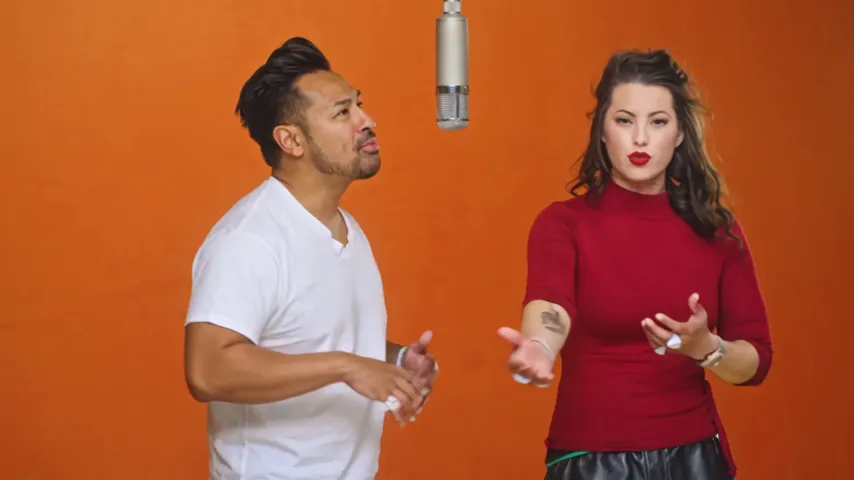
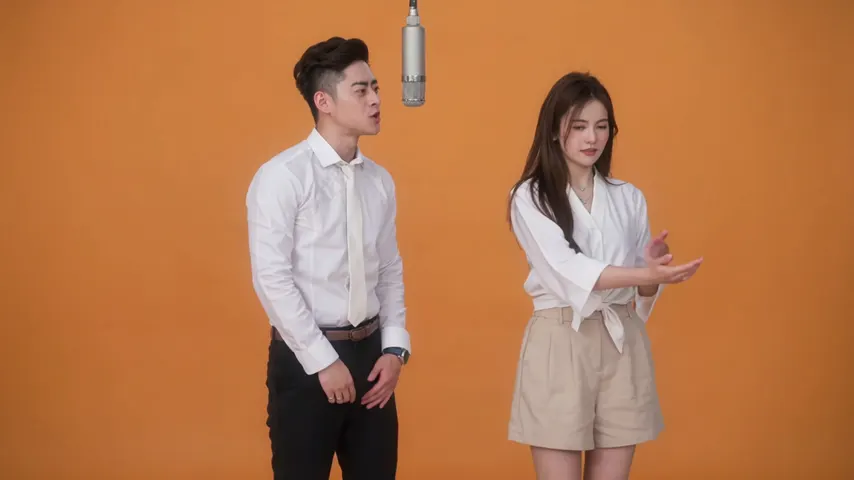
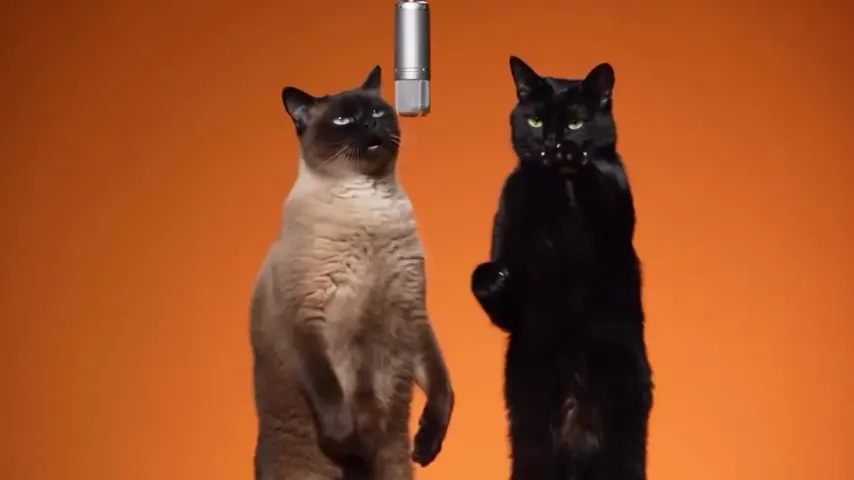
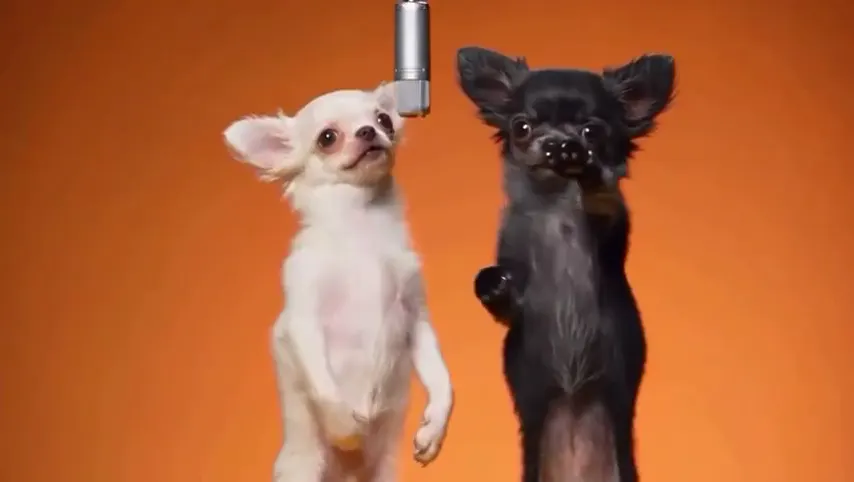
For a song, switch to the Rap video tab. The Hotel Lobby video puts the two of you in the orange booth: one raps to the Hotel Lobby track, the other hypes, 6 credits for 12 seconds on Wan 3.0, ready in about 5 to 15 minutes. The AI rap generator writes an original rap from one line you type, 10 credits for 12 seconds at 720p. A rap video always needs two people; there is no solo rap.
Only make videos of yourself, or of friends and family who said yes, and ask before you post. No strangers, celebrities or other public figures.
Made here
Two selected Wan 3.0 results from our generation workflow. Each rap duo video lists its settings and whether it was a product test or a website render. Play each clip with sound and review the whole performance; these examples do not establish a success rate.
Wan 3.0 · 480p · 10 s · 16:9
Wan 3.0 · 720p · 12 s · 16:9
From other creators
These clips illustrate the Hotel Lobby format and were made with other tools. They are references, not evidence of this generator’s output. Each links to its credited creator.
Add one clear photo of yourself, pick an effect (Earth Zoom Out is selected here) and tap Make the effect. The clip is an MP4 with your face from the photo.
Not here. A 5 second clip at 720p costs 4 credits. Credit packs are one-time, so there is no subscription to cancel. Credits are paid when you create; the smallest pack is 10 credits for $9.99, and a failed render is refunded automatically.
Yes. It runs in Safari, Chrome or any phone browser, with nothing to install, and you download an MP4.
A sharp, front-facing, well-lit photo gives the closest result. The model keeps the face from your picture; results are AI-made and can differ in small details.
No. The rap video always has two performers, so add a friend’s photo. For a solo music moment, Raindance has you singing on a sunset pier.
Add a photo of each of you, or one photo of both, then pick an effect, or switch to the Rap video tab for a rap of the two of you.
5 seconds by default; longer clips cost more. The provider quotes up to about 5 minutes.
Only with their permission, and never of strangers, celebrities or other public figures.
Starring you
One photo of you, one scene. The price is shown before you create.