A quiet place
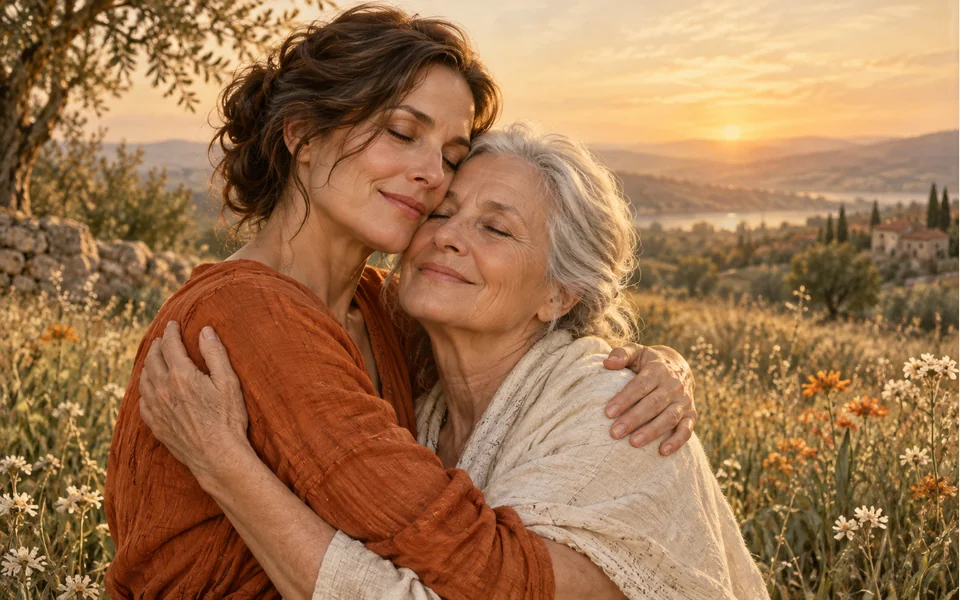
A sunlit meadow at golden hour, with a light haze.
Two photos, one gentle hug
A photo of you and a photo of someone you have lost become a short, quiet video: the two of you meet in a sunlit meadow and hold each other in a long hug. It is imagined, not a recording.
Your photo
One photo is enough: solo or the two of you.
Effect
Memorial Hug is made for two people: add a second photo, or use one photo of you both.
Video
This video: 4 credits. Ready in about 2 to 5 minutes; failed generations return your credits. View pricing
An AI hug with a deceased loved one is a short video made from two photos: one of you and one of the person who has died. Here the Memorial Hug effect on Seedance 2.0 Mini brings the two of you together in a sunlit meadow at golden hour, where you step closer, share a long, gentle hug and turn to the camera, with soft piano. It costs 4 credits for 5 seconds at 720p, the provider quotes up to about 5 minutes, and a failed render is refunded. It is an imagined scene, not a recording. Our demo used clear, modern photos of two adults; we have not tested old or faded prints.
Updated
One more hug
People make this for a mother, a father, a grandparent, a partner or a friend: someone they would give a lot to hold once more. The video does not bring anyone back. It takes a face you know from a photo and shows a quiet moment that never happened.
The Memorial Hug effect keeps it plain and warm. A meadow in evening light, a soft haze. The two of you see each other, step closer and hold each other in a long hug with eyes closed, then lean back a little, smile and look toward the camera. It asks for nothing ghostly and no words, only a gentle piano melody with soft strings. The model is told to keep each face, hairstyle and outfit from its photo, and to show the scene in full color.
Three steps
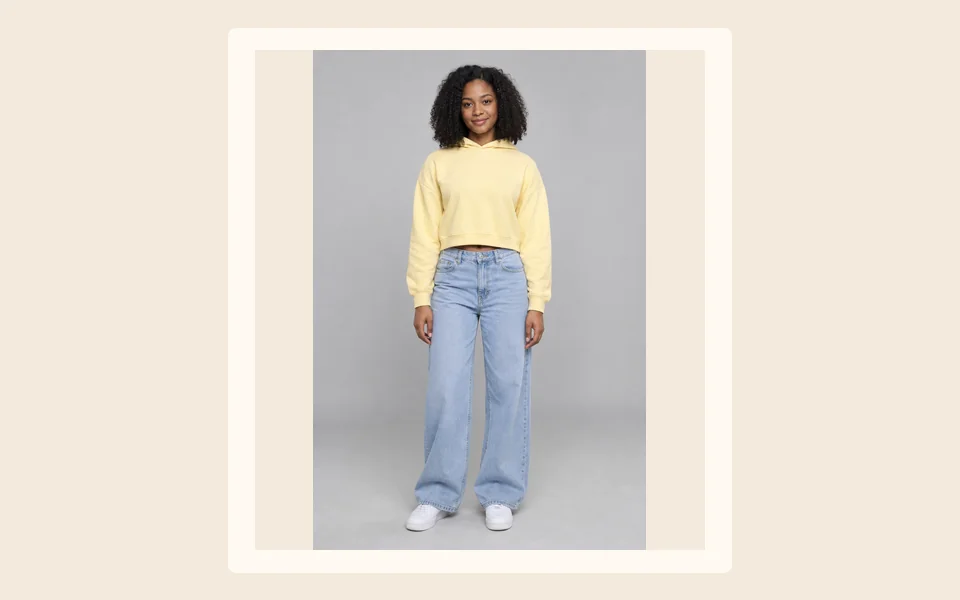
A clear photo of you, face and shoulders or waist up, in good light.
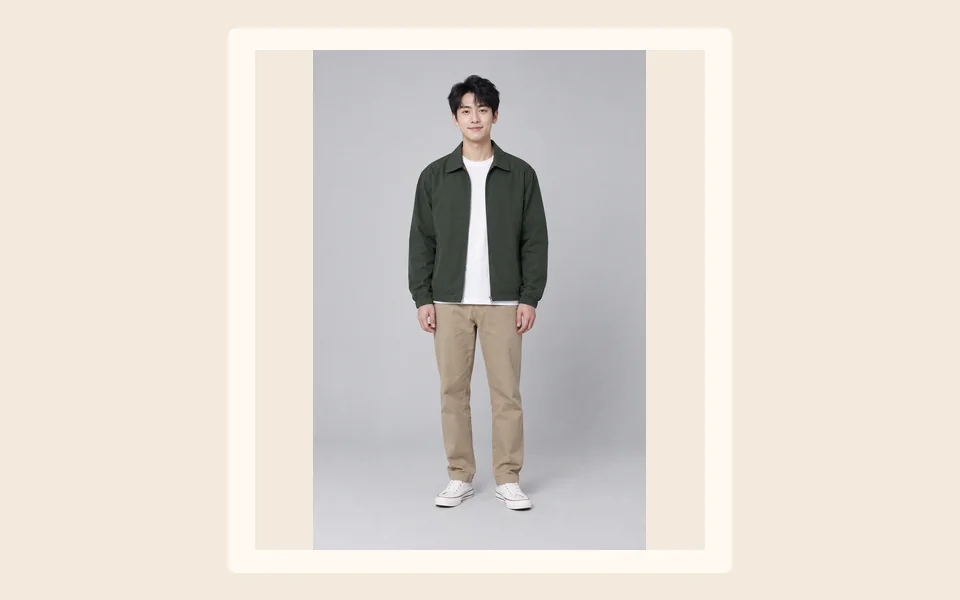
The one where they look most like themselves, face large and sharp. One photo of the two of you together works too.
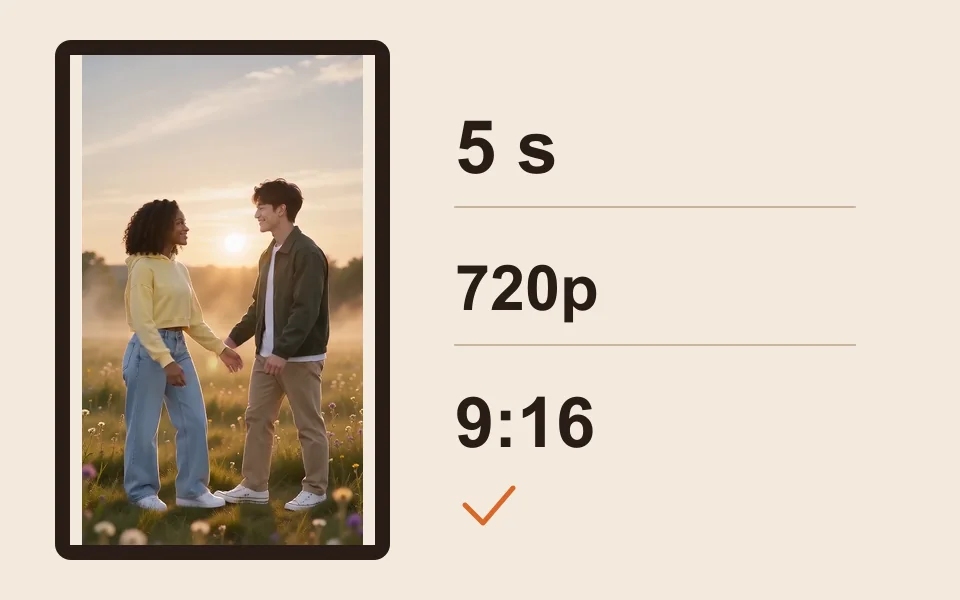
The generator starts on Seedance 2.0 Mini, 720p, 5 seconds and 9:16. The provider quotes up to about 5 minutes; the MP4 stays in My videos.
What you get
A sunlit meadow at golden hour, with a light haze.
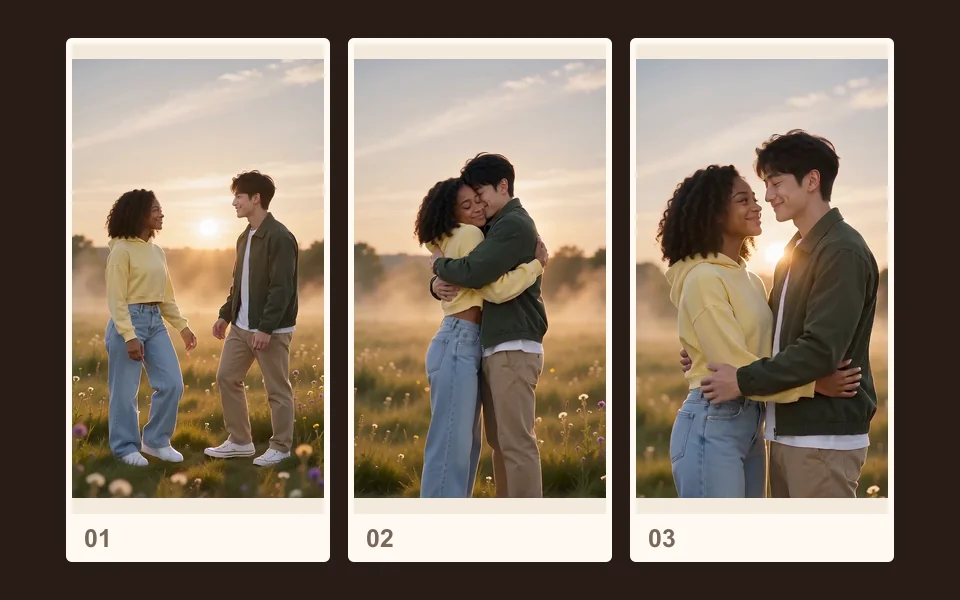
You step closer, hold each other with eyes closed, then smile toward the camera.
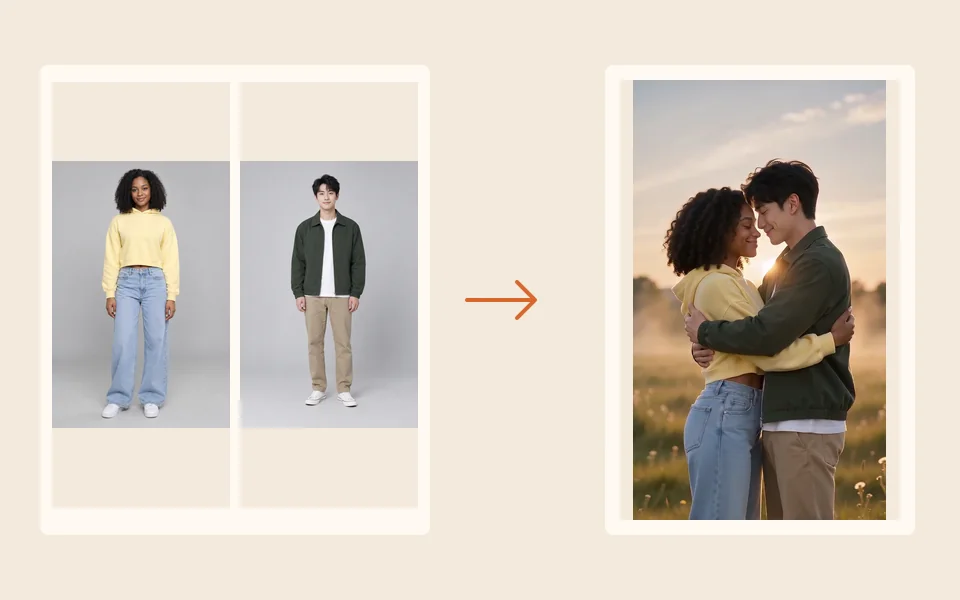
Faces, hair and outfits come from your photos; backgrounds are replaced.
A gentle piano melody with soft strings, and no speech.
A hug video with someone who has died can comfort one person and hurt another, especially soon after a loss. A few things to think about first:
Many photos of people who have died are old prints. We have not tested old, faded or black-and-white prints with this effect; our demo used clear, modern photos of two adults. There is no tool here that repairs or colorizes a photo. The effect asks for the scene in full color, and we have not seen what it does with a black-and-white face.
For a tribute with more than one moment, see the AI tribute video page. To make one old photo of them move on its own, with a blink and a soft smile, see animate old photos. For a hug with someone living, the AI hug generator is the everyday version.
Made here
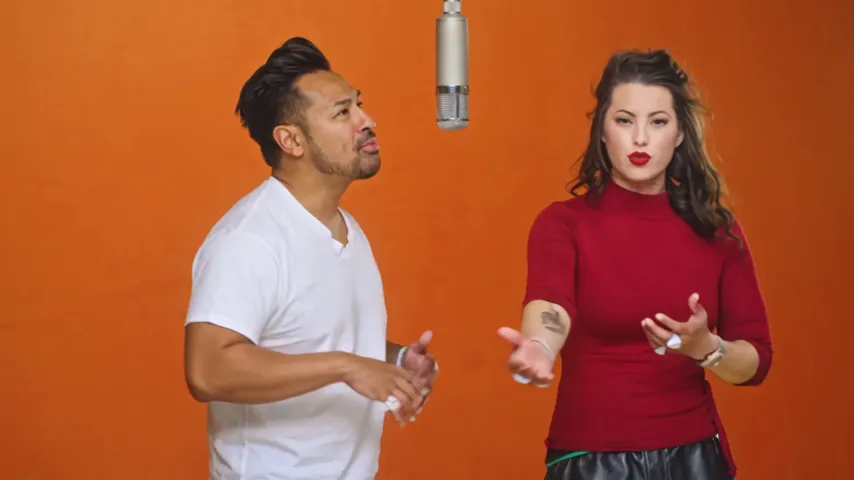
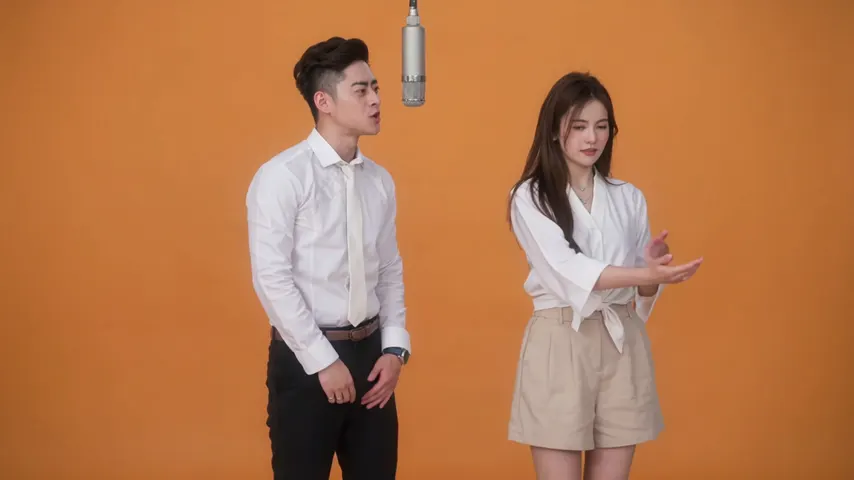
Two selected Wan 3.0 results from our generation workflow. Each rap duo video lists its settings and whether it was a product test or a website render. Play each clip with sound and review the whole performance; these examples do not establish a success rate.
Wan 3.0 · 480p · 10 s · 16:9
Wan 3.0 · 720p · 12 s · 16:9
From other creators
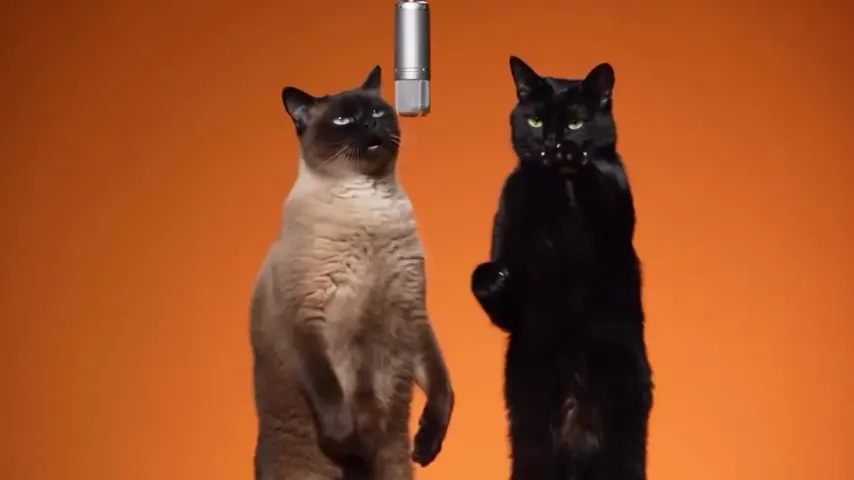
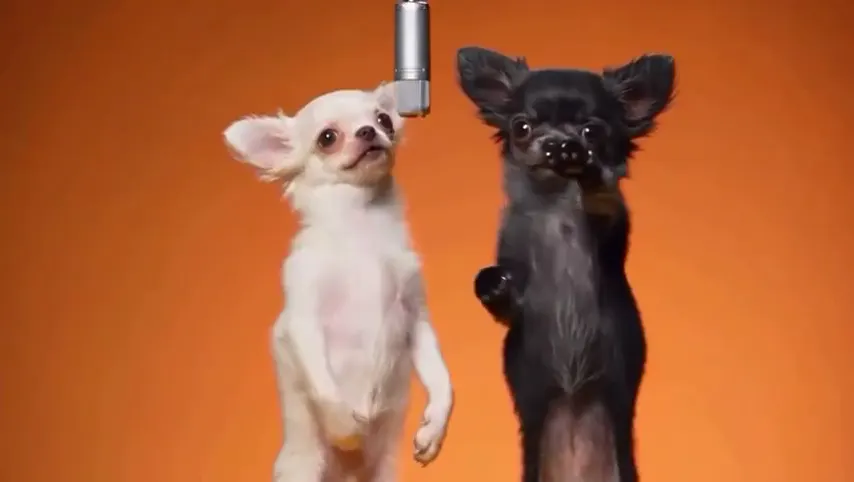
These clips illustrate the Hotel Lobby format and were made with other tools. They are references, not evidence of this generator’s output. Each links to its credited creator.
Add a clear photo of yourself and a photo of the person who has died, keep Memorial Hug selected and tap create. A few minutes later you get a short clip of the two of you sharing a gentle hug, ready to download.
You can upload one, but we have not tested old prints, and there is no restoration tool here. Photograph the print flat in daylight without glare, and pick the sharpest face you have.
Yes. Add that one photo instead of two, and the effect makes the hug from the two people in it.
The hug needs two people: your photo and theirs, or one photo of both. To make a single photo of your loved one move on its own, use animate old photos.
No. It is an AI-made scene: the face follows the photo, but the movement and the moment are imagined. It does not replace real photos or recordings, and it is fine to decide it is not for you.
Ask before you share. Some people are glad to see it and some are not ready, especially soon after a loss. Send it to one person privately before any group chat or post.
No. It runs in the browser on a phone or a computer. The meadow, the hug and the music are already part of the effect; you only add the photos.
No. A 5 second clip at 720p costs 4 credits; longer or sharper clips cost more. Credits are paid when you create; the smallest pack is 10 credits for $9.99, and a failed render is refunded automatically.
One more hug
Two photos, a quiet meadow and a gentle hug. The price is shown before you create.