A rap about your business
An original verse and beat written from your line. No famous song underneath.
A rap ad starring the owners
Add a photo of each owner, type one line about your business, and the AI writes an original rap about it and shows the two of you performing it. No filming, no studio, no editing.
Your two performers
One person each. Left raps, right hypes.
Stage
Video & sound
This video: 10 credits. Ready in about 2 to 5 minutes; failed generations return your credits. View pricing
An AI promo video for your small business here is a short rap commercial performed by the people behind it. Add a photo of each person (or one of both), type one line with your business name, what you sell and one hook, and the AI writes an original rap and beat about it: the left person raps, the right one hypes. On Seedance 2.0 Mini at 720p it costs 10 credits for 12 seconds, and the provider quotes up to about 5 minutes. The video has no text on screen, so add your logo, price and link afterwards. Every video is paid with credits when you create it; the smallest pack is 10 credits for $9.99, and a failed render is refunded automatically.
Updated
How it works
Most AI ad makers lay a voice-over on stock footage. This one puts the faces behind the business on screen: the AI turns your line into a short, clean verse with a beat, and a Seedance model animates your two photos into a lip-synced performance. A Spanish line gets a Spanish rap.
It suits a salon, a food truck, a florist, a barber or a holiday rental. The stage is up to you: Hotel Lobby (orange), Luxury Lobby, Studio Booth and Street Cypher, all at the same price. It is a performance video, not product footage: the photo backgrounds are left out, so your shop, food or product does not appear.
Three steps
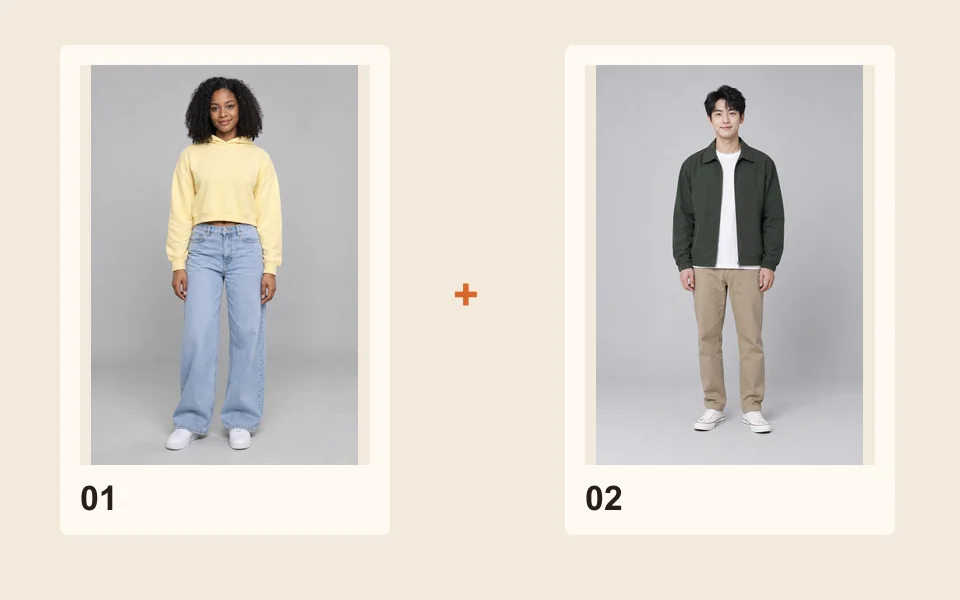
One photo of each owner, you and a partner or you and a staff member who agreed. One photo of both works too.
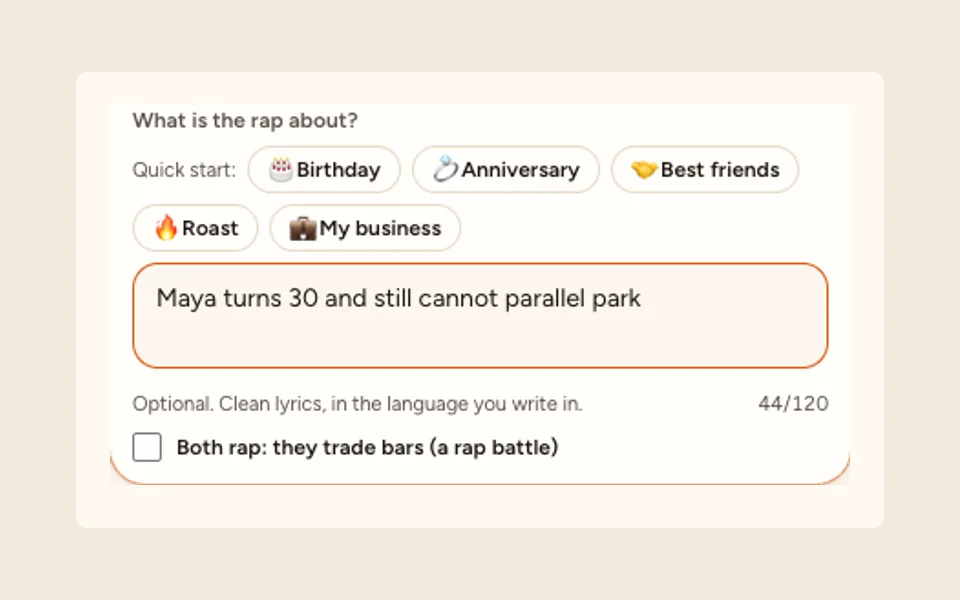
Tap Add a topic. The My business quick start writes “Come check out ”; finish it with your name, what you sell and one hook, up to 120 characters.
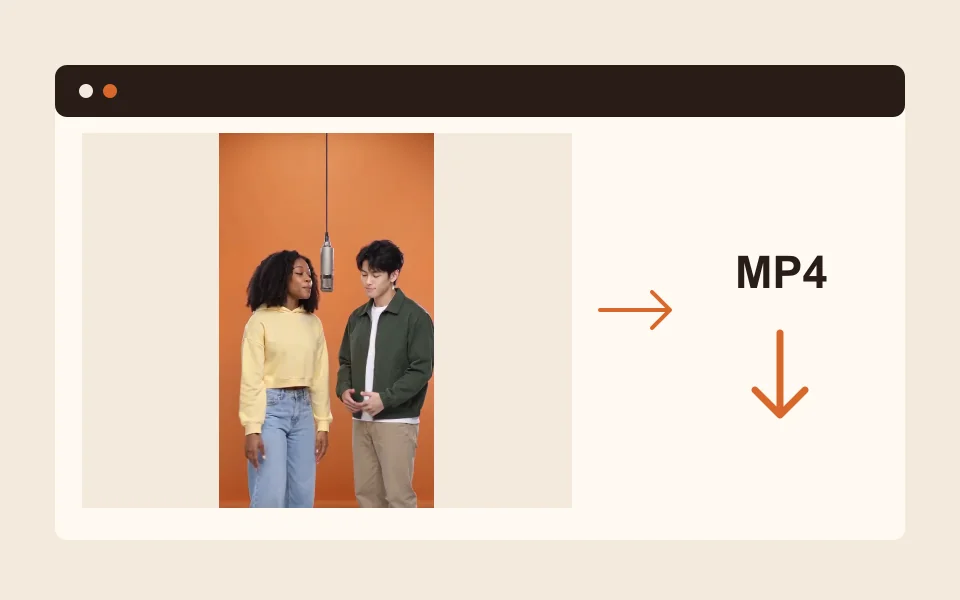
Watch the whole video before you post: check that the name and the offer come out right.
What you get
An original verse and beat written from your line. No famous song underneath.
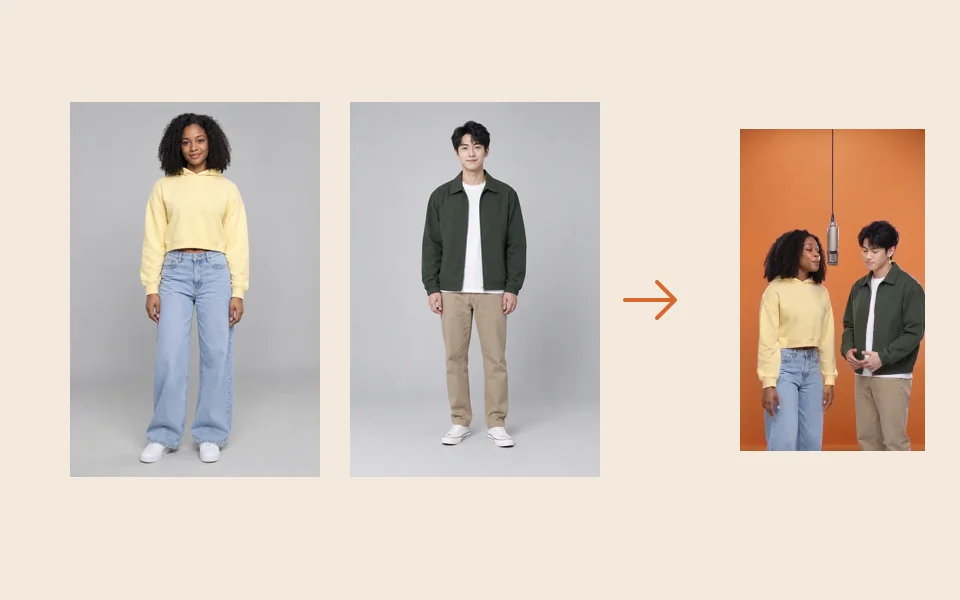
Two real faces from your photos, the lead lip-synced to the vocals.
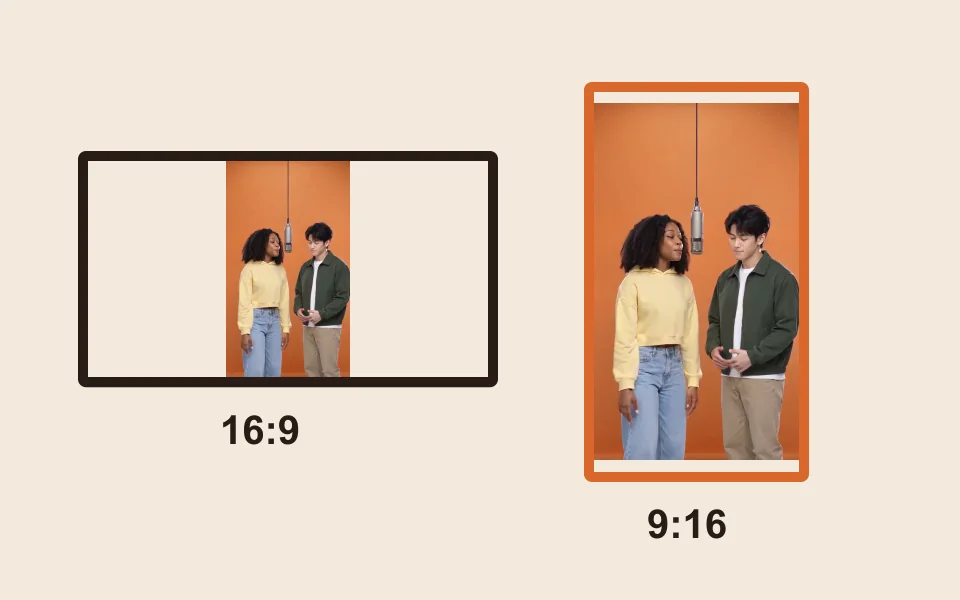
9:16 is preset; 16:9, 9:16, 1:1, 4:3, 3:4 or 21:9 all cost the same.
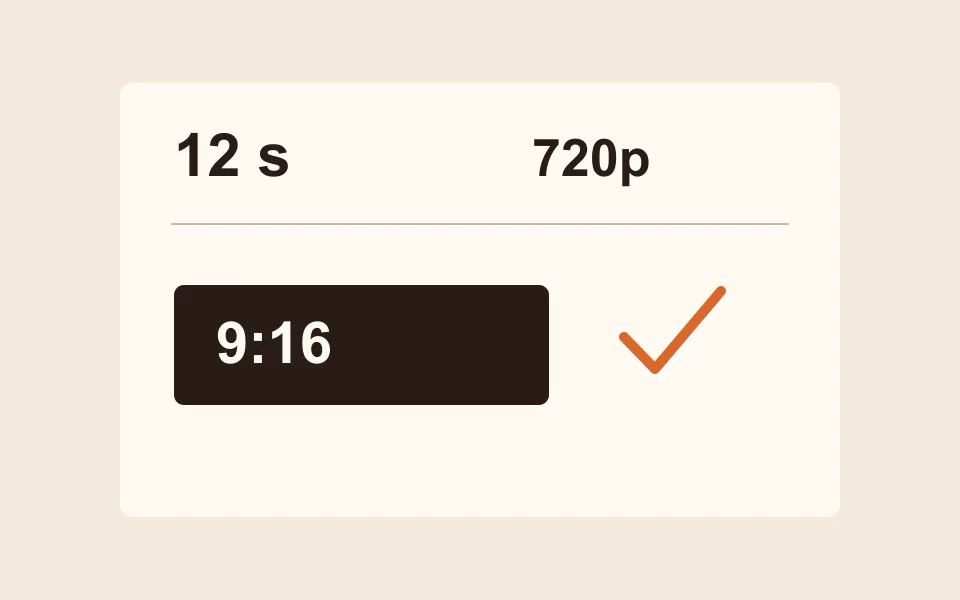
10 credits for 12 seconds at 720p. Other lengths, 5, 8, 10, 12 or 15 seconds, show their price.
Name, what you sell, one hook. One offer per video; make a second video for the next one.
Our terms of service let you download and share the videos you make, and you are responsible for how you use them. They do not separately cover paid ads or other commercial use, so read them before you run it as a paid ad. Some platforms ask you to label AI-made videos; follow their rules.
Use photos only of people who agreed to appear, and only your own business name. The topic check refuses sexual or hateful topics before anything is charged, but it does not check names, and our terms do not allow content that infringes someone else’s trademark or makes a real person, including a public figure, appear to endorse you.
Made here
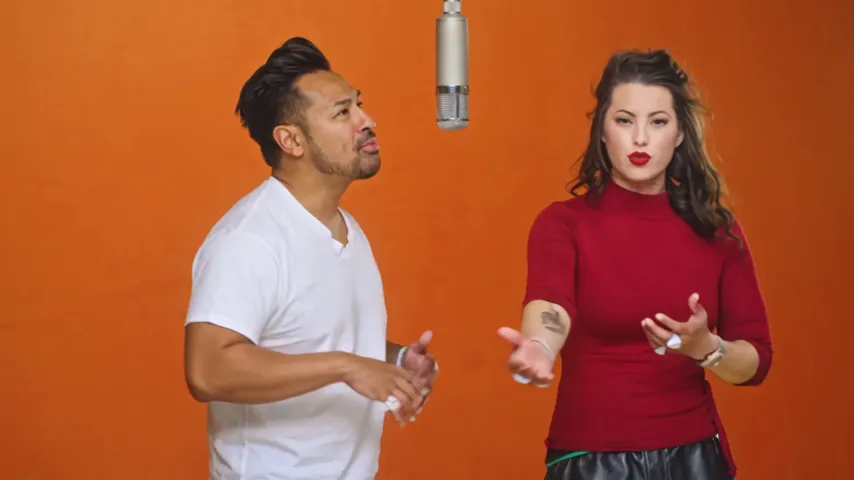
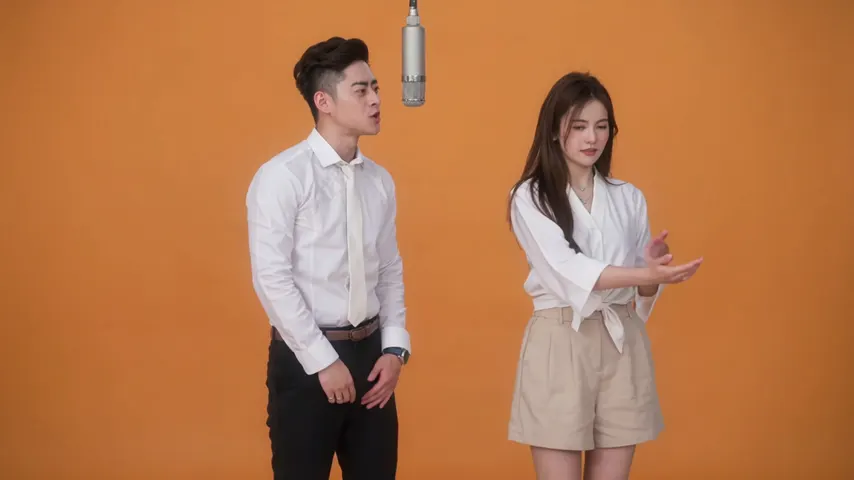
Two selected Wan 3.0 results from our generation workflow. Each rap duo video lists its settings and whether it was a product test or a website render. Play each clip with sound and review the whole performance; these examples do not establish a success rate.
Wan 3.0 · 480p · 10 s · 16:9
Wan 3.0 · 720p · 12 s · 16:9
From other creators
These clips illustrate the Hotel Lobby format and were made with other tools. They are references, not evidence of this generator’s output. Each links to its credited creator.
Add a photo of each person who will perform, tap Add a topic, use the My business quick start or type one line with your name, what you sell and one hook, and create.
A short one: an original rap about your business, performed by the two of you, 12 seconds by default. There is no separate audio file; the song is the soundtrack of the MP4.
10 credits for 12 seconds at 720p; the button shows the price for other lengths and qualities. Every video is paid with credits when you create it; the smallest pack is 10 credits for $9.99, and a failed render is refunded automatically.
Our terms let you download and share the videos you make and make you responsible for how you use them. They do not separately address paid ads, so read the terms of service first.
Not in the video, which has no text on screen. Add them in a video editor, the post caption or the ad text.
Not in the AI rap, which writes its own verse from your line. Record your own words and upload 2 to 15 seconds as Your song on Wan 3.0 instead.
Yes. Type the line in Spanish, French or any language and the rap comes back in that language.
9:16 for Reels, TikTok, Shorts and Stories, 1:1 for a square feed, 16:9 for YouTube or a website. Every format costs the same.
Your business, your faces
Two photos and one line about your business. The price is shown before you create.