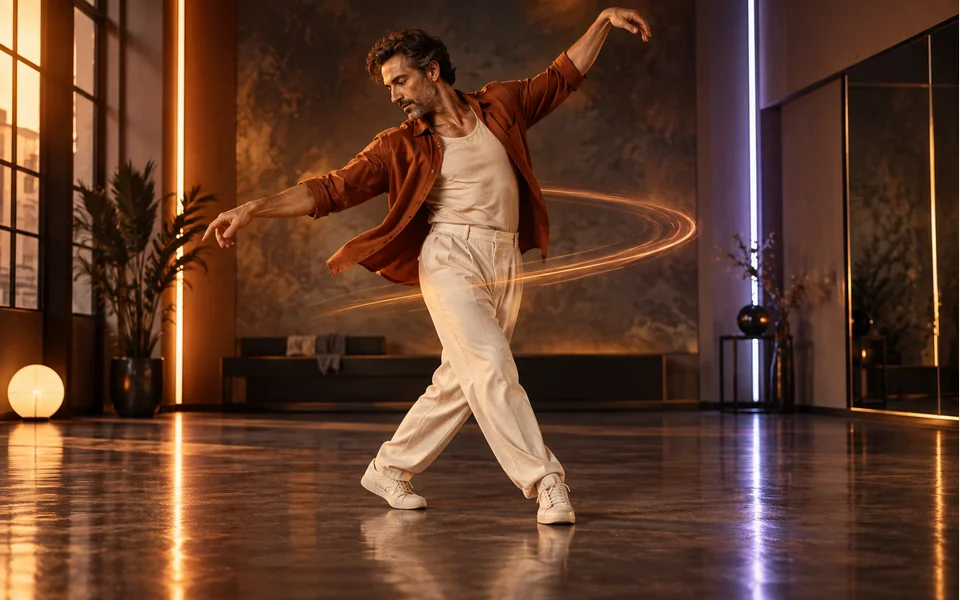
The neon dance studio
Colored light strips and a glossy, mirror-like floor.
Neon studio, full body
An AI dance video from a photo: you dance a short, energetic routine in a neon-lit studio, head to toe, in the outfit from your photo, with an original track. Add one photo, or one photo of each person for a duo.
Your photo
One photo is enough: solo or the two of you.
Effect
Video
This video: 4 credits. Ready in about 2 to 5 minutes; failed generations return your credits. View pricing
To make an AI dance video from a photo, add one clear photo (or one of each person, or one of both), keep the Dance effect selected and tap create. Seedance 2.0 Mini turns it into a short clip of you in a neon studio, full body and in your own clothes: bouncy steps, arm swings, a quick spin and a final pose, to an original track. It runs in your phone’s browser with no app or prompt; 5 seconds at 720p is 4 credits, ready in up to about 5 minutes by the provider’s estimate, and a failed render is refunded. You cannot pick the moves: the routine is the effect’s own, not a copy of a TikTok challenge.
Updated
The routine
The scene is a bright dance studio at night, with neon light strips on the walls and a glossy floor that reflects the colors. You move through a smooth, energetic routine on the beat, in the clothes from your photo: bouncy steps, arm swings, a quick spin, then a sharp final pose facing the camera with a big smile. The camera stays wide enough to keep you in frame from head to toe.
In our own test render of two AI-made adults, a woman in an orange track jacket and a man in a white T-shirt, both stayed in frame head to toe for the whole clip, kept their outfits, and her ponytail swung out on the spin. Both came from full-length photos, which is what we suggest.
Three steps
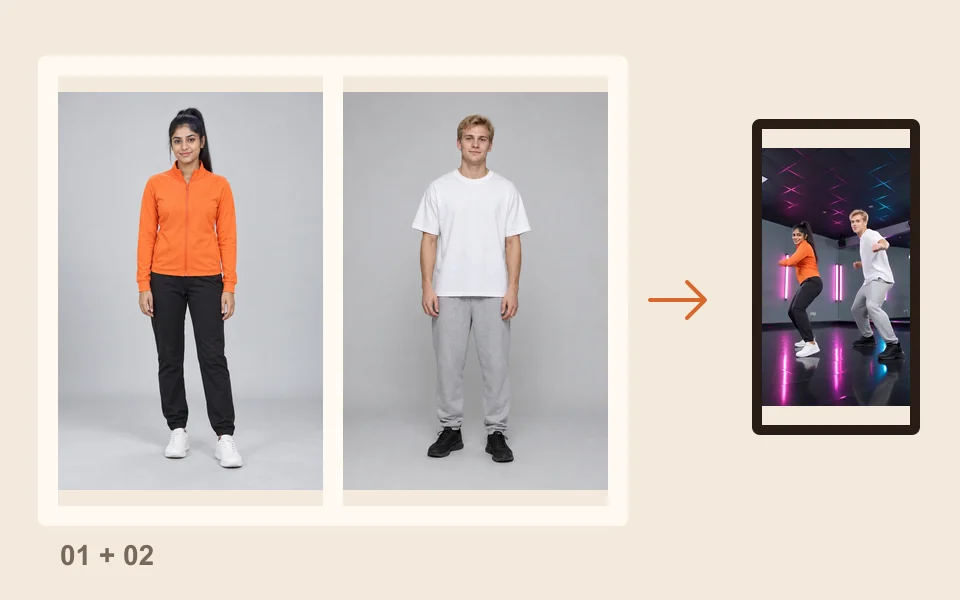
Head to toe if you have it, face clear. For a duo, add one photo of each person, or one photo of both.
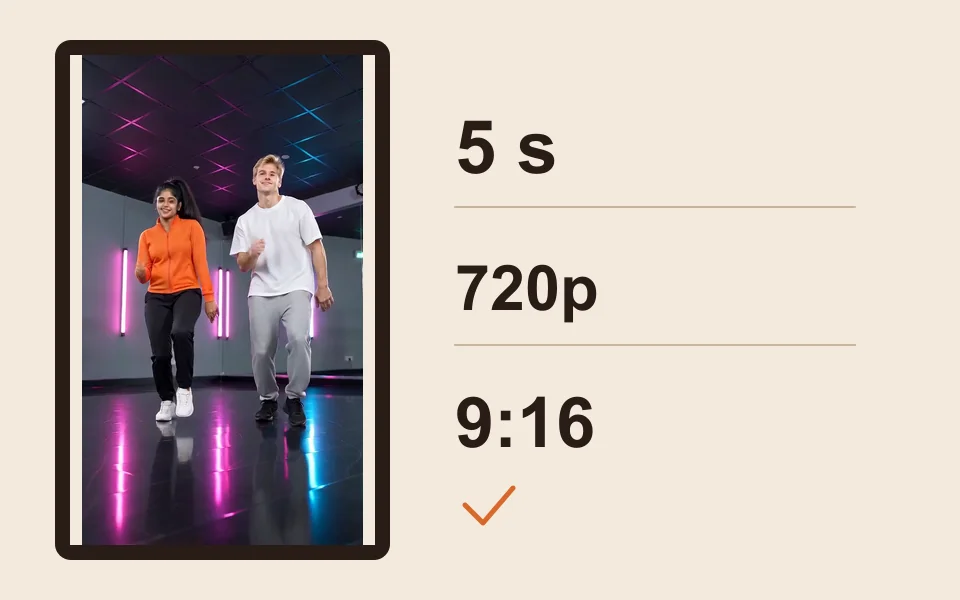
The generator starts on Seedance 2.0 Mini, 720p, 5 seconds and 9:16. Change any of them; the price updates.
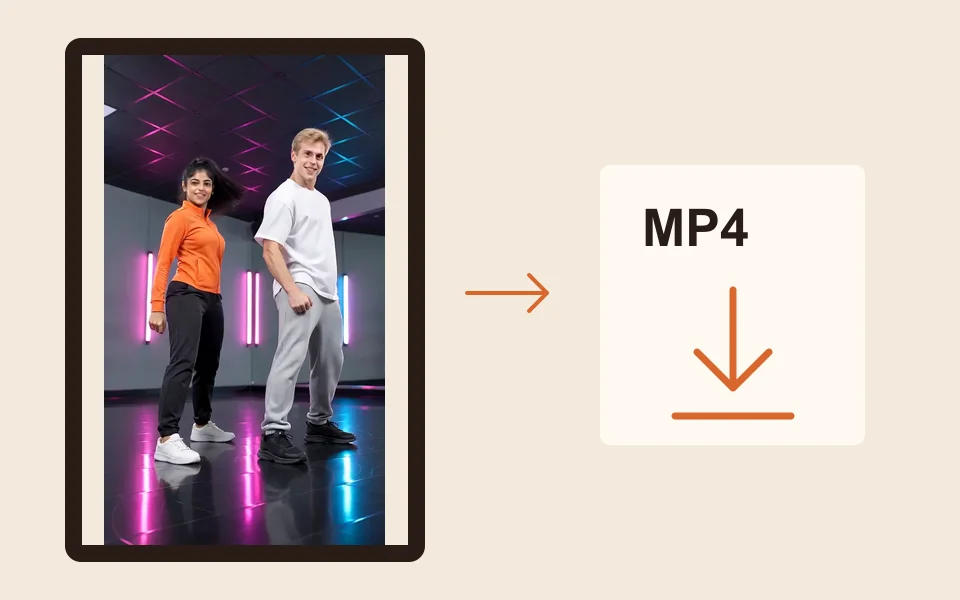
The provider quotes up to about 5 minutes. Download the MP4 and post it, or add a trending sound in TikTok or Instagram.
What you get
Colored light strips and a glossy, mirror-like floor.
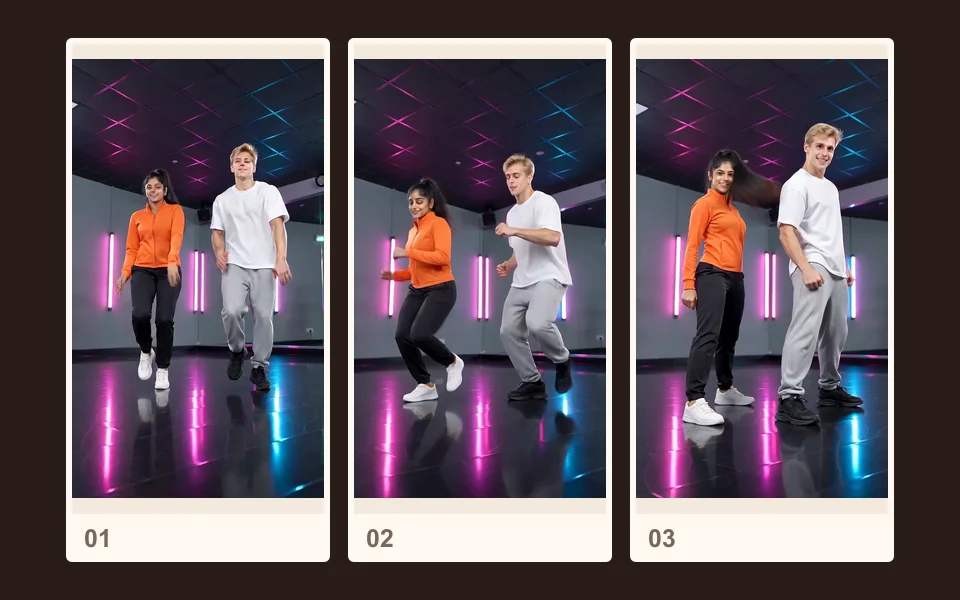
Bouncy steps, arm swings, a spin and a final pose, in a few seconds.
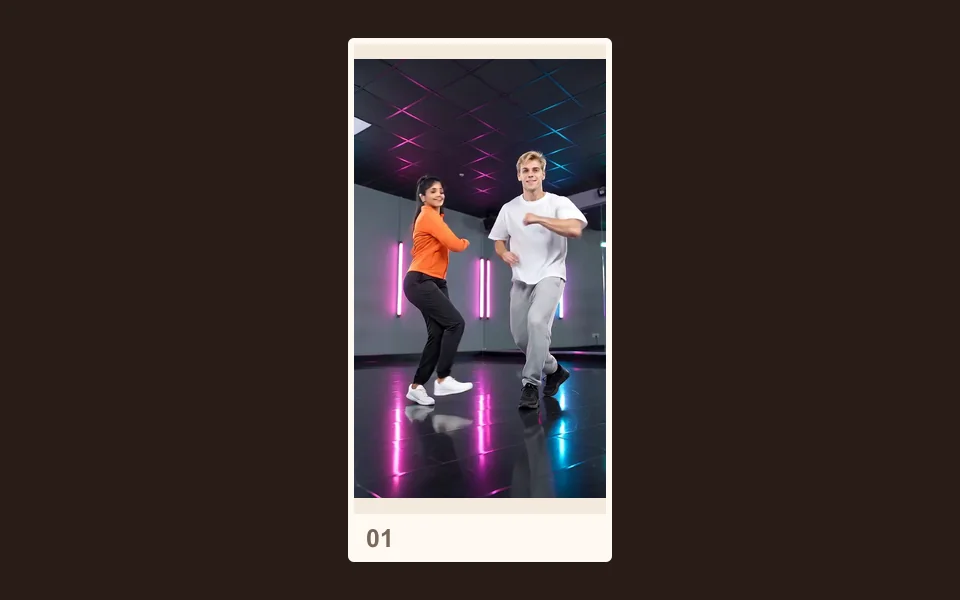
The camera keeps your whole body in frame, in the clothes from your photo.
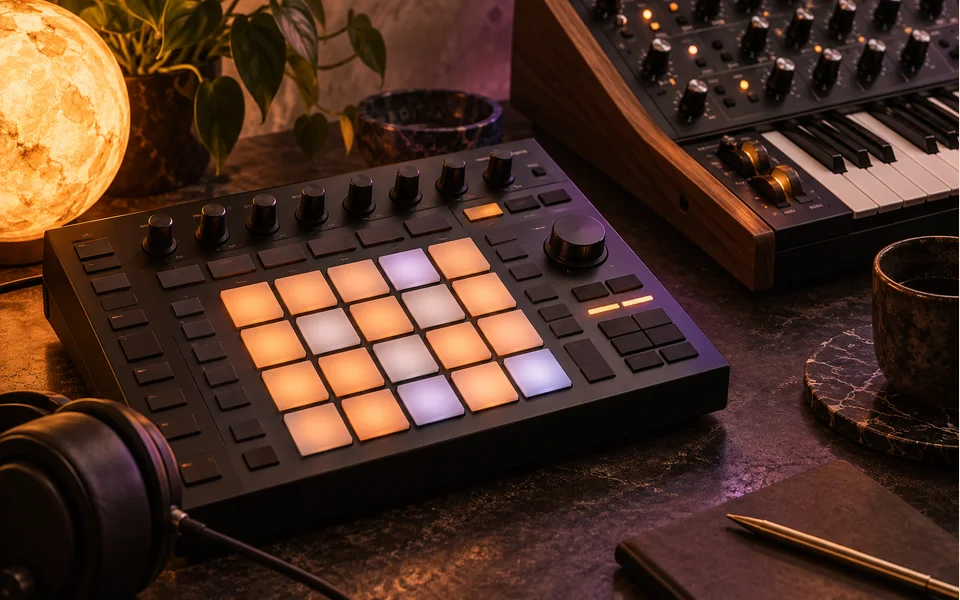
An original track with a driving kick drum and bright synths, no speech.
The dance video comes with its own original track, so it plays as it is. To join a dance trend, upload the MP4 to TikTok or Instagram Reels, pick the trending sound from the app’s library and turn the clip’s audio down. The routine is set by the AI dance effect, so it will not copy a particular dance challenge step for step.
To make two photos copy moves you filmed yourself, use the rap tab: it takes a short clip as the moves, in the orange booth or on another stage. See how to use your own reference video.
Made here
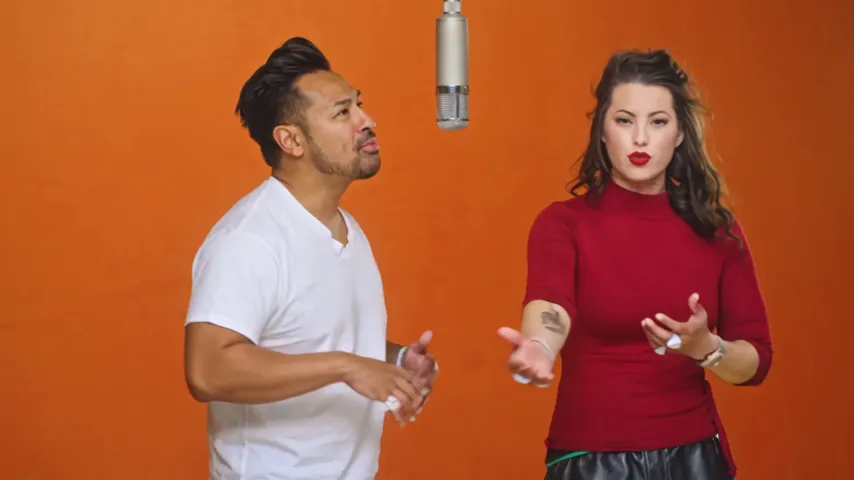
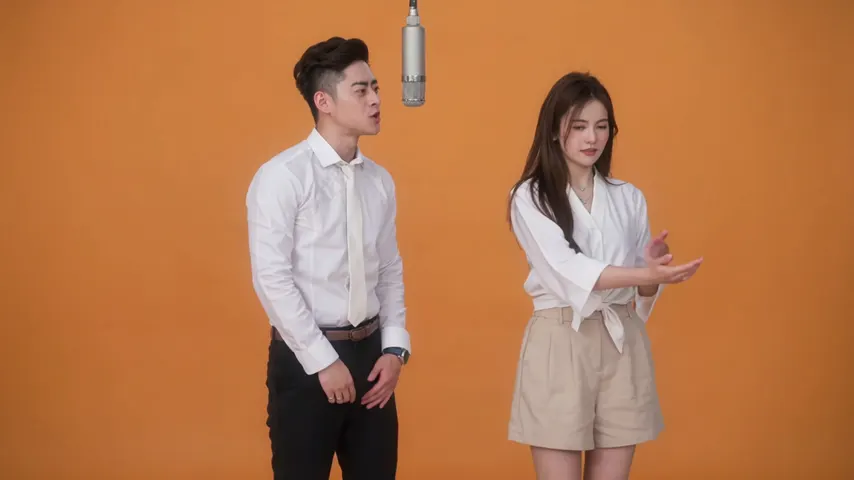
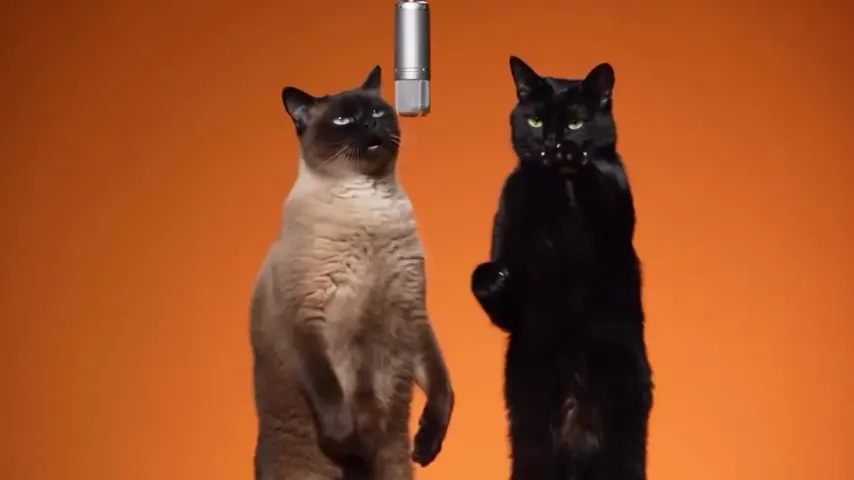
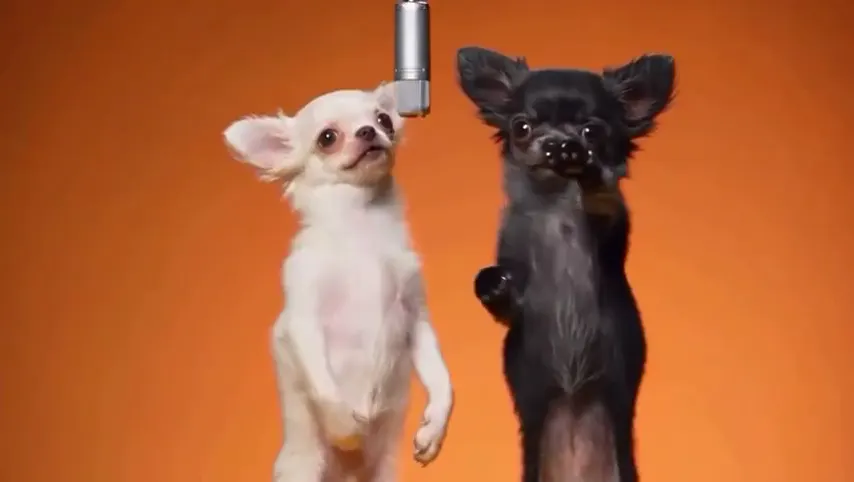
Two selected Wan 3.0 results from our generation workflow. Each rap duo video lists its settings and whether it was a product test or a website render. Play each clip with sound and review the whole performance; these examples do not establish a success rate.
Wan 3.0 · 480p · 10 s · 16:9
Wan 3.0 · 720p · 12 s · 16:9
From other creators
These clips illustrate the Hotel Lobby format and were made with other tools. They are references, not evidence of this generator’s output. Each links to its credited creator.
Add a clear photo, keep Dance selected and tap create. You get a short clip of you dancing in a neon studio, ready to download as an MP4.
Yes. Add one photo of each person, or one photo of both, and you dance side by side: a couple, best friends, a parent and a grown-up child.
This AI dance generator is not free. A 5 second clip at 720p costs 4 credits; longer clips cost more, and the price is on the button. Credits are paid when you create; the smallest pack is 10 credits for $9.99, and a failed render is refunded automatically.
No. Every clip gets the same kind of routine: steps, arm swings, a spin and a final pose. Add the trend’s sound in TikTok or Instagram when you post.
Yes: an original track with no speech, not a copyrighted hit. For a trending song, add it from the TikTok or Instagram sound library and lower the clip’s audio.
We have not tested it. The effect is written for people, so a pet may not follow the routine. For pets, the pet rap video is the one we have tested with a dog.
A full-length photo with the face clear and in good light. Whatever you wear in the photo is what you dance in.
Yes, with their permission: use their photo instead of yours. No strangers, celebrities or other public figures.
The provider quotes up to about 5 minutes. It runs in the browser on a phone or computer, and the MP4 waits in My videos.
On the beat
One photo, a neon studio and a routine head to toe. The price is shown before you create.