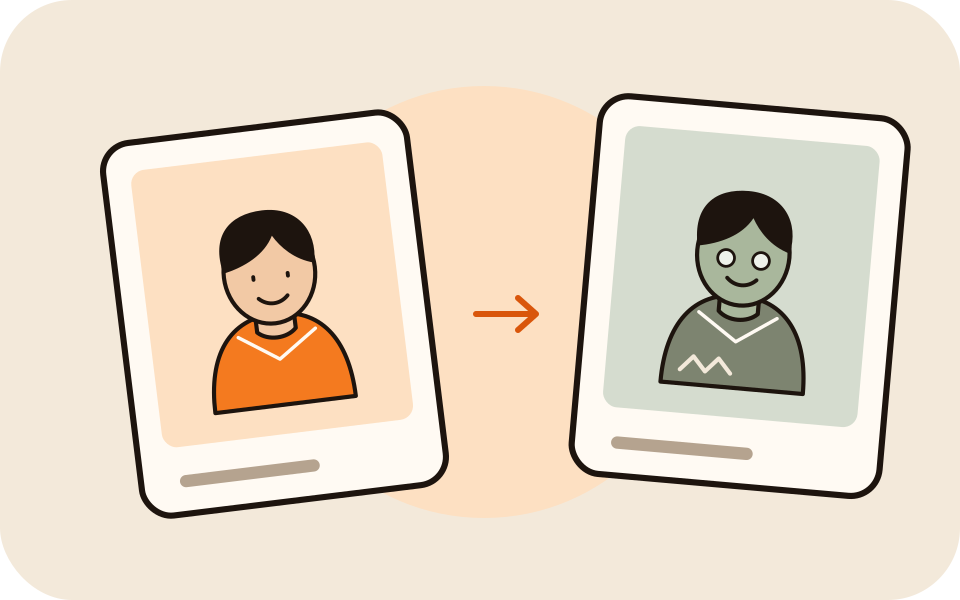
Still recognizable
The prompt keeps the turning face plainly the same person.
Still them, even as a zombie
In the AI zombie trend one person slowly turns into a zombie but is still plainly themselves, and instead of running, the other one holds on in a long hug. Add two photos, one of each of you; the person in the first photo is the one who turns.
Your photo
One photo is enough: solo or the two of you.
Effect
Zombie is made for two people: add a second photo, or use one photo of you both.
Video
This video: 4 credits. Ready in about 2 to 5 minutes; failed generations return your credits. View pricing
The AI zombie trend is a short-video format where one person slowly turns into a zombie, still recognizable, and the other gives them a hug instead of running. Here you add a photo of each person (the first photo is the one who turns; in one photo of both, the person on the left) and the Zombie effect renders the scene on Seedance 2.0 Mini: 4 credits for 5 seconds at 720p, ready in up to about 5 minutes by the provider’s estimate, with no blood or wounds, and a failed render is refunded.
Updated
The scene
Two people stand face to face on an empty city street at dusk, fog drifting between abandoned cars under a flickering street light. The person from the first photo changes: the skin fades to a pale grey-green, the eyes cloud over and the clothes turn torn and dusty. The face stays theirs. The other person does not run; they hold each other’s gaze and pull each other into a long hug.
The effect asks for no blood, no wounds and no gore, and for a slow film score with soft piano and wind instead of speech. In our 5 second test render the change took most of the clip and the hug came in the last second.
Three steps
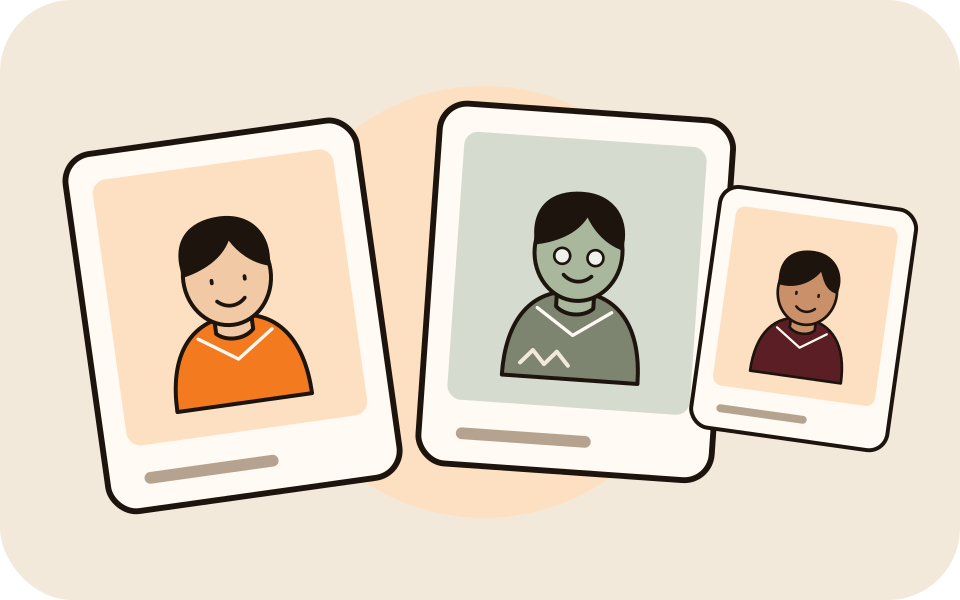
Chest up, faces clear. Put the person who turns in the first slot. One photo of both works too: then the person on the left turns.
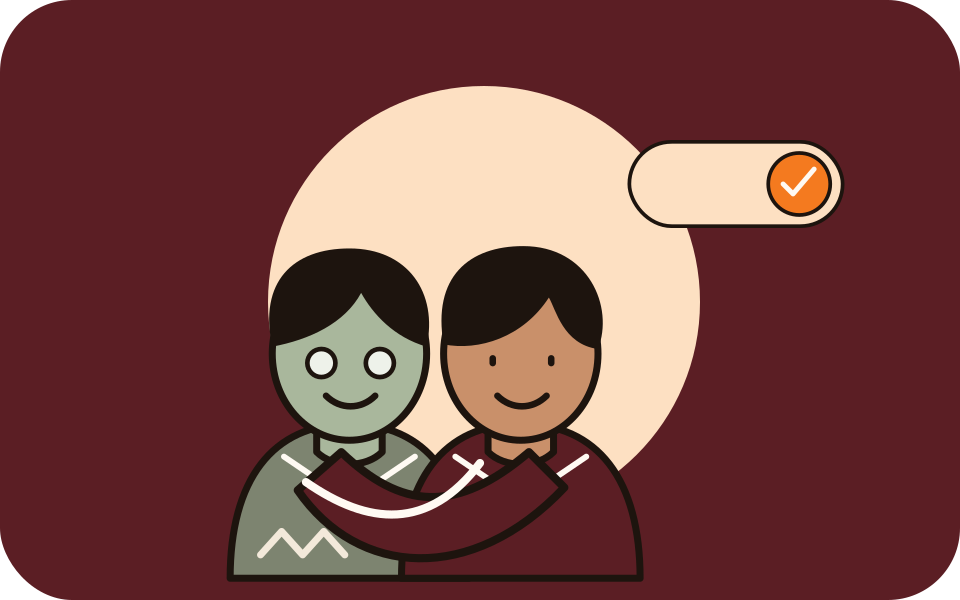
The generator starts on Seedance 2.0 Mini, 720p, 5 seconds and 9:16, with the price on every option.
The provider quotes up to about 5 minutes. Download the MP4 or find it in My videos.
What you get
The prompt keeps the turning face plainly the same person.
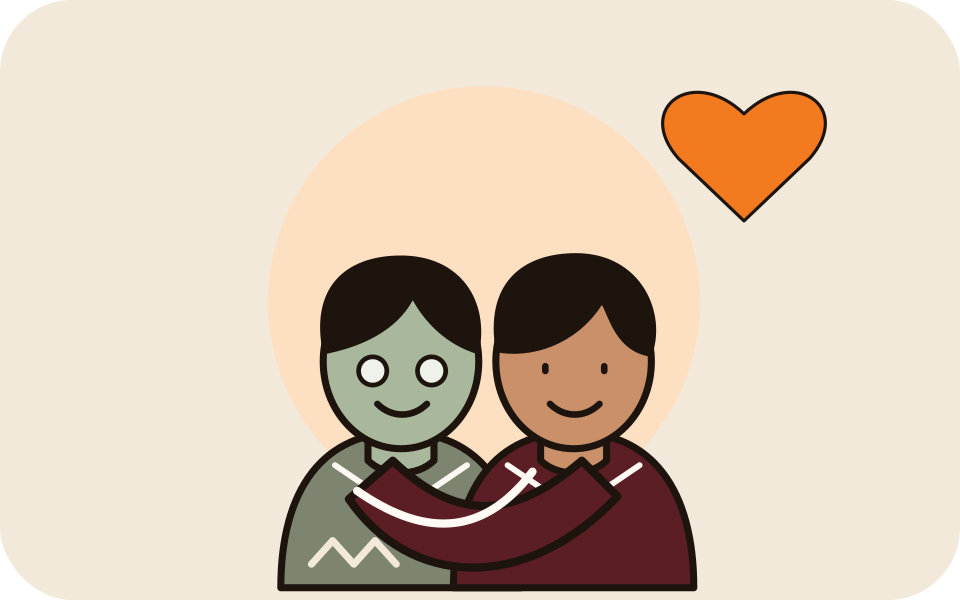
The other person stays and holds on. No running, no fighting.

Grey skin, clouded eyes and torn clothes, nothing graphic.
Slow piano and distant wind, no speech, ready to post as it is.
For a softer two-person clip, the AI hug generator skips the zombie. For other trends this month, try the Raindance AI trend or the gas station AI trend, or browse all AI video effects.
Made here
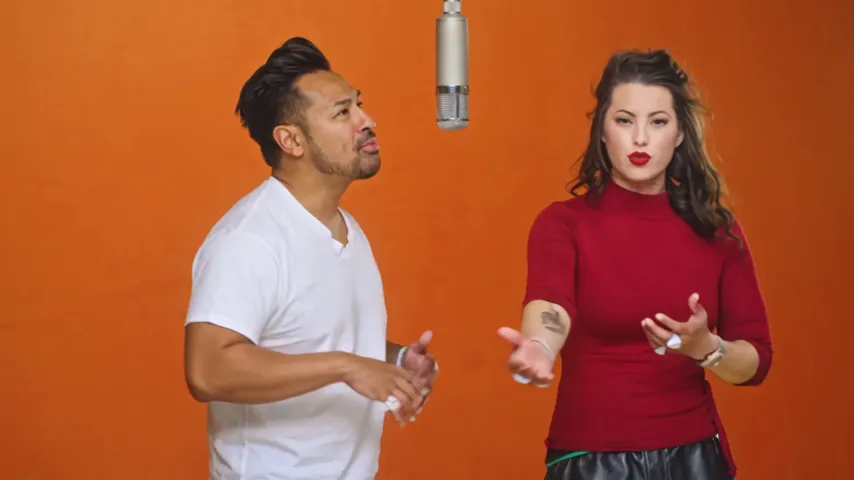
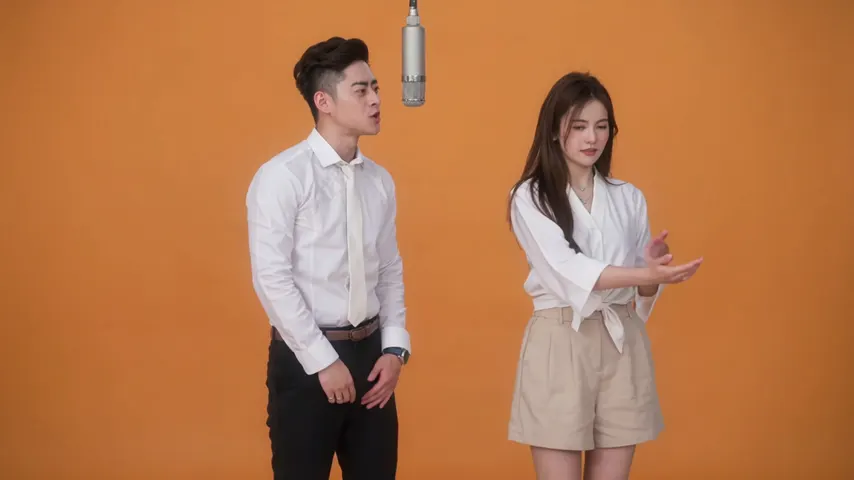
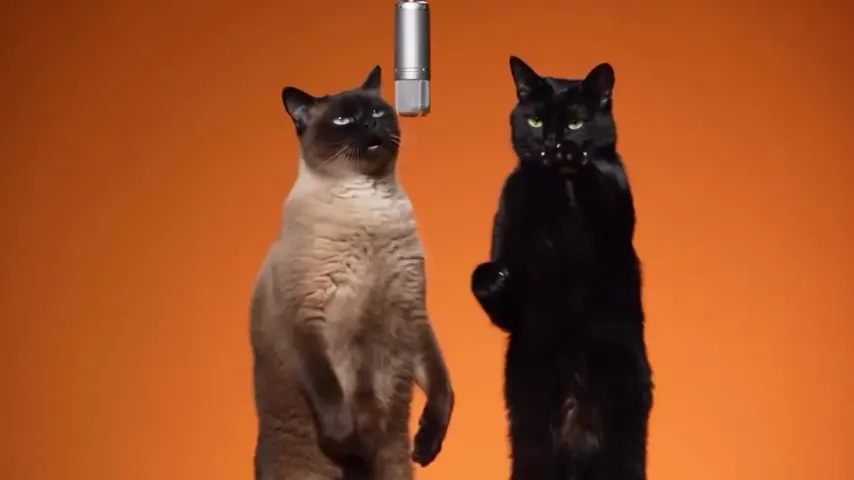
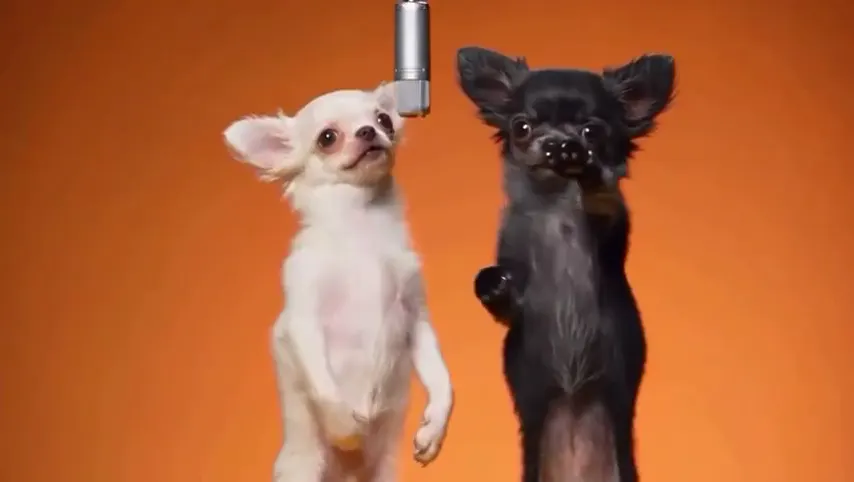
Two selected Wan 3.0 results from our generation workflow. Each rap duo video lists its settings and whether it was a product test or a website render. Play each clip with sound and review the whole performance; these examples do not establish a success rate.
Wan 3.0 · 480p · 10 s · 16:9
Wan 3.0 · 720p · 12 s · 16:9
From other creators
These clips illustrate the Hotel Lobby format and were made with other tools. They are references, not evidence of this generator’s output. Each links to its credited creator.
A short clip where one person slowly turns into a zombie, still clearly themselves, and the other person still gives them a hug. The AI version is made from your own photos.
Add a photo of each person, keep Zombie selected and tap create. The person in the first photo is the one who turns; the other one gives the hug.
The person in the first photo. With one photo of both of you, the person on the left turns.
No. The scene needs two people: two photos, one of each, or one photo of both. For a solo clip, try another effect such as Raindance.
It is moody, not graphic. The prompt asks for no blood, no wounds and no gore, and every render also passes the video provider’s NSFW checker.
A 5 second clip at 720p costs 4 credits. Credits are paid when you create; the smallest pack is 10 credits for $9.99, and a failed render is refunded automatically.
Only with their permission. No strangers, celebrities or other public figures.
Still yours
Two photos, one slow turn and a hug. The price is shown before you create.