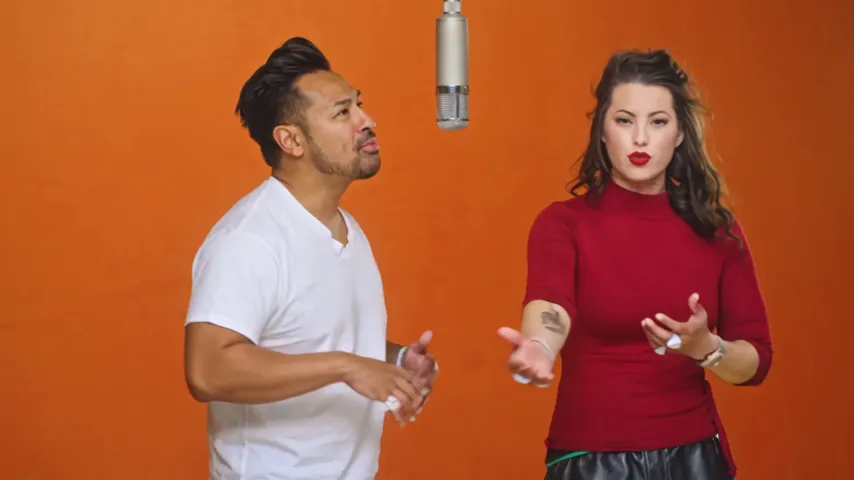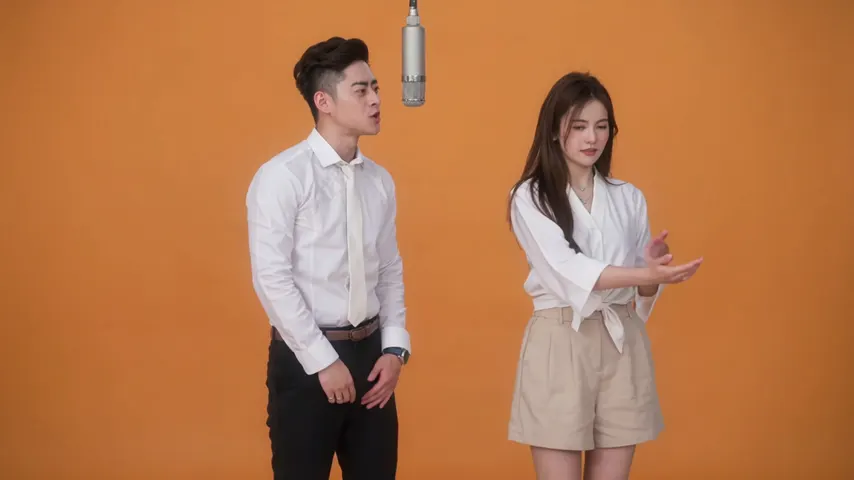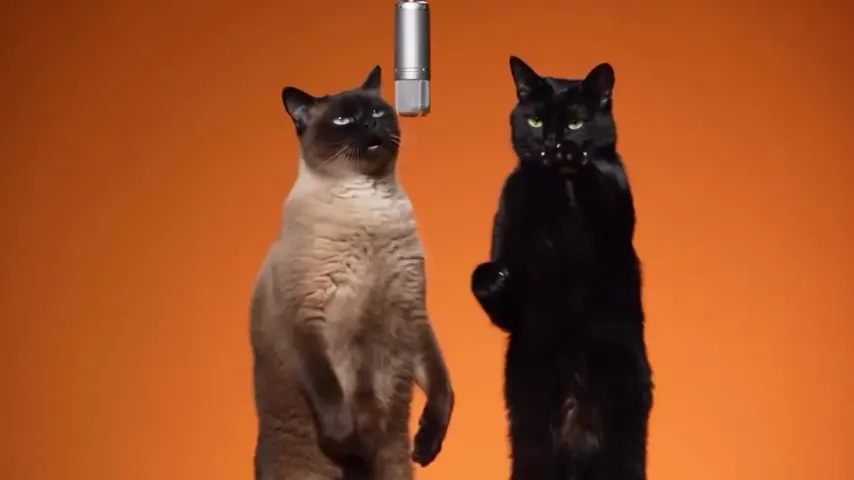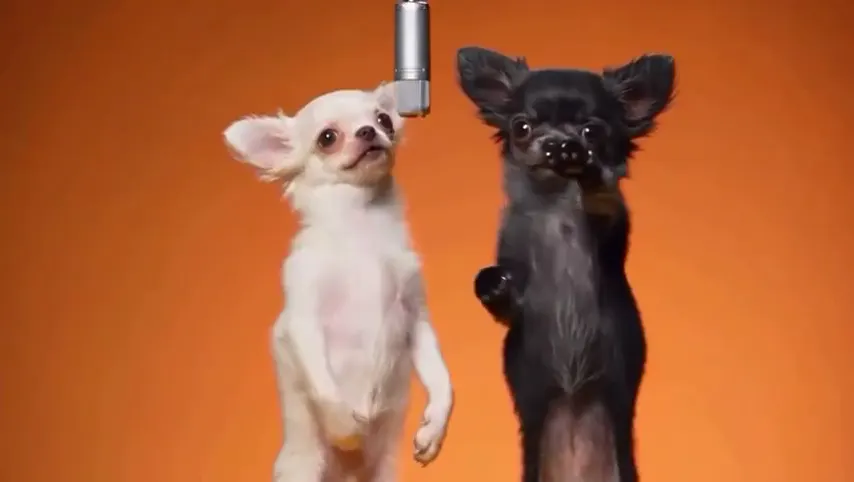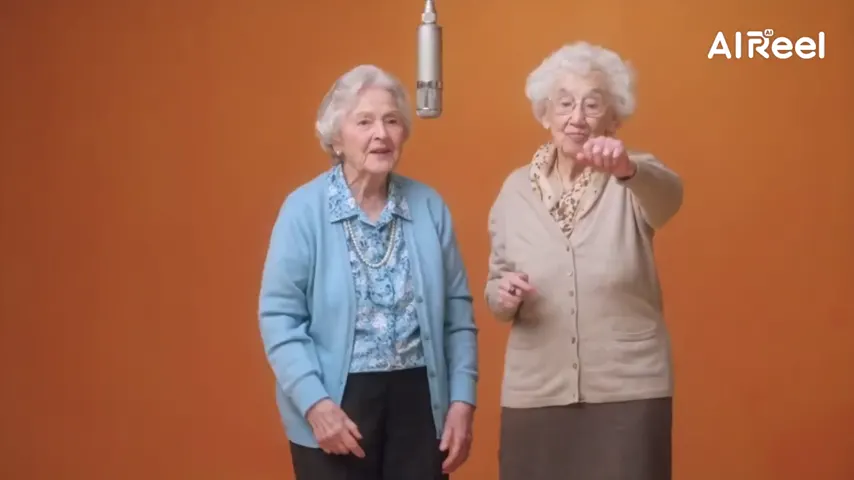
The original track, lip-synced
The lead mouths the original verse into the hanging mic, in time with the recording.
The song stays in
Some Hotel Lobby AI tools hand you a silent clip and leave the song to TikTok. Here the original song is already in the video: add two photos and Wan 3.0 films your pair in the orange booth. The left one lip-syncs to the Hotel Lobby track and the right one hypes.
Your two performers
One person each. Left raps, right hypes.
Stage
Video & sound
This video: 6 credits. Ready in about 5 to 15 minutes; failed generations return your credits. View pricing
Yes: on Hotel Lobby Video (hotellobbyvideo.net) the default setup keeps the original Hotel Lobby song. Add two photos and keep the default setting, Hotel Lobby original, on Wan 3.0. In the orange booth the left person lip-syncs to the original track while the right one hypes, and the MP4 you download already has it, so there is nothing to add in TikTok. A 12-second video at 480p is 6 credits (packs from 10 credits for $9.99, no subscription), usually ready in about 5 to 15 minutes. The Seedance models write a new AI rap instead of keeping the song.
Updated
How the sound works
Hotel Lobby AI tools handle the sound in three ways. Some deliver a silent clip and ask you to add the Hotel Lobby sound in TikTok. Some write a new AI song, so the video sounds like a different track. Some keep the original recording in the file. This page makes the third kind.
Wan 3.0, the default model here, is given the Hotel Lobby recording as the sound to follow, cut to the same seconds as the booth routine. In our tests the vocals in the finished videos matched the original recording closely (a correlation of 0.90 to 0.97 on the vocal parts), and the lead lip-syncs to it. The partner reacts on the beat, as in Quavo and Takeoff’s COLORS performance.
The song plays from the start of the performance: a 5-second video has its first 5 seconds, a 15-second video its first 15. You cannot pick another part of the original song; to use a different part or another track, upload it as your own song.
A video model that writes its own audio cannot simply reuse a famous recording. Seedance, the other model family we offer, rejects requests that carry the original track: 6 of our paid tests were blocked for audio copyright. Tools built on such models post the clip silent or write a new AI rap. Wan 3.0 follows a track it is given, which is why it can keep the original song.
Having the song in the file does not license it to you. Hotel Lobby Video is not affiliated with the artists or their label and grants no rights to the recording. For a public TikTok or Reels post, the app’s own Hotel Lobby sound is the licensed version: add it when you post and turn the clip’s audio down so the two do not overlap.
Three steps
One clear photo per person, or one photo of you both. The left person raps the original verse; the right one hypes.
The setting is already Hotel Lobby original on Wan 3.0: the booth routine with the original track. Pick the length (5, 8, 10, 12 or 15 seconds) and the format: 9:16 for TikTok and Reels.
A 12-second video at 480p is 6 credits. Download the MP4: the original song is in it.
What you get
The lead mouths the original verse into the hanging mic, in time with the recording.
No sound to find in TikTok and no syncing in CapCut: the MP4 plays with the song.
Upload your own dance clip under Moves and keep the Hotel Lobby track as the sound: your pair does your moves over the original song. See the reference video guide.
480p, 720p or 1080p. 480p is the default; higher resolutions cost more credits.
| What you pick | Model | What the MP4 plays |
|---|---|---|
| Hotel Lobby original (default) | Wan 3.0 | The original Hotel Lobby song, from the start of the performance |
| Your song | Wan 3.0 | 2 to 15 seconds of the audio you upload |
| AI rap | A Seedance model | A new verse and beat, not the original song |
Made here
Two selected Wan 3.0 results from our generation workflow. Each rap duo video lists its settings and whether it was a product test or a website render. Play each clip with sound and review the whole performance; these examples do not establish a success rate.
Wan 3.0 · 480p · 10 s · 16:9
Wan 3.0 · 720p · 12 s · 16:9
From other creators
These clips illustrate the Hotel Lobby format and were made with other tools. They are references, not evidence of this generator’s output. Each links to its credited creator.
This one, with the default setting: Hotel Lobby original on Wan 3.0. The original Hotel Lobby song is in the MP4 you download.
No, the clip already plays with it. If you add TikTok’s Hotel Lobby sound anyway, turn the clip’s own audio down so the two do not overlap.
No. The sound does not change the price: 3, 4, 5, 6 or 7 credits for 5, 8, 10, 12 or 15 seconds at 480p.
Not with the original song: it plays from the start of the performance, as long as the video. To use another part, upload that part as your own song.
No. The AI rap on the Seedance models writes a new verse and beat. It follows the rhythm of the Hotel Lobby track but not its words, melody or voices.
Close. The original recording is sent to the video model as the track to follow, and in our tests the vocals in the finished videos matched it at a correlation of 0.90 to 0.97. No new lyrics are written.
No. Every video is paid with credits when you create it; the smallest pack is 10 credits for $9.99, and a failed render is refunded automatically.
Label it as AI-generated and use photos of people who agreed. The song in the file is not licensed to you by us; for a public post, TikTok’s own Hotel Lobby sound is the licensed way to have it.
The song stays in
Two photos, the default sound, one MP4 with the song already in it.