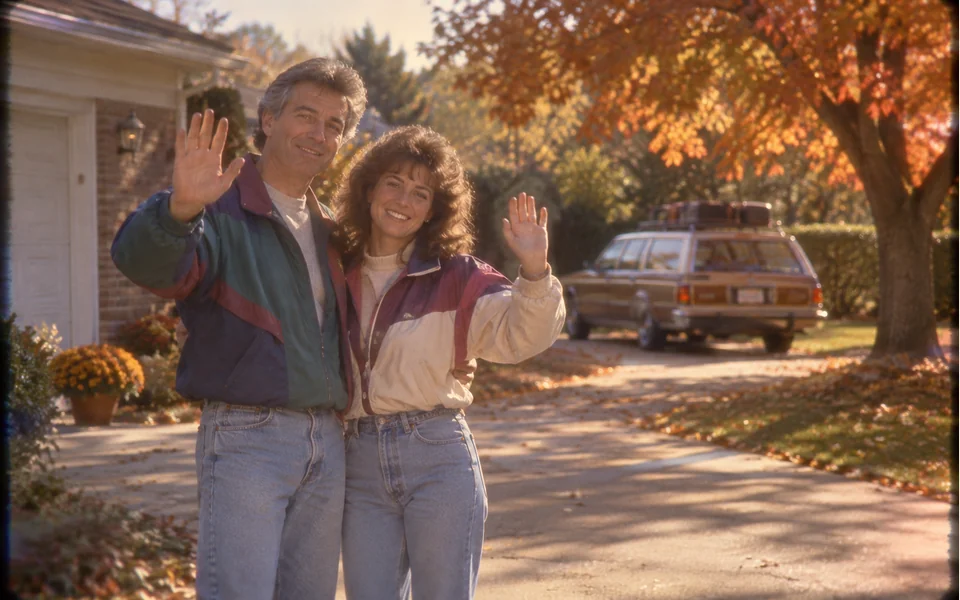
The 80s VHS camcorder look
Warm, faded colors, soft focus, light grain and darker corners.
Back to 1985, on tape
The 80s AI trend shows what you would have looked like in the 1980s. Here the answer moves: a short VHS home video with 80s hair and clothes, a sunny suburb, and you waving at the camcorder. Add one photo, or one photo of each person.
Your photo
One photo is enough: solo or the two of you.
Effect
Video
This video: 4 credits. Ready in about 2 to 5 minutes; failed generations return your credits. View pricing
The 80s AI trend asks what you would have looked like in the 1980s. Here you add one photo (or one of each person) and the 80s Home Video effect turns it into a VHS camcorder video from about 1985 on Seedance 2.0 Mini: faded colors, 80s hair and clothes, a sunny suburb, a wave and a few dance steps to an original synth-pop tune. It costs 4 credits for 5 seconds at 720p, the provider quotes up to about 5 minutes, and a failed render is refunded. The look is imagined around your face, and there is no date stamp or text on screen.
Updated
The trend
The 80s AI trend asks a simple question: what would you have looked like in 1985? Most answers are still pictures, with big hair and shoulder pads. The video version gives you a few seconds of what looks like an old family tape, with you in it.
Here that tape is one effect. The model keeps the face from your photo and imagines the rest: big 80s hair, 80s clothes such as a neon windbreaker or a denim jacket, and a suburb with autumn trees and an old station wagon. You wave, laugh, dance a few steps and lean in close to the lens. In our 5 second test render the 80s look was there from the first frame, and the VHS grain stayed light.
Three steps
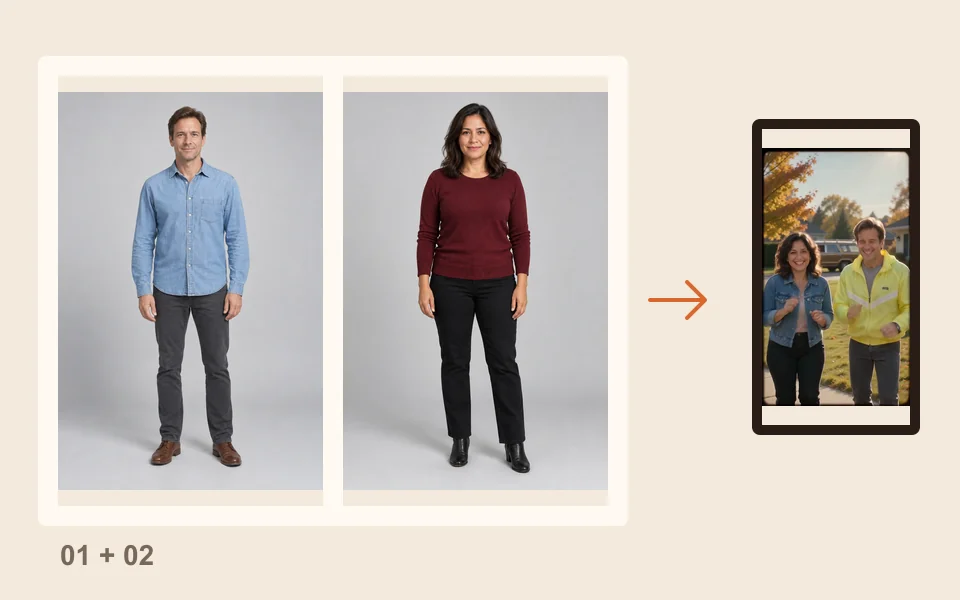
Face easy to see, waist up or full length. For two people, add one photo of each, or one photo of both.
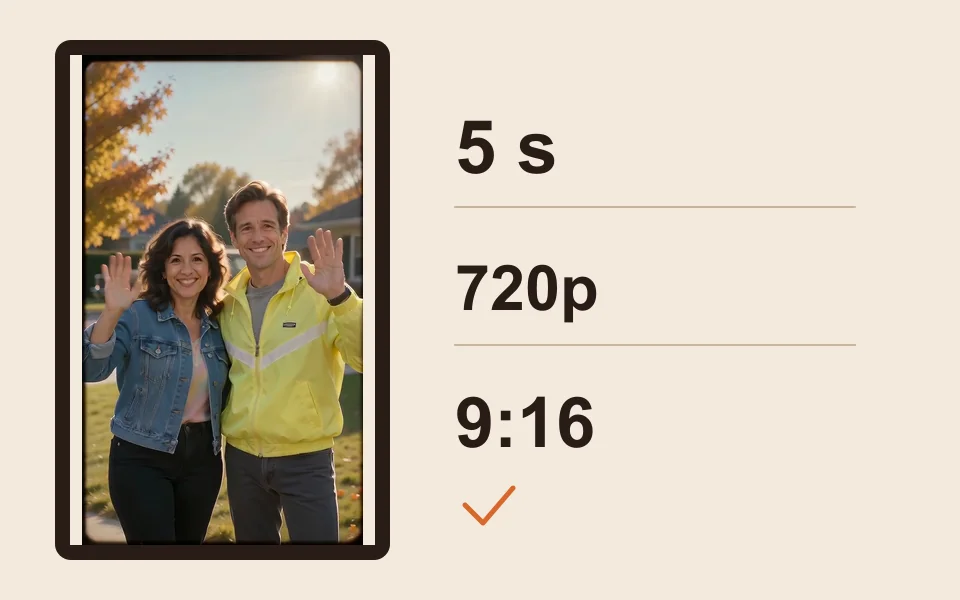
The generator starts on Seedance 2.0 Mini, 720p, 5 seconds and 9:16. Change any of them; the price updates.
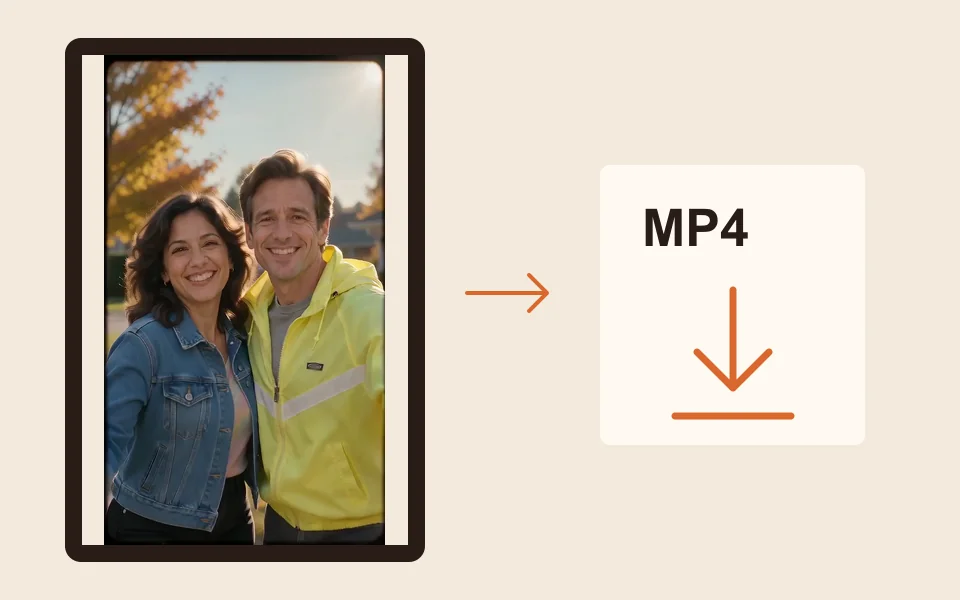
The provider quotes up to about 5 minutes. Download the MP4 and add a caption, such as the year, when you post.
What you get
Warm, faded colors, soft focus, light grain and darker corners.
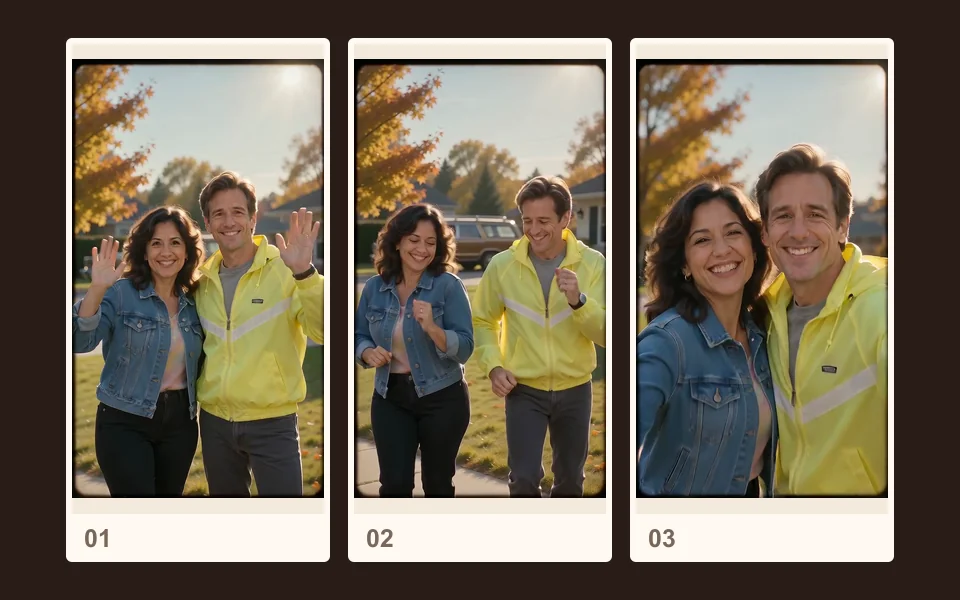
Big hair and 80s clothes imagined around your face. The model picks the style.
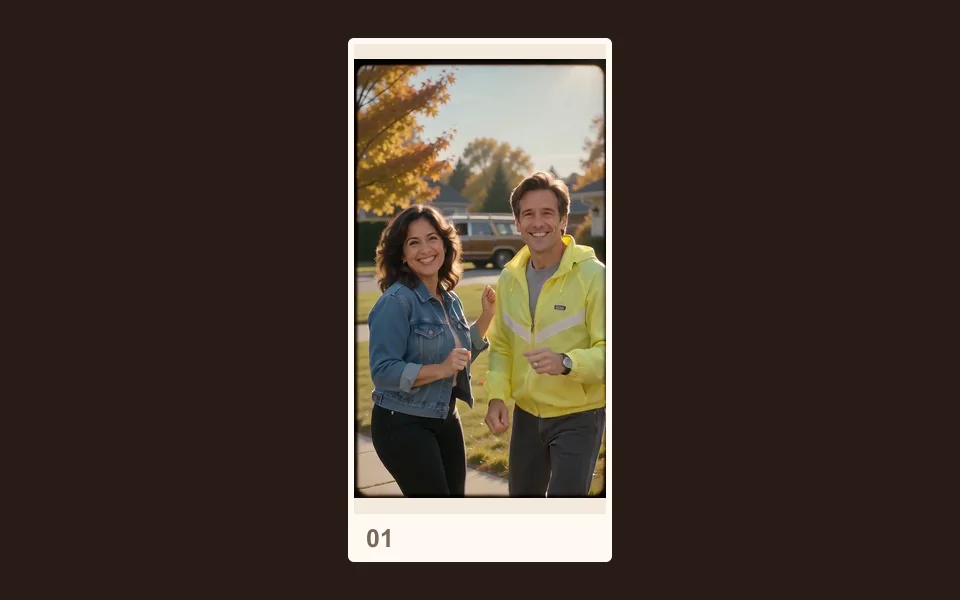
Sunshine, autumn trees and an old station wagon down the street.
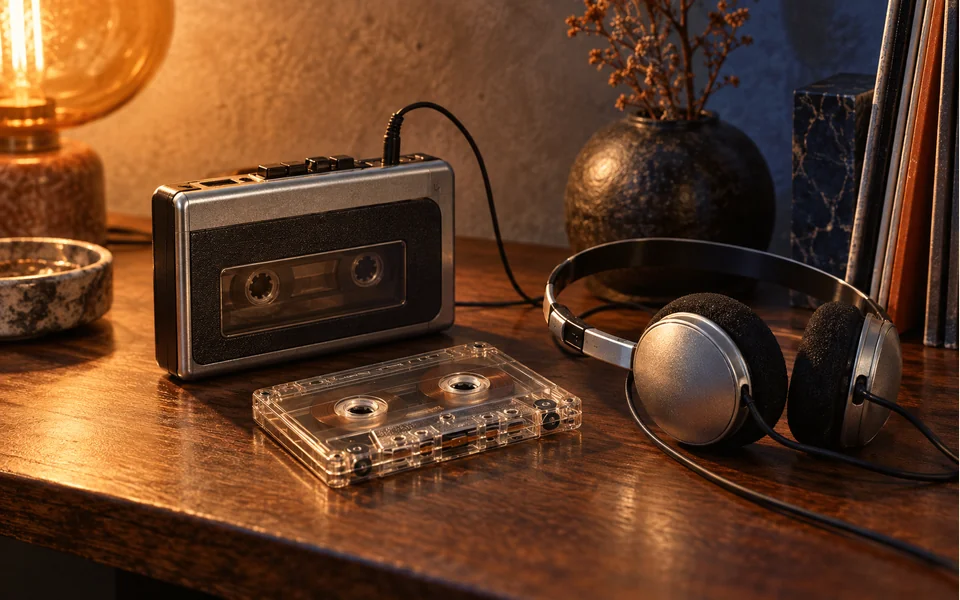
An original 80s song, a little muffled like an old tape, with no speech.
| In the clip | Where it comes from |
|---|---|
| Face | Your photo |
| Hair and clothes | Imagined: an 80s style, not your own |
| Place | Imagined: a sunny suburb, not your photo’s background |
| Sound | An original synth-pop tune made with the video |
| Text on screen | None: no date stamp, no REC sign, no captions |
Made here
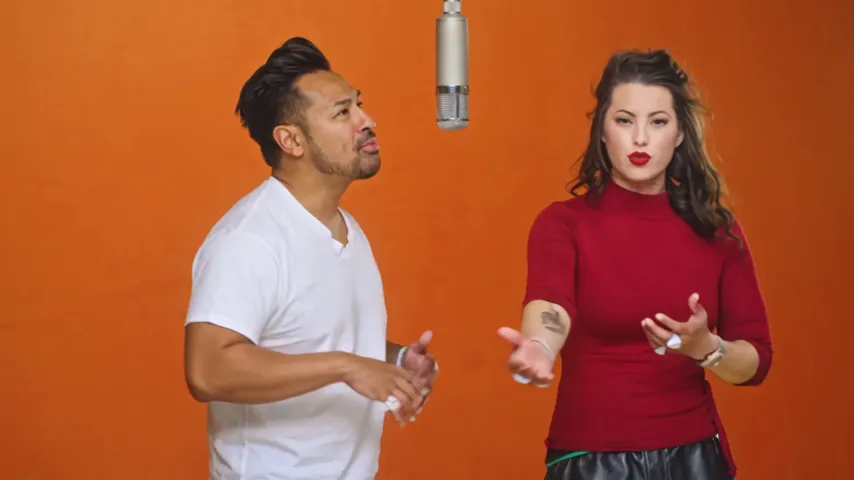
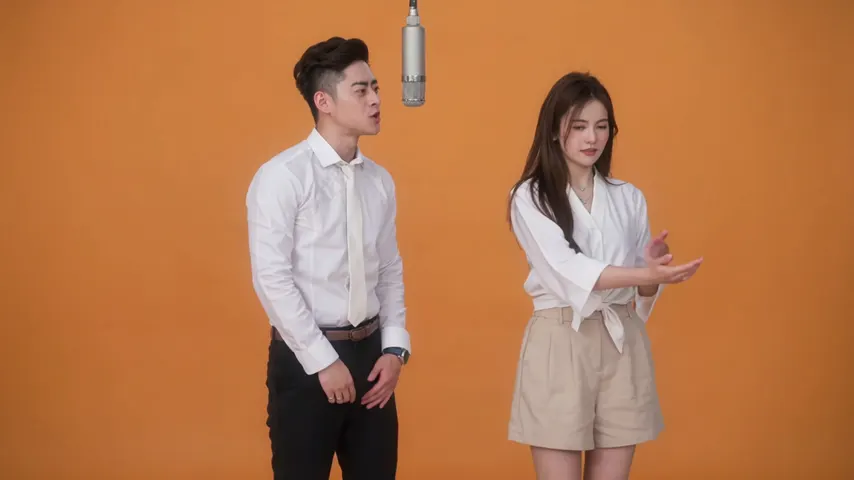
Two selected Wan 3.0 results from our generation workflow. Each rap duo video lists its settings and whether it was a product test or a website render. Play each clip with sound and review the whole performance; these examples do not establish a success rate.
Wan 3.0 · 480p · 10 s · 16:9
Wan 3.0 · 720p · 12 s · 16:9
From other creators
These clips illustrate the Hotel Lobby format and were made with other tools. They are references, not evidence of this generator’s output. Each links to its credited creator.
A trend where AI shows what you would have looked like in the 1980s: big hair, neon windbreakers, denim and a faded film look. The version here is a short VHS-style video made from your own photo.
Add a clear photo of yourself, keep 80s Home Video selected and tap create. You get a short clip of you with 80s hair and an 80s outfit, waving in a sunny suburb. The face comes from your photo; the rest is the AI’s guess.
Yes. Add one photo of each person, or one photo of both, and the two of you appear in the same tape. Our demo clip was made from two photos of two adults.
Not a live camera filter. This is an AI effect: you add a photo and get back an MP4. It runs in the browser on a phone or a computer, with no app to install.
No. The effect asks for no text on screen. Add the year as text when you post if you want it.
We have not tested it. The effect keeps only the face and imagines new 80s hair and clothes, so it restyles an old photo the same way as a new one. To make an old photo move as it is, try animate old photos.
No. The model picks an 80s style, such as a neon windbreaker, a denim jacket or a bright track jacket. Another render gives another result, and each one costs credits.
No. A chatbot prompt gives you a still picture. Here the scene, the VHS look and the music are already part of the effect, so you add a photo and get a moving clip. See can ChatGPT make videos.
No. A 5 second clip at 720p costs 4 credits; longer or sharper clips cost more, and the price is on the button. Credits are paid when you create; the smallest pack is 10 credits for $9.99, and a failed render is refunded automatically.
Press play on 1985
One photo, a camcorder look and a synth-pop tune. The price is shown before you create.