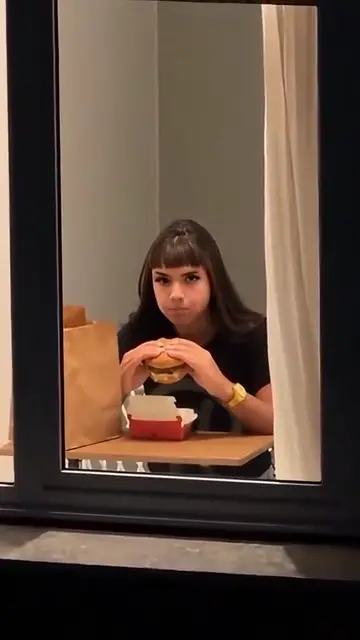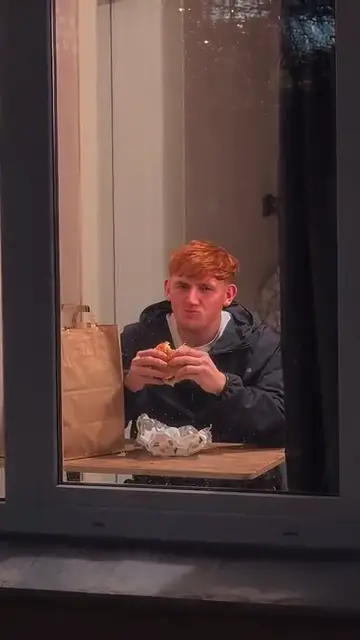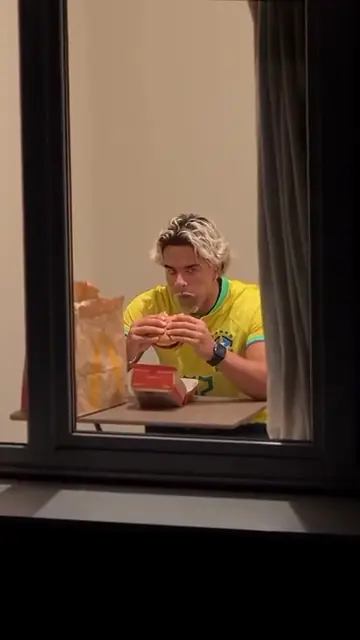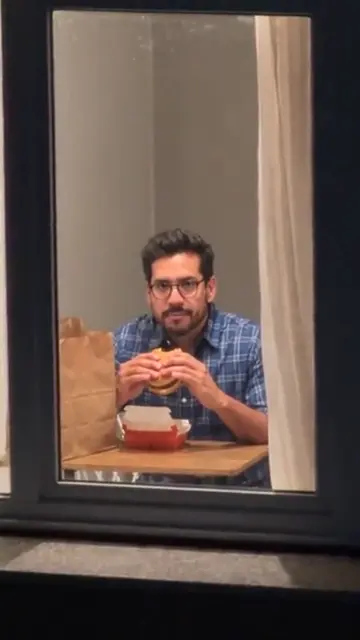
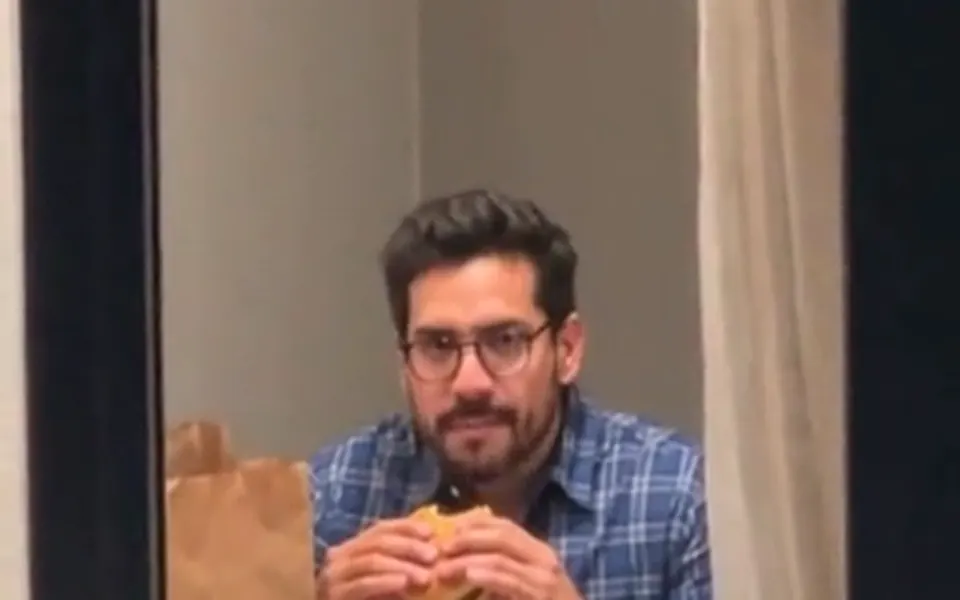
The real window peeper timing
The wide shot, the cut to your lit window, the bite, the long stare and the curtain land on the same seconds as the TikTok version.
The TikTok night window trend
The window peeper filter is the TikTok clip where the camera creeps up to one lit window at night and the person eating inside stops chewing and stares straight back. Add one photo and that person is you: burger, pizza, hot dog or taco, then the curtain. 14 seconds, vertical, with the trend sound.
Your photo
One clear photo of you, waist-up is best. You take the seat at the lit window, stare and draw the curtain; the room and the trend sound are already there.
Window Peeper uses one photo: you take the lead.
Effect
Video
This video: 7 credits. Ready in about 5 to 15 minutes; failed generations return your credits. View pricing
Hotel Lobby Video (hotellobbyvideo.net) makes a window peeper filter video from one photo: Wan 3.0 follows a real version of the TikTok template beat by beat and puts you at the lit window, eating, staring into the lens and closing the curtain. It is 14 seconds in 9:16 with the trend sound in the MP4, and costs 7 credits at 480p, 12 at 720p or 24 at 1080p. Credits are paid when you create; the smallest pack is 10 credits for $9.99, there is no subscription, and a failed render is refunded automatically. A video takes about 5 to 15 minutes. This one has no free preview: the free 2-second preview is only for the default Hotel Lobby video and the Bulin 47 effect.
Updated
The trend
The window peeper filter is a CapCut template that spread on TikTok from 20 October 2026. The post that started it passed 1.2 million plays in two days: night, an apartment block, a slow push towards the only lit window, someone eating a burger who notices the camera, freezes, stares for six long seconds and then drags the curtain across. Every remake uses the same 14-second sound.
People call it the window peeper filter, window peeper trend or window peeper template. It is not a live camera filter: you cannot point TikTok at a window and get it. Each clip is an AI video made from a photo, which is exactly what this page makes.
Here it is an effect in the generator above, already selected. You add one photo; the video model gets a remake of the template with its sound turned off, the trend sound, a portrait drawn from your photo for your body and clothes, and the photo itself for your face. You are the window peeper’s target from the first wide shot, and the curtain closes on you.
Under the effect name there is a row of foods. The burger is the original. Pizza, hot dog and taco change only what is in your hands and on the table; the clip, the length and the price stay the same. Foods eaten another way, such as noodles with chopsticks, are not offered, because the model copies the hands of the original.
Three steps
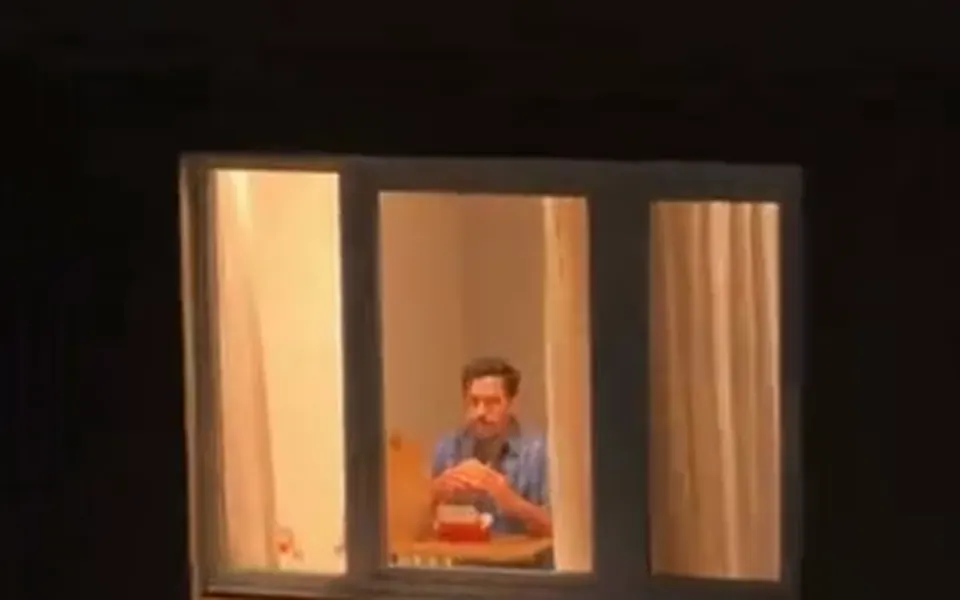
A clear photo of one person facing the camera. Waist-up works well, since you are seated behind a table at the window for most of the clip.
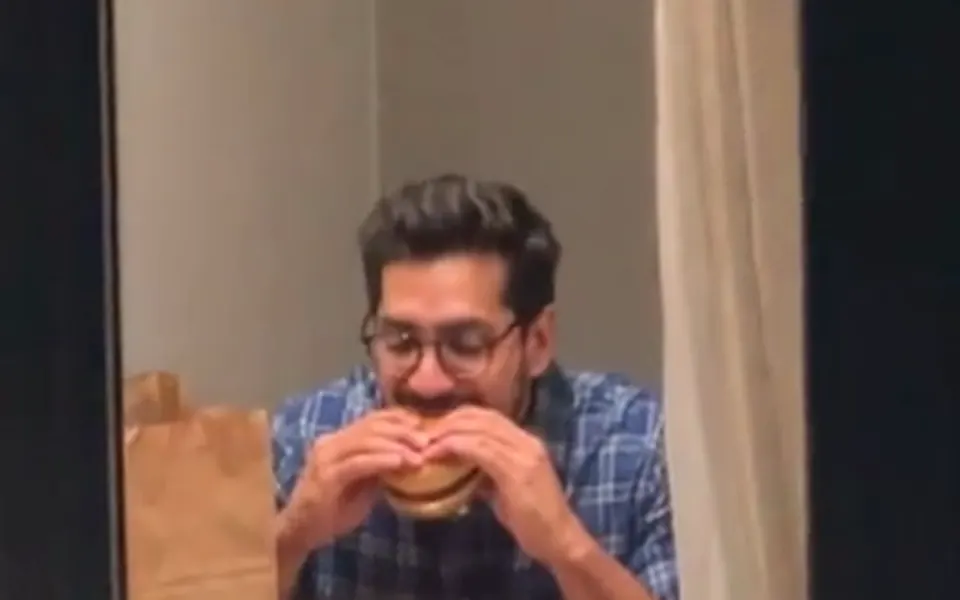
Keep the Window Peeper effect and tap burger, pizza, hot dog or taco. It is always 14 seconds in 9:16 on Wan 3.0 and opens at 480p.
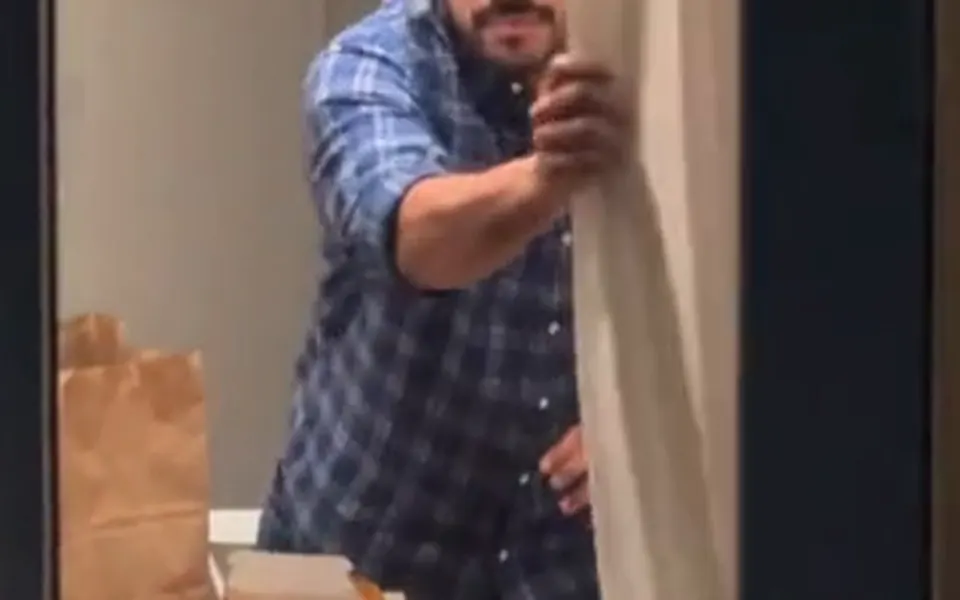
It takes about 5 to 15 minutes. The MP4 already carries the trend sound, so it is ready for TikTok, Reels or Shorts.
What you get
The wide shot, the cut to your lit window, the bite, the long stare and the curtain land on the same seconds as the TikTok version.
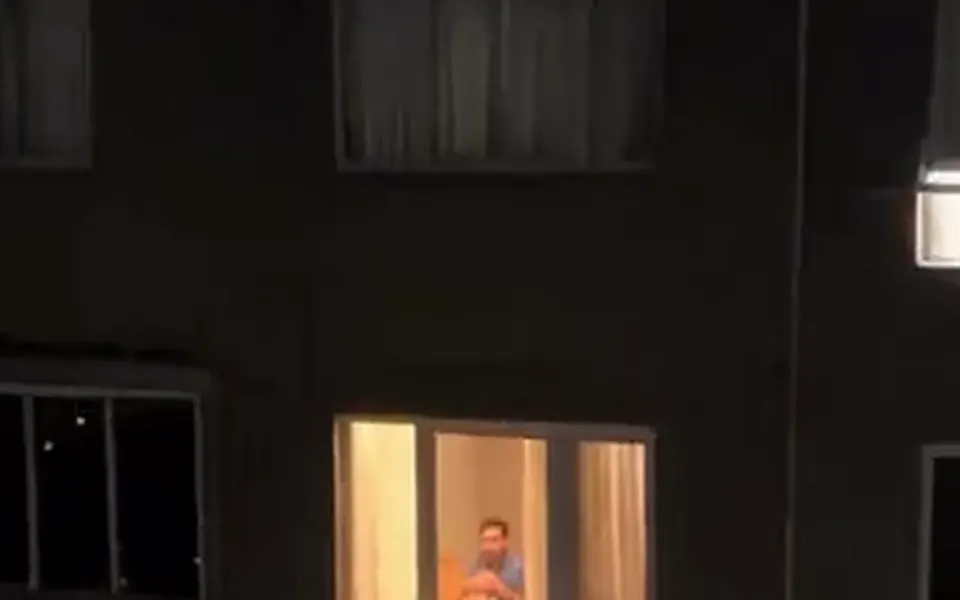
You sit where the original diner sat, your size in the frame, from the tiny figure in the first shot to the close stare.
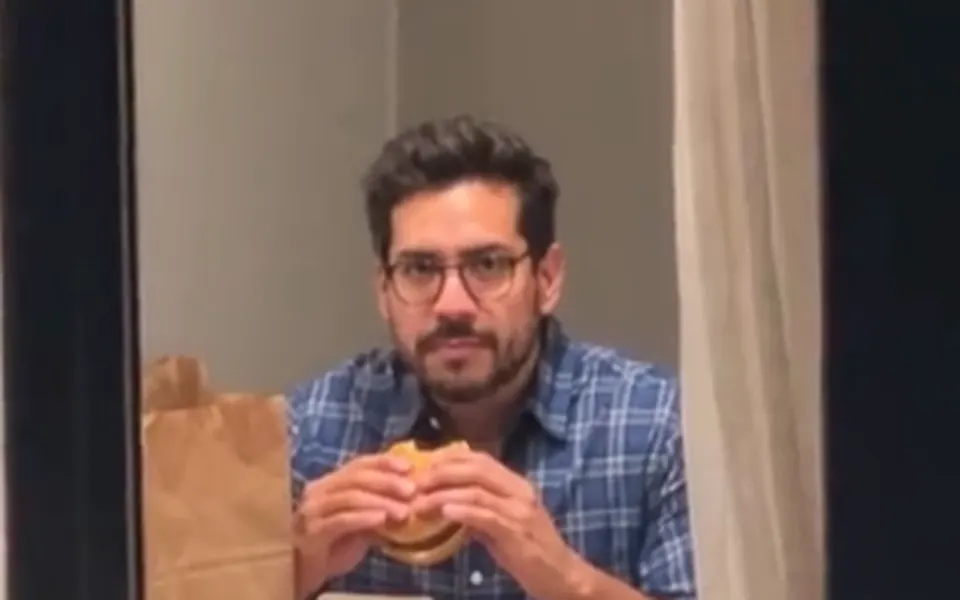
The 14-second sound every remake uses is laid back on the finished MP4. You only chew; nobody sings or talks.
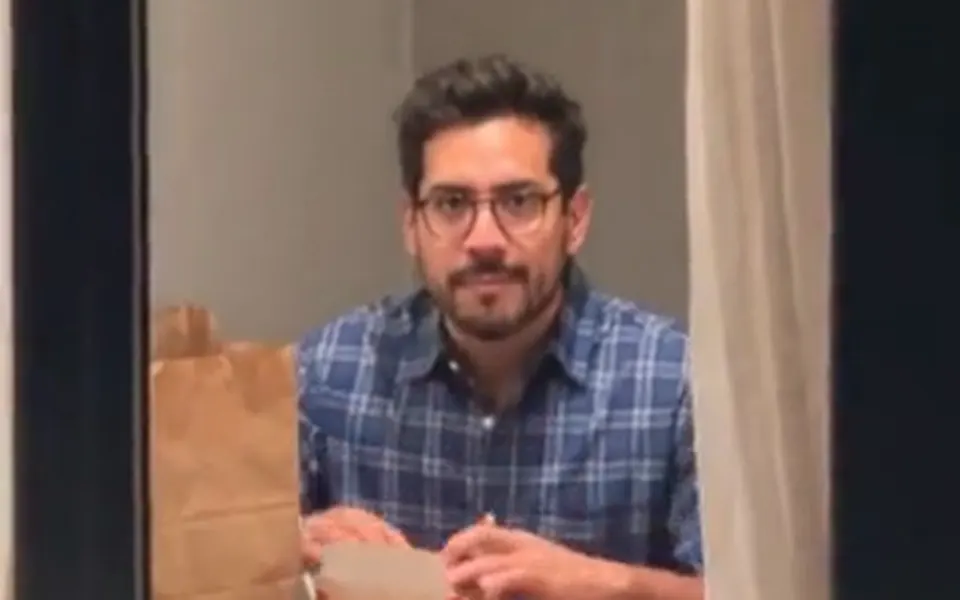
Face, hair and outfit come from your photo, not from the woman in the window peeper template.
| Seconds | What happens |
|---|---|
| 0 to 2 | A wide night shot of an apartment block; you are a small figure in the one lit window, eating. |
| 2 to 4 | A cut to your lit window, which fills the frame. You bite and chew slowly. |
| 4 to 10 | Through the glass you look up and stare into the lens without blinking, food still at your mouth. |
| 10 to 12 | You put the food down, lean towards the glass and stand up. |
| 12 to 14 | You pull the cream curtain across until it covers the whole window. |
That is the timing the model is given. The camera never goes inside: it stays outside the glass, like a neighbour across the street. Wan 3.0 follows the timing closely in tests of this window peeper template, though a beat can land a little early or late.
The clip at the top of this page is a test made on 22 October 2026 with this effect’s clip, sound and model (the burger scene, 480p) from one AI-made man’s photo. Every beat landed on time and he kept his face, beard and plaid shirt, but he also wore round glasses that his photo does not have. The instructions were tightened after that test so that nothing missing from your photo is added; that version has not been rendered yet. The pizza, hot dog and taco scenes have not been rendered either.
Three window peeper remakes by TikTok creators, credited and linked to their posts. Rest a mouse on one to play it and turn the sound on in its corner. None was made on this site; the original post is only linked.
TikTok posts by other creators, shown with credit and linked to the original. Hover to play; sound starts off.
The TikTok tutorials paste a CapCut template link and swap one photo. That works if the template is still up in your region and your app version. This page does the same job in a browser on a phone or a computer, with no app, and gives you four foods. The video model re-shoots the remake itself, so the push-in on the lit window, the camera shake and the timing are the template’s, not an imitation from a text prompt.
In every window peeper video the building, the lit window and the room stay the same. Only the person at that window and the food change.
A CapCut template turned TikTok trend from October 2026: a night shot pushes in on a lit window, the person at that window is caught mid-bite, stares into the lens and closes the curtain. Each remake is an AI video made from someone’s photo.
Add one photo above, keep Window Peeper, pick a food and tap create. You get a 14-second vertical MP4 with the trend sound.
No. This page runs in the browser and needs no app or template link. CapCut is one way people make it; this is another.
Filter. "Window peeper fliter" is a common typo; the hashtags creators use are #windowpeeper, #windowpeeperfilter and #windowpeepertrend.
7 credits at 480p, 12 at 720p and 24 at 1080p for the full 14 seconds. Credits are paid when you create; the smallest pack is 10 credits for $9.99, there is no subscription, and a failed render is refunded automatically.
Not here. This one has no free preview: the free 2-second preview is only for the default Hotel Lobby video and the Bulin 47 effect.
No. The template has one diner, so this effect takes one photo of one person. For a video of two, try the Hotel Lobby rap duo on the home page.
Yes: burger, pizza, hot dog or taco, from the row under the effect name. Only the food and its box change; the lit window, the room and the curtain stay.
Because the camera seems to peep at a stranger’s window from across the street, and the person in that window peeps back. A window peeper is someone who looks into other people’s windows; here the joke is that you catch them looking.
Yes. It runs in the browser on iPhone and Android, and the MP4 saves to your phone. A render takes about 5 to 15 minutes; you can leave the page and find it later under your videos.
The first viral post was by TikTok creator @therealrodentspawn on 20 October 2026, tagged #mrbean. We only link to it. Hotel Lobby Video has no connection to that creator, TikTok or CapCut.
Your turn at the window
One photo, one food, one lit window, then the curtain. The price shows on the button before you create.