A part for each person
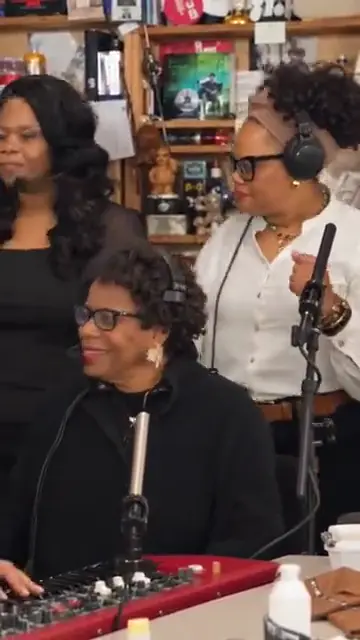
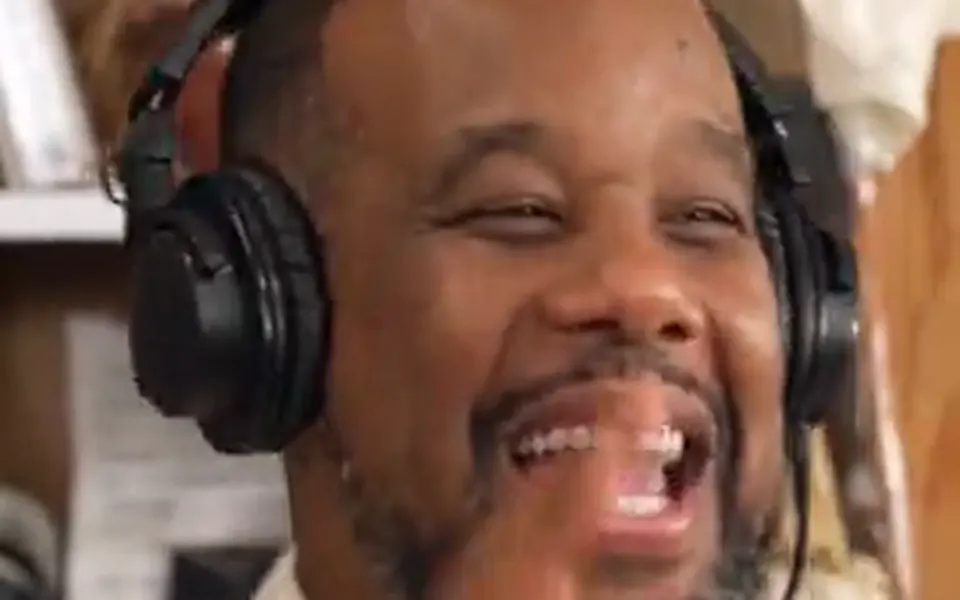
The singer at the red keyboard, the laughing close-up, the sax player and the singers behind are your people, in photo order.
The Outstanding AI trend
Tiny Desk AI puts your people into the cramped office concert TikTok cannot stop remaking: a singer at a red keyboard, someone cracking up in close-up, a sax solo and singers behind, all to "Outstanding". One to five people, a photo each or one group photo. 15 seconds, vertical, with the song.
Your photo
One clear photo per person, waist-up and facing the camera, or one photo of all of you. One to five of you play the Tiny Desk set; the room and “Outstanding” come with it.
Tiny Desk takes up to 5 people, one photo each: pick how many above.
Effect
Video
This video: 7 credits. Ready in about 5 to 15 minutes; failed generations return your credits. View pricing
Hotel Lobby Video (hotellobbyvideo.net) makes the Tiny Desk AI video for one to five people, from a photo of each or one photo of everyone: Wan 3.0 re-shoots the trend’s band clip from its first line, "Outstanding", and gives each person a part, with the song in the MP4. It is 15 seconds in 9:16, 7 credits at 480p, 12 at 720p or 24 at 1080p for any band size. Credits are paid when you create; the smallest pack is 10 credits for $9.99, there is no subscription, and a failed render is refunded automatically. It takes about 5 to 15 minutes. This one has no free preview: the free 2-second preview is only for the default Hotel Lobby video and the Bulin 47 effect.
Updated
The trend
Tiny Desk AI is a TikTok trend of AI band videos. It began on 18 October 2026 with a post that put new faces into a Tiny Desk performance: a band squeezed in front of a bookshelf, a laughing close-up, a sax solo, all on the line "Outstanding". Families, teams and TV casts followed. Creators also call it the Outstanding AI trend, the outstanding Tiny Desk set or Tiny Desk concert AI.
The source is real. NPR’s Tiny Desk Concerts are short sets filmed in a crowded office, and Charlie Wilson’s, published on 5 June 2023, ends with "Outstanding", the hit he recorded with The Gap Band. The AI trend keeps that room and that song and swaps the musicians.
Here you choose how many play, one to five, and add a waist-up photo of each, or one photo of all of you side by side. The video model follows the trend clip shot by shot; with fewer than five people, the people you add also fill the singers’ spots at the back, so no stranger is left in the band.
No. Many Tiny Desk AI tutorials paste a template into CapCut or Kling AI and swap a single face. Here everything runs in the browser, with up to five of your people in their own parts, and the MP4 comes back with the song on it.
Three steps
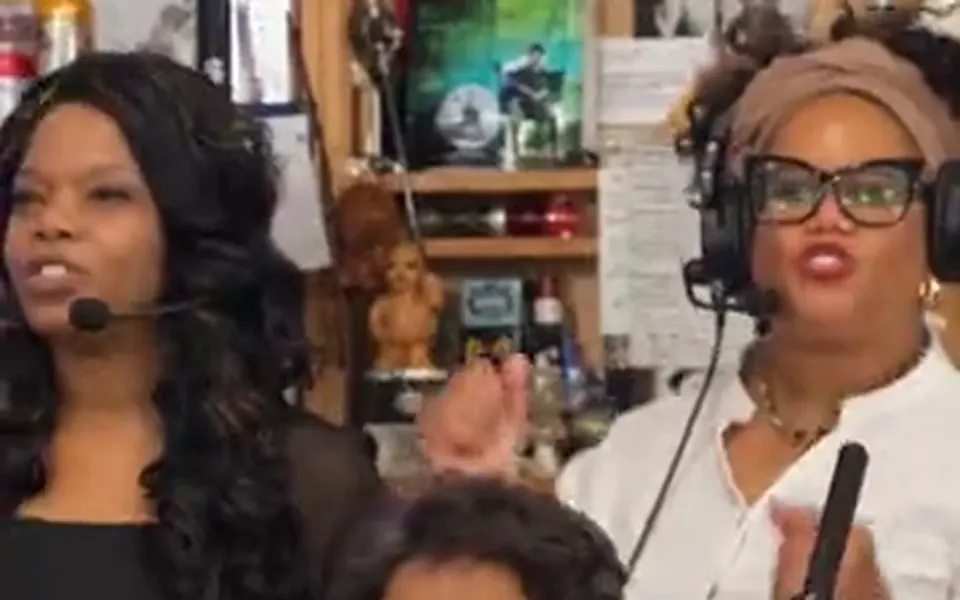
Tap 1 to 5 next to the photo step.
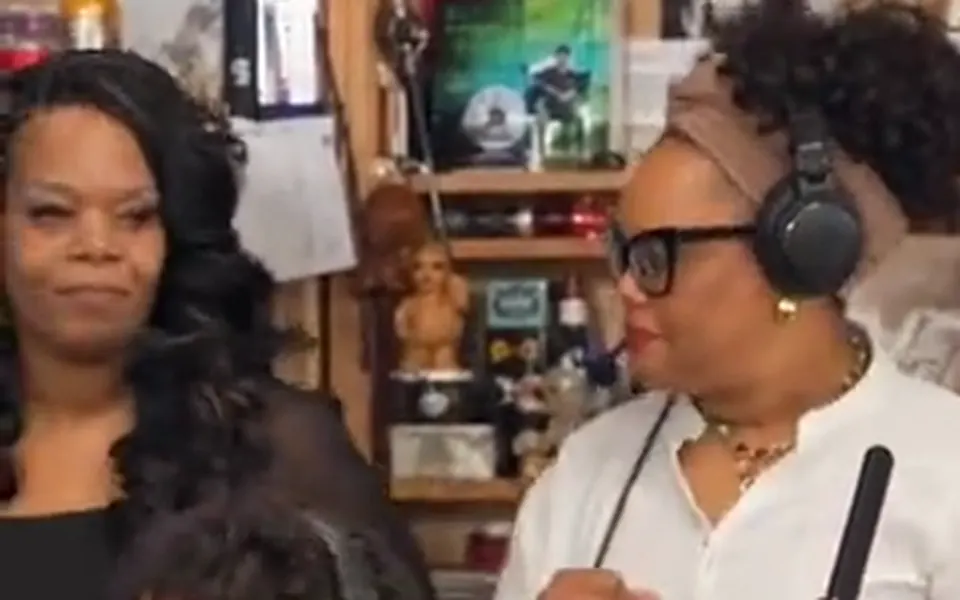
One clear, waist-up photo per person facing the camera, or switch to one group photo with everyone side by side, faces visible.
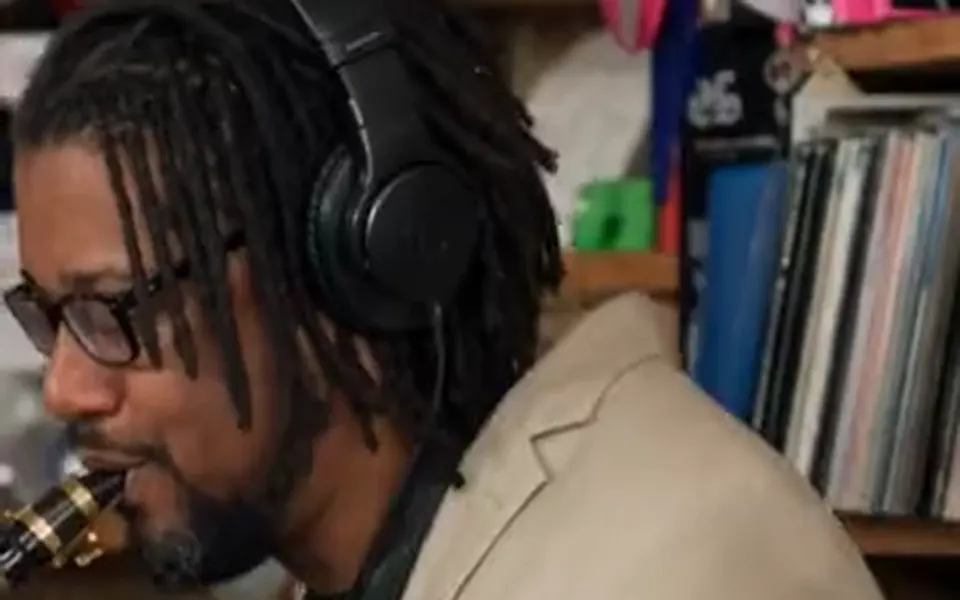
15 seconds in 9:16 on Wan 3.0; it takes about 5 to 15 minutes. The song is on the MP4.
What you get
The singer at the red keyboard, the laughing close-up, the sax player and the singers behind are your people, in photo order.

The clip starts on the first "Outstanding", with the band, the laugh and the sax solo, as the trend posts do.
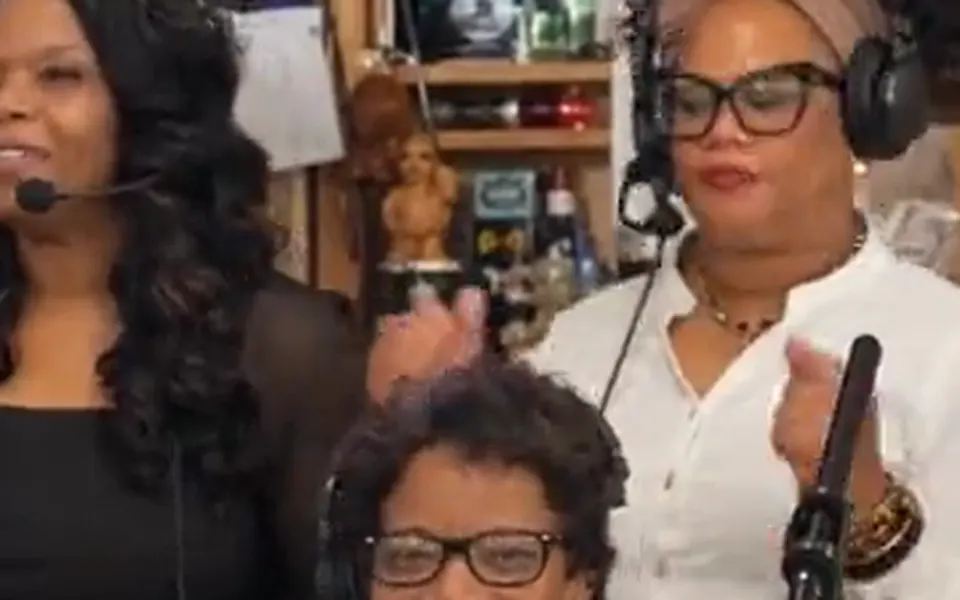
One photo of everyone is counted and drawn person by person from left to right, so you do not need separate selfies.
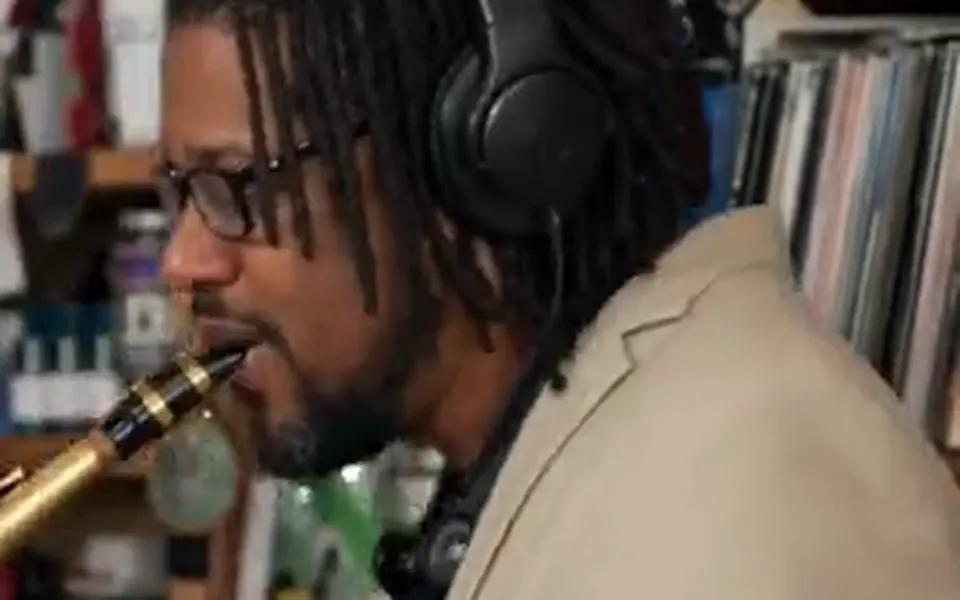
The original musicians’ faces, glasses and clothes are named for removal, so each part shows your person only.
| Band size | What happens |
|---|---|
| 1 person | You carry the whole clip: the keyboard, the laugh and the sax are all you. |
| 2 to 4 people | Each takes a lead part; the people you added also fill the singers at the back. |
| 5 people | Every part has its own person, as in the trend post. |
With a group photo, people are taken from left to right. If the photo shows a different number of people than you picked, the count in the photo is used, so nobody is drawn twice.
Tiny Desk AI has not been rendered on this site yet. The clip, song and instructions are the ones another site in our group runs, where test renders of four- and five-person bands put every face in its own part. In those tests small details could still slip, such as a letter on a T-shirt or a singer without headphones. The clip at the top of this page is a family’s own version from TikTok, credited, not our render.
AI videos that put new people into a Tiny Desk band clip: a singer at a red keyboard, a laughing close-up and a sax solo, to "Outstanding". It started on TikTok in October 2026.
Yes. "Outstanding" is the song and the first line of the clip, so creators use both names, plus "outstanding Tiny Desk set" and "Tiny Desk concert AI".
Hotel Lobby Video (hotellobbyvideo.net) does, for one to five people from a photo each or one group photo: 15 seconds, 9:16, with the song, from 7 credits. Tutorials also show CapCut or Kling AI templates.
This effect is the template: the trend’s clip, its song and the band parts are built in. You only pick the band size and add photos.
Yes, for two to five people. Everyone should stand side by side with faces visible; people are taken from left to right.
No. 7 credits at 480p, 12 at 720p and 24 at 1080p for one to five people. Credits are paid when you create; the smallest pack is 10 credits for $9.99, there is no subscription, and a failed render is refunded automatically.
No. This one has no free preview: the free 2-second preview is only for the default Hotel Lobby video and the Bulin 47 effect.
"Outstanding", as Charlie Wilson sang it at his 2023 NPR Tiny Desk Concert. The sound is on the downloaded MP4.
The effect accepts any clear photo, and families do this trend with children. Only use photos you have permission for; pets have not been tested.
No. Hotel Lobby Video has no connection to NPR, Tiny Desk Concerts, Charlie Wilson, The Gap Band, TikTok or CapCut.
Outstanding
One to five people, one price. It is on the button before you create.